Key takeaways
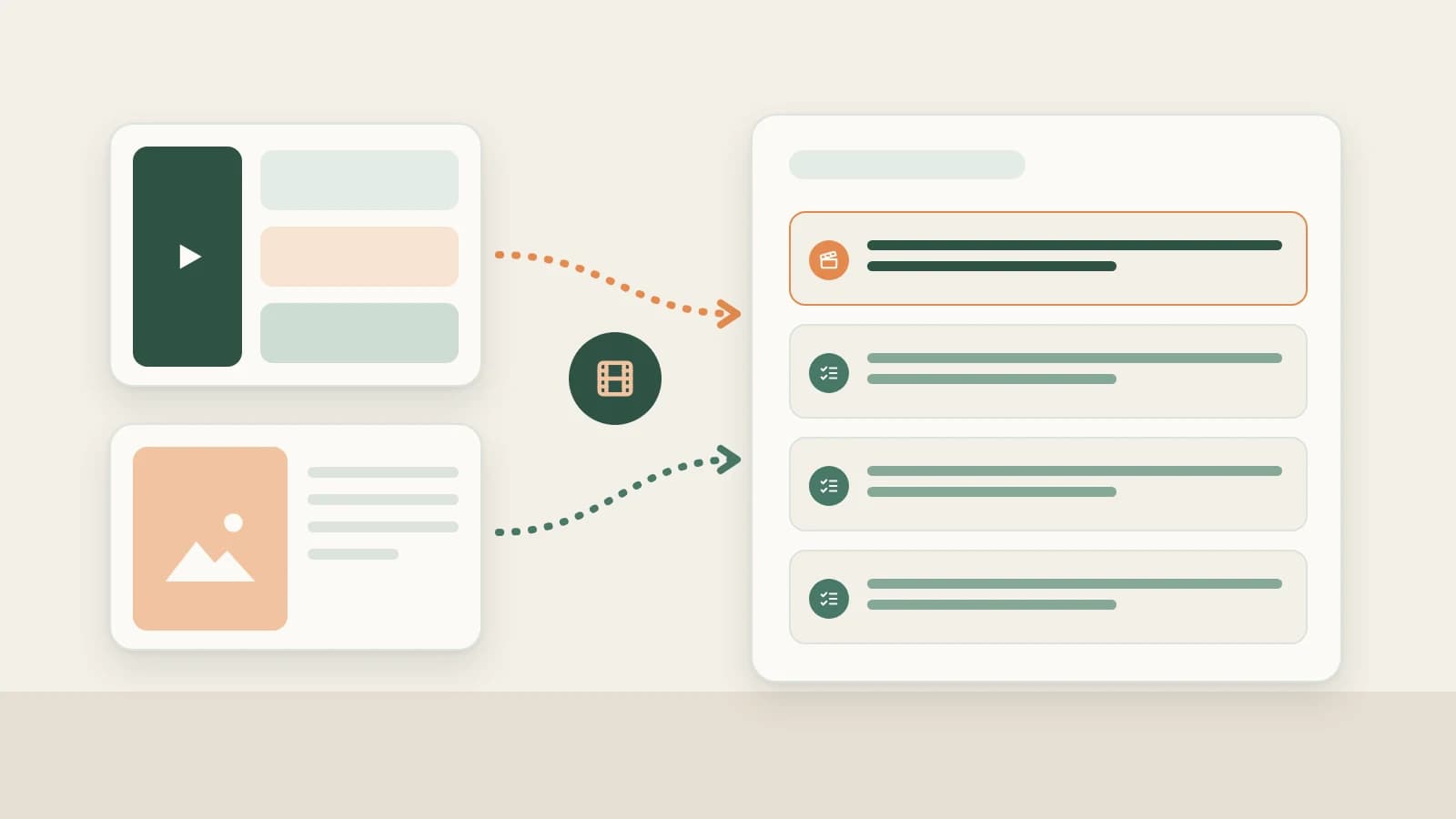
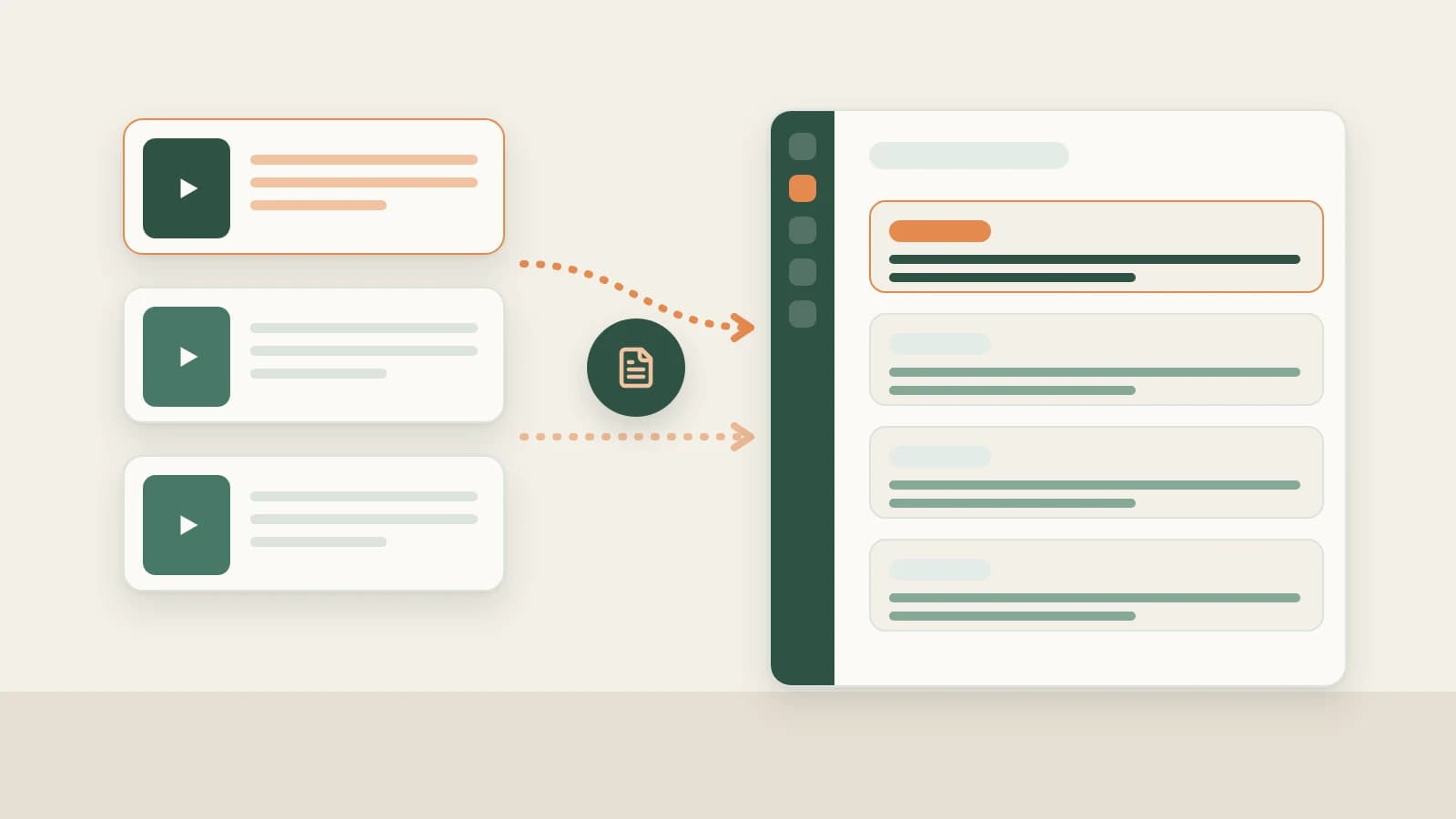
- Open Tools & skills → Mini apps → Extract Video Script and paste multiple Douyin post links or share text snippets at once. Beav identifies the platform, strips duplicates and queues transcription in order.
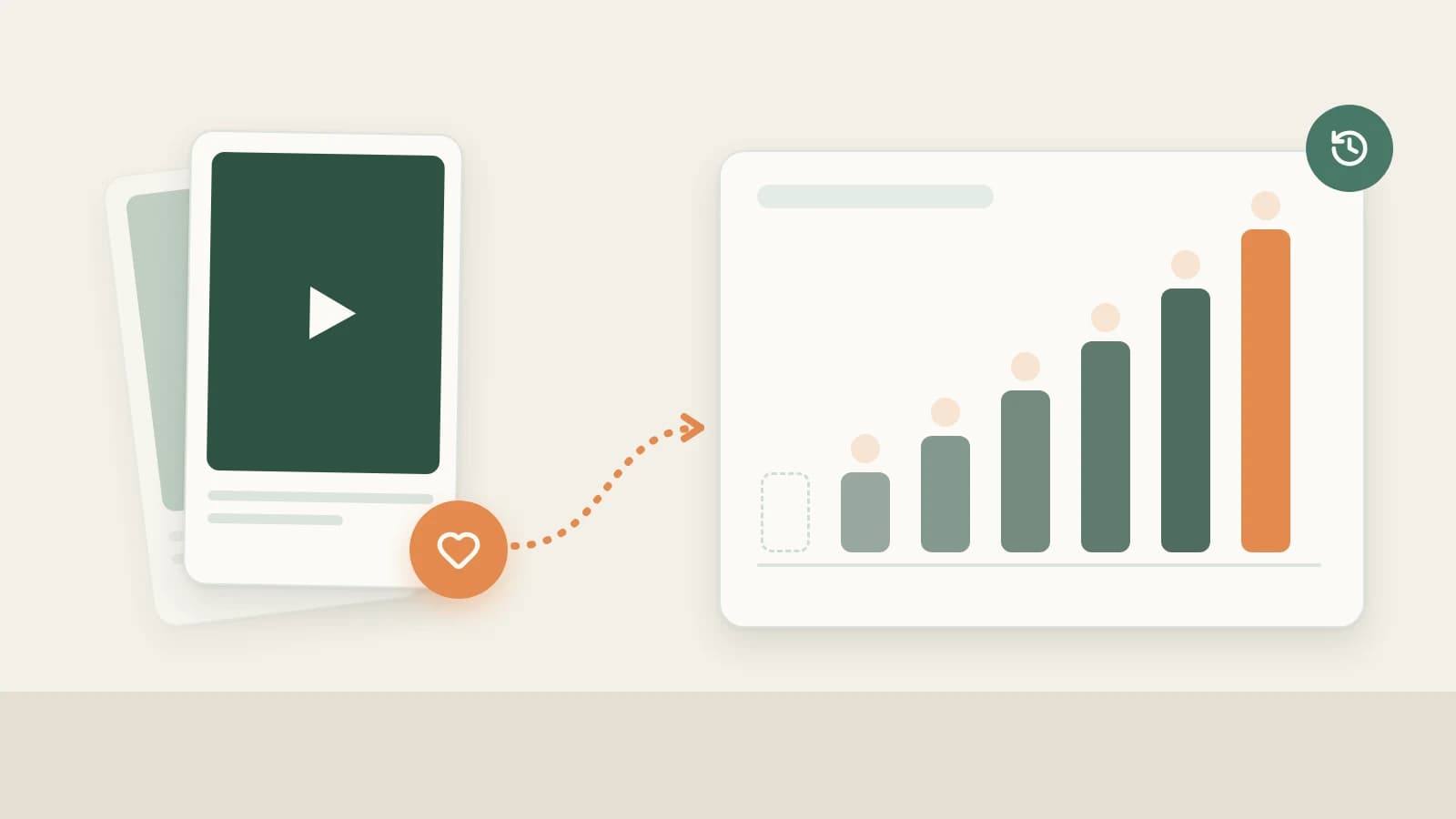
- Export plain text by default or switch to SRT to inspect timestamps down to the exact second of the opening hook — and tick Save to knowledge base for keepers.
- One failed link never blocks the queue and can be retried individually; closing the window preserves queued items. Transcription uses points as shown in the UI and pulls text only without shot cutting.
Studying Douyin talking-head channels always starts with pulling scripts: collecting the last dozen videos from a peer to see how they open, where the narrative turns, and where they drop a call to follow. Pasting links one by one into a mobile mini-program gets tedious by the fifth video.
Beav's Extract Video Script turns that chore into a queue: paste a batch of Douyin share links once, let Beav transcribe sequentially, and copy finished scripts while the rest keep running — saving standout entries directly into your Knowledge Base.
Who it is for
- Douyin talking-head and educational creators studying how peers structure opening hooks and pacing across batches.
- Content strategists compiling hit-script collections for editors and hosts.
- Teams scanning dozens of clips via text first before spending quota on full shot breakdowns.
How to use it
Install Beav desktop first. This mini app reads pasted links directly — no browser extension required.
- Open Extract Video Script. Under Tools & skills → Mini apps, launch Extract Video Script (also pinned on Home shortcuts). It runs in its own window while you keep working in the main app, prompting for required permissions on first launch.
- Paste Douyin links in batches. In Douyin, tap Share → Copy link; paste the full share text snippet directly without manually trimming text around the short URL. Paste multiple items consecutively — Beav recognizes links, strips duplicates and queues them in order.
- Choose output format. Keep plain text for reading and rewriting, or switch to SRT to inspect start/end timestamps per line. Tick saving to your Knowledge Base if you want the entries stored permanently in the current workspace.
- Copy as items finish. Add more links while the queue runs or copy completed transcripts right away. If one link fails, later items proceed normally and you can retry that single row, pause remaining items or remove unstarted entries.
- Resume anytime. Closing the window retains queued links. Reopening checks previously submitted work before continuing so the same Douyin video is never transcribed twice.
Read Douyin hook pacing with SRT. On Douyin, the first three seconds decide retention. In SRT output, the first cue shows exactly how tight the opening hook is, how long each sentence runs, and the second timestamp where "follow" cues appear. Comparing SRT timelines across a creator's last 10 clips makes recurring formulas jump off the page.
What to do with pulled scripts. Use transcripts to learn narrative structure and rhythm, not to recite someone else's words. For entries saved to the Knowledge Base, wait for local video download on top winners and manually click Decompose to get camera shots and script beats — see Douyin breakdown and rewriting.
How it compares with script mini-programs and full breakdown
| Mobile extractors / web tools | Beav Extract Video Script | Beav manual Decompose | |
|---|---|---|---|
| Quick access | Ready right on mobile | Runs on desktop inside Beav | Video must first save & finish downloading |
| Batch size | Usually one link at a time | Paste multiple links at once; deduplicates & queues | Single post or batch select up to 100 items |
| Output | Mostly plain text | Plain text or timed SRT | Timed transcript, shots, MP4 clips, shot script, topic & template |
| Error recovery | Re-paste manually | Failed rows don't block the queue; retry per row | Completed parts are kept |
| Storage | Copy out or tool history | Can save into current space Knowledge Base | Saved on entry, parts copied to Asset Library |
| Cost | Tool-specific | Transcription points shown in UI | Model quota |
Mobile mini-programs are unbeatable when scrolling on the train and pulling one quick clip. Beav fits deliberate batch study on desktop: grab transcripts cleanly, keep winners inside your library, and pass top picks straight to Douyin video breakdown.
Limits and notes
- Transcribes spoken audio only. Completion depends on downloadable media. Beat-sync montages, pure BGM edits or low-dialogue skits return minimal text; check results against the source video.
- No shot cutting here. To see which frame accompanies each spoken line, save the video to your Knowledge Base and manually click Decompose.
- History holds up to 100 items. Save winners to your Knowledge Base or copy transcripts out regularly.
- Avoid duplicate pastes. Check an item's pending/queued status before pasting again since transcription consumes points.
- Respect creators' copyrights: study structure rather than copying lines verbatim; obtain permission before republishing.
Next steps
- Need the Douyin video file and post copy saved too? Read saving Douyin videos to a reference library.
- Extracting Douyin alongside WeChat Channels or TikTok links? See batch extract video scripts.
- See the end-to-end Douyin operation guide or full docs on Extract Video Script.
Applies to Beav desktop 2.9 and later.