Key takeaways
- Select TikTok from the new-chat platform bar (via More) or start from Creation → New template (2.10.4), pairing Product cards and decomposed benchmarks to build your master draft + TikTok production package in one pass.
- Every package delivers 3-second hook variants, target-language spoken scripts, 9:16 vertical cover ideas, and shot-by-shot visual cues editable section by section.
- Finish the video two ways: drop filmed takes into chat for Smart talking-head cuts with built-in multilingual fonts (Montserrat, Noto Sans/Arabic/Thai), 8 talking-head templates, and 67 offline sound effects (52 CC0), or verify an authorized digital human at 480P before upgrading to 1080P.
Getting a consistent TikTok channel off the ground stalls when every creative piece lives in a different tool: adapting pacing benchmarks into natural spoken English or local phrasing, keeping product specs factual, designing a readable 9:16 opening frame, trimming takes, and styling subtitles that look crisp on phones.
Beav puts scripting, packaging, timeline cutting, offline sound effects, and digital-human previews beside one chat window so your entire production cycle holds together.
Who it is for
- Cross-border ecommerce brands, global apps, and creators producing English or multilingual TikTok videos every week.
- Small creative teams turning Product cards and decomposed competitor hooks into camera-ready scripts and styled cuts.
- Operators testing digital-human presenters safely at 480P preview resolution before committing higher production credits.
Step 1: Generate the master draft, spoken script package, and 9:16 cover
- Choose TikTok or launch a saved creation template. Click More on the new-chat platform bar to choose TikTok, or pick an existing workflow template built from top past references under Creation → Creation templates.
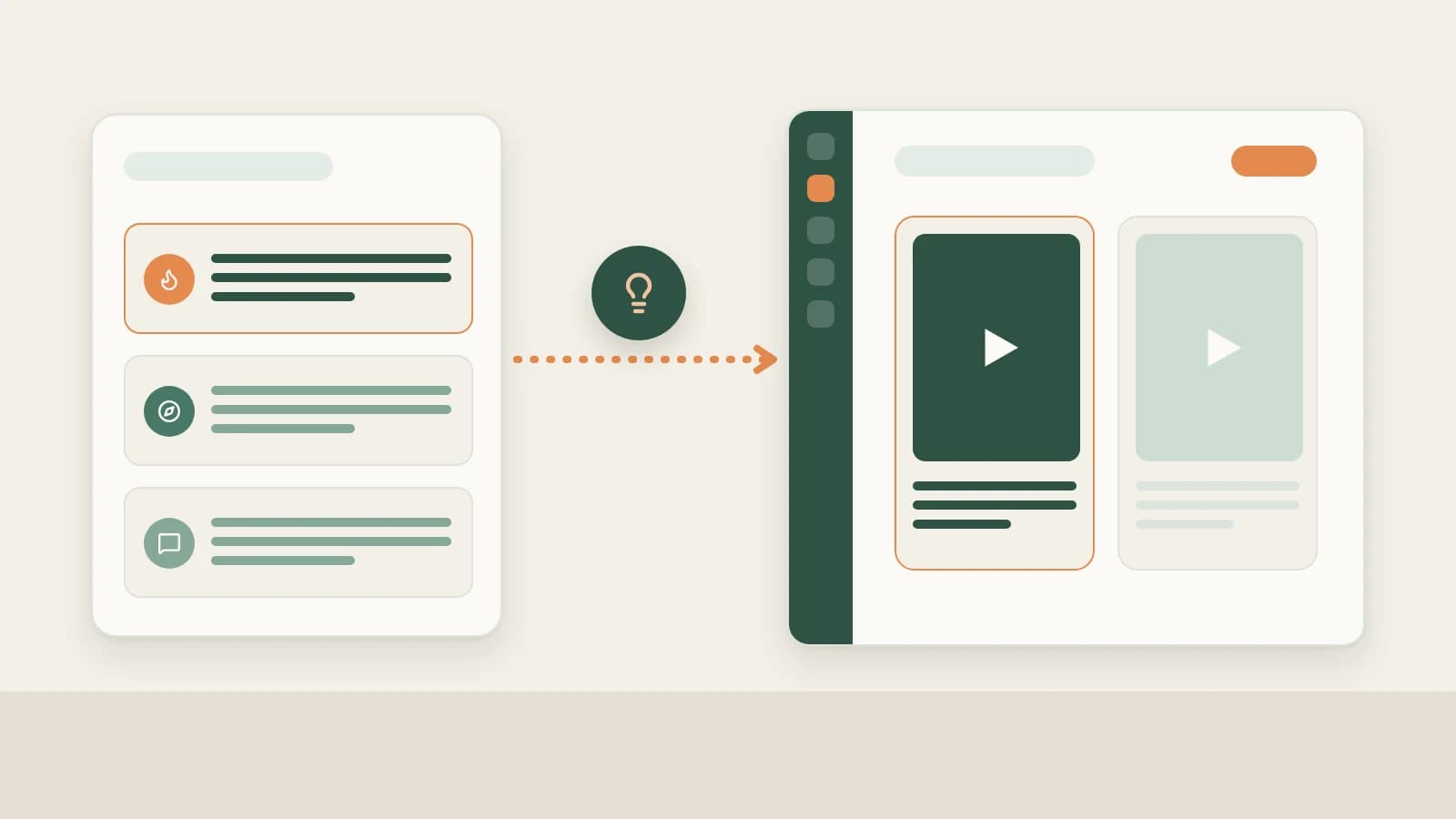
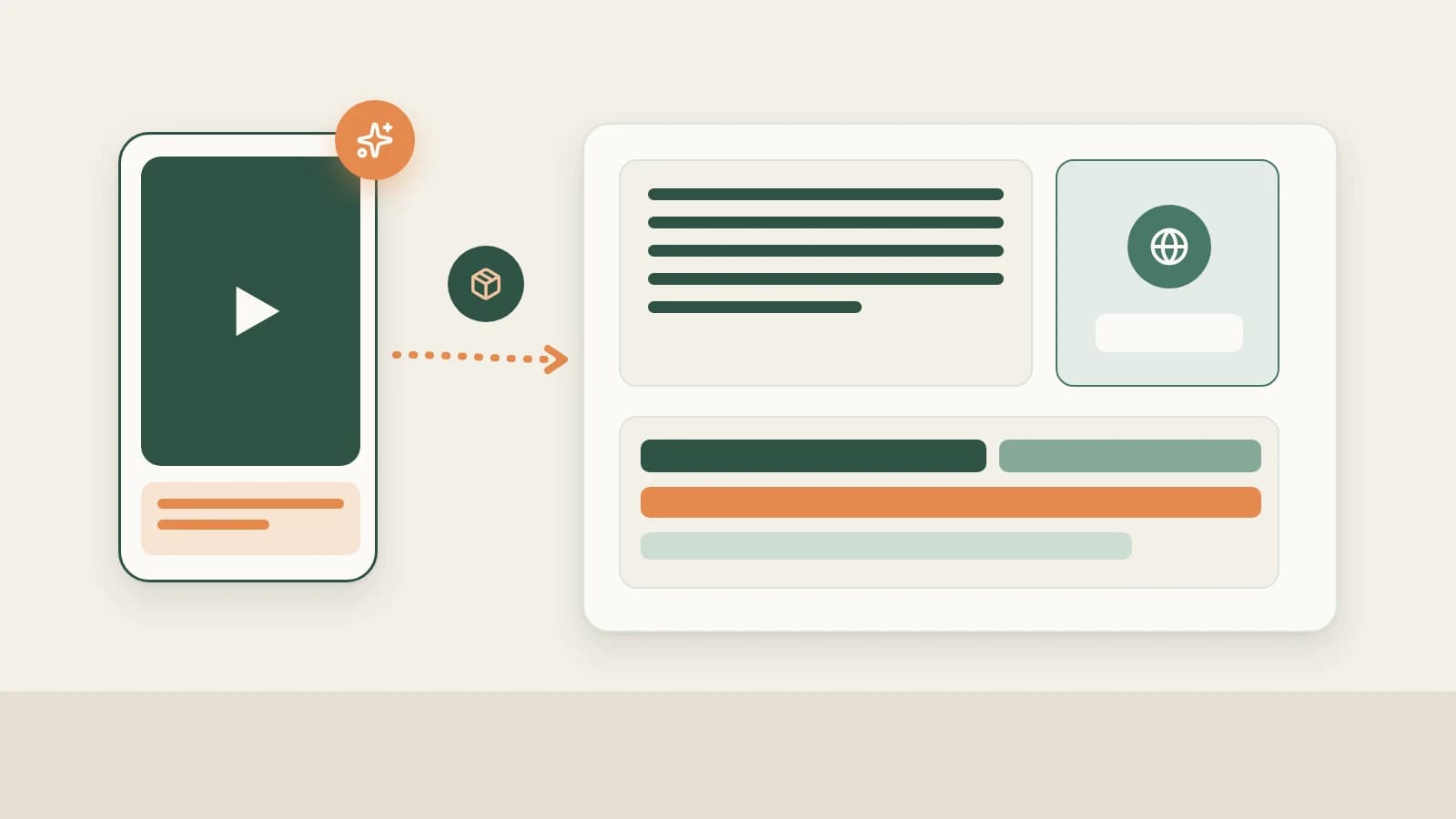
- Ground the prompt in Product cards and real breakdowns. Drag your chosen TikTok topic, saved competitor breakdowns, and verified Asset Library → Product cards into the composer, specifying target market, language, and target duration (e.g., 30 seconds). Beav outputs a master Markdown draft plus a TikTok production package covering 3-second hooks, timed lines, 9:16 cover art, and B-roll shot prompts.
- Edit individual sections cleanly. Tweak a claim or cover card inside the right workspace without duplicating packages—Beav updates the single package with a clear save timestamp. See Master drafts and packages.
Step 2: Finish your video edit in the same workspace
Option A: Filmed footage + Smart talking-head cuts with multilingual fonts
Drop filmed talking-head takes into the chat and ask Beav to trim silences and style captions for TikTok:
- Automatic silence and stumble trimming: The editor transcribes speech, removes awkward pauses and retakes, and respects script word anchors so B-roll or pop-up cards stay locked if lines change.
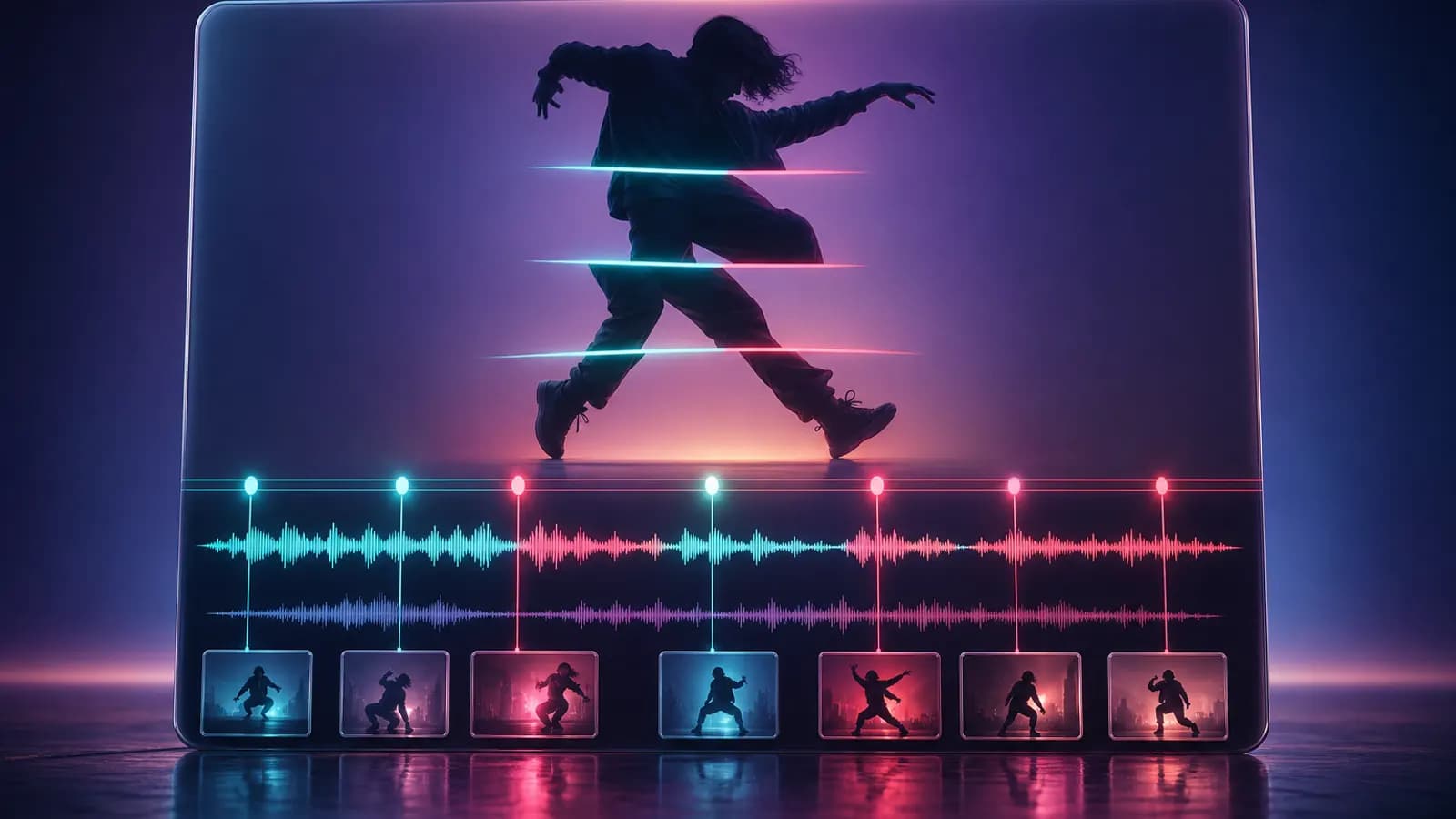
- Built-in multilingual fonts & 67 offline sound effects: Captions render identically across macOS, Windows, and Linux using built-in Montserrat, Noto Sans, Noto Sans Arabic, and Noto Sans Thai (defaulting to ~7% of frame width so vertical typography pops). Layer any of 8 talking-head templates, 9 built-in overlay animations, 93 styled text presets, and 67 offline sound effects (52 CC0 commercial-safe recordings) with auto music ducking before exporting in the background. See Video editing & smart talking-head cuts.
Option B: Authorized digital human with 480P review before 1080P
Create a persona under Asset Library → Digital humans using only your own or explicitly authorized photos and voice samples (unavailable in shared spaces). Generate speech plus a 480P preview first—check foreign-language pronunciation, cadence, and lip alignment before confirming and billing the 1080P upscale. See Media & digital humans.
Step 3: Transfer to your phone and publish manually on TikTok
Check full playback in the editor so subtitles sit clear of TikTok's right-side icons and bottom caption zone, then click Share to phone on the same Wi-Fi to transfer video, cover, and text via QR code—or click Save to your computer. Upload manually in TikTok, pick licensed in-app music if desired, attach any required AI-content disclosure, and mark TikTok as Published inside Beav.
Limits and notes
- Verify spoken phrasing and local claims yourself. Keep product card attributes complete so AI never fills missing specs, and verify regional advertising rules before posting.
- Audio and font boundaries. Extracted competitor M4A segments are pacing references only—never reuse copyrighted audio tracks; use the 52 CC0 sound effects or properly licensed music. Very rare characters outside built-in open-source fonts fall back to system fonts.
- Retry preview downloads cleanly. Since Beav 2.10.8, if a digital-human preview stalls on download, click Retry on the existing job in Asset Library → Digital humans instead of duplicating paid requests.
Next steps
- Need verified source material first? Check bulk TikTok saving and TikTok video breakdown.
- Ready to monitor how new uploads perform? Read TikTok analytics & daily review.
- Full workflow and docs: TikTok operation guide and Chat & right workspace.
Applies to Beav desktop 2.9 and later; digital humans, product cards, offline SFX, and multilingual styling reflect 2.10.0–2.10.8.