Key takeaways
- Beav turns WeChat Official Account publishing into one organized local routine: source deep topics → track peer accounts & save public posts locally without API login → break down essay structure → generate 7-theme rich packages & 2.35:1 covers (plus RedNote spin-offs) → review snapshots.
- Public
mp.weixin.qq.comlinks are read directly by Beav's local parser—preserving body formatting and inline images with zero capture-API dependency.- Fact verification, formatting preview inside the Official Account backend, originality flags, and scheduled publishing stay strictly in your hands.
Writing strong Official Account essays regularly breaks down long before drafting begins: you bookmark hundreds of benchmark posts across WeChat chats, lose track of where helpful case comparisons live, finish drafting 2,500 words, and still spend another ninety minutes bouncing into an external formatter just to align callout boxes and 2.35:1 header art.
Beav keeps your saved articles, structural teardowns, master Markdown drafts, inline visuals, and Official Account rich packages side by side inside one workspace—saving the hours lost hunting bookmarks and reformatting layouts in external editors.
Where Official Account Writing Loses Time vs. How Beav Cuts the Busywork
| Where time usually goes | How Beav streamlines the workflow |
|---|---|
| Losing helpful case studies and charts inside massive WeChat Favorites folders | Parse public mp.weixin.qq.com posts locally with images intact (zero login API), and auto-sync followed peer accounts |
| Staring at a blank 2,500-word draft with no proven structural skeleton | Break down high-performing essays into thesis, evidence order, and takeaway pacing inside your library |
| Spending 60–90 minutes in external formatters just to style callouts and crop 2.35:1 headers | Generate master drafts alongside 7 switchable rich-text layout themes and 2.35:1 safe-zone covers in one package |
| Manually condensing finished long-form essays from zero for RedNote carousels | Spin out RedNote slide packages straight from your saved Official Account draft and source notes |
End-to-end Official Account workflow
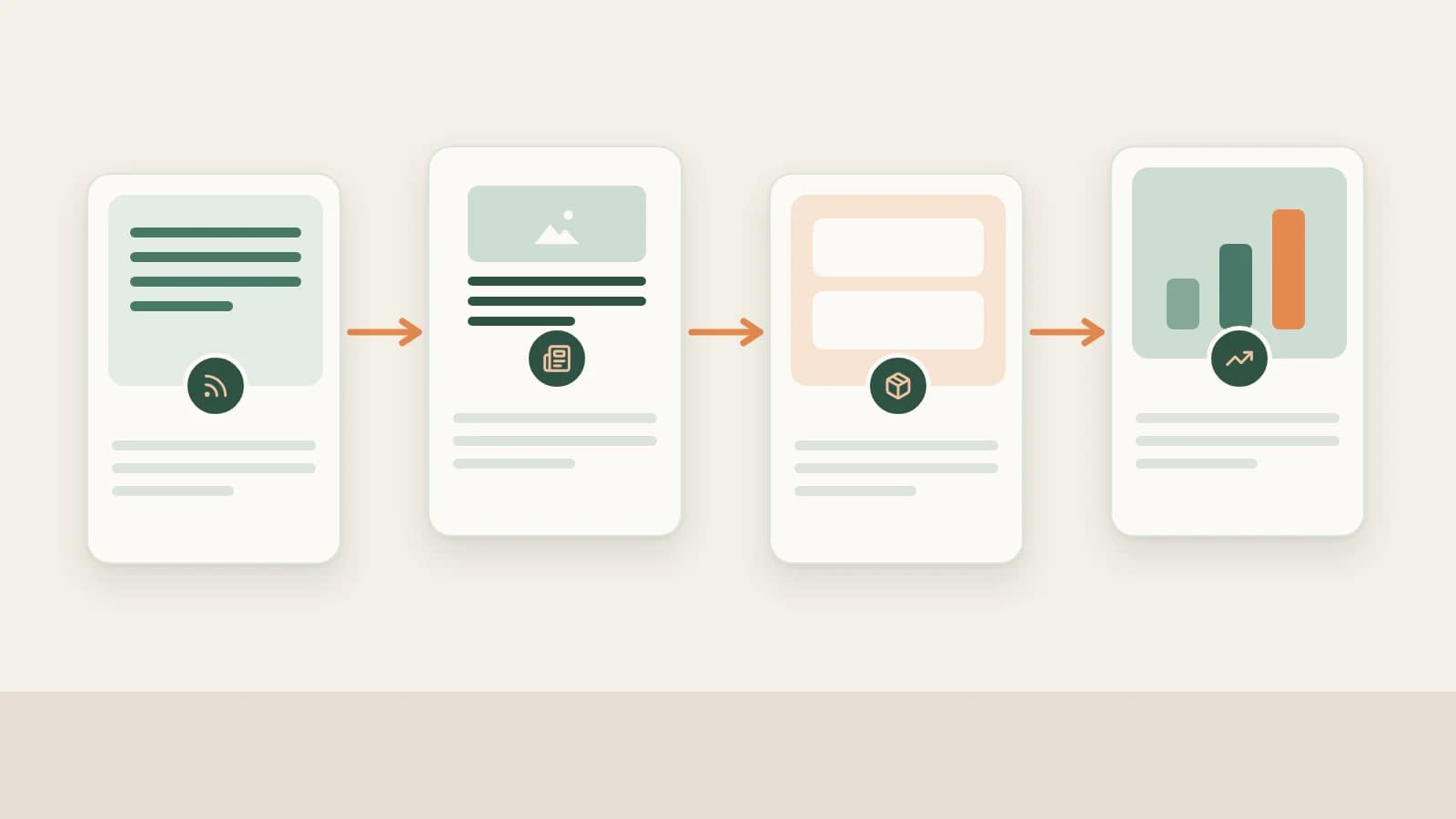
Beav WeChat Official Account workflow
Step 1: Discover topics worth opening and forwarding
Combine NewsBing Hotspots (For Me scoring against your space positioning + primary-source verification in Discuss with AI) and the 09:00 daily brief with Creation → Topic Radar (2.10.7), new-chat WeChat Official Accounts → Find topics, and reader questions saved while researching online—see WeChat Official Account topic ideas.
Step 2: Track peer accounts and save public posts without API login
- Follow peer Official Accounts automatically: Add benchmark accounts under Knowledge Base → Subscriptions → + using supported links or public article URLs as prompted inside the modal so Beav checks daily and archives new posts chronologically. See WeChat Official Account subscription.
- Save single public articles cleanly: Paste
mp.weixin.qq.comURLs into + → Add link, paste directly into chat, or clip via browser extension—Beav's built-in local parser captures full text, structure, and images without requiring login or capture quota. See saving WeChat Official Account articles and building an Official Account reference library.
Step 3: Decompose top essays into reusable argument skeletons
Run Decompose manually on saved articles (or up to 100 at once) to isolate opening scenes, transition logic, evidence pacing, and calls to action—while syncing extracted topics automatically to Asset Library → Topics. Learn how to reuse structures safely in breaking down Official Account essays and breaking down & rewriting Official Account articles.
Step 4: Build full Official Account packages (and spin off RedNote cards)
Choose Official Accounts (公众号) in a new chat and start from Write long article or Layout formatting (or pick a saved outline under Creation → Creation templates). Beav outputs a reusable master Markdown draft + Official Account package featuring:
- Unified inline image planning & 2.35:1 cover safe-zone guidance: keep key subjects centered so 1:1 feed crops never clip headlines;
- Seven rich formatting themes + custom styling: drop in highlight cards, numbered step lists, and comparison tables while editing rich text directly inside the right workspace;
- Multi-platform spin-offs: generate a companion RedNote post package or WeChat Channels script from the exact same master draft. See WeChat Official Account full content package.
Step 5: Sync your own account archive and review opens with context
Open Account profiles → + to inspect supported profile options, keep scheduled daily refresh enabled, and review Yesterday's review plus Creation → Review (2.10.7) alongside official open rates, shares, and reads from the WeChat Official Account platform—see WeChat Official Account data review.
Limits and notes
- Only publicly accessible posts can parse. Articles gated behind WeChat verification cannot be read by the local parser.
- Always preview in the official backend before scheduling. Paste your finished rich package into the WeChat Official Account editor to verify line spacing, originality tags, and send timing manually.
Column navigation
- Topics & subscriptions: WeChat Official Account topic ideas | WeChat Official Account subscription
- Saving & breakdown: Save WeChat articles completely | Save Official Account articles to your library | Break down Official Account structure | Break down & rewrite Official Account articles
- Full packages & analytics: WeChat Official Account full package | WeChat Official Account data review
- Explore the full hub: WeChat Official Accounts column
Applies to Beav desktop 2.9.5 and later; Topic Radar and creation templates reflect 2.10.4–2.10.7.