

Key takeaways
- In a Beav new chat, say it's a Xiaohongshu (RedNote) cover and give the headline and the one line that matters. The AI picks a composition that fits from 12 types, including single image, image with text, comparison and collage.
- The 12 types are directions the AI considers. It does not generate 12 images. You can also describe the layout yourself, or add a creation template and reference images.
- Good for covers that should follow the content without starting from a blank canvas every time. Check every character on the cover yourself, and publish it yourself.
The usual way to make a RedNote cover is to open a design app, find a template that looks nice and swap the text. It's fast, but the template comes first and the content gets squeezed in afterwards. A before-and-after makeover post ends up on a single-photo, big-text template, and the one thing worth showing, the difference, never makes it onto the cover.
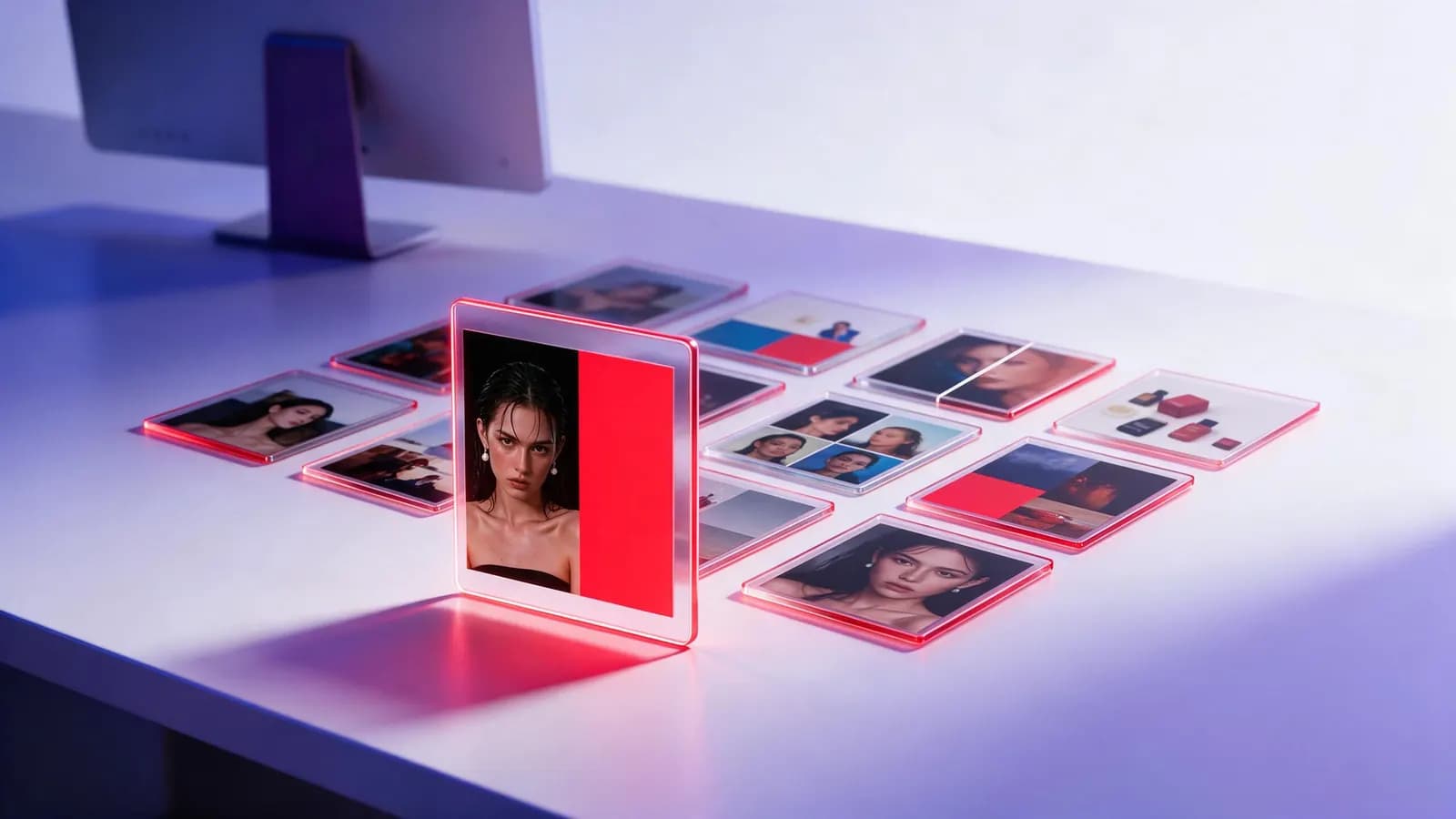
Beav flips the order: you say what the post is about, then the AI decides how the cover should be composed. For a Xiaohongshu cover, or the cover of a full image-and-text post, the AI considers 12 composition types and chooses one based on the content, instead of forcing every post into the same layout.
Who it's for
- RedNote creators who need covers every week but have no design background.
- Accounts whose posts vary a lot, a checklist one day, a review the next, a café visit after that, where one fixed template doesn't stretch.
- Anyone who wants AI big-text covers but struggles to write the prompt or describe a layout.
How to use it
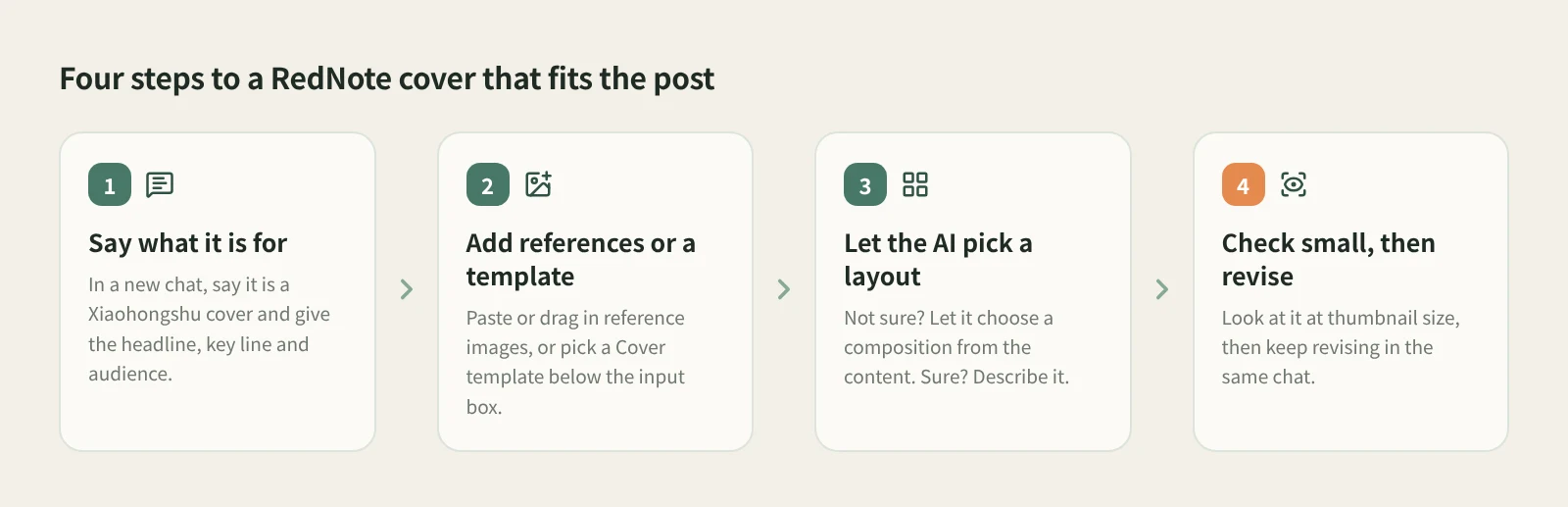
- Open a new chat and say what it's for. Beav has no separate image page; covers are made in a New chat. Tell the AI it's a Xiaohongshu cover and give the aspect ratio, the headline, the one line you want people to remember and who it's for. For example: "RedNote cover, 3:4, headline 'Rental makeover for $40', focus on before and after, for first-time renters."
- Add reference images or a creation template. Paste or drag photos and sample images into the input box, or drag them in from the asset library on the right. For a fixed style, filter the creation templates below the input box by Cover, for example "Big-text portrait · 3D composition cover", click Use template, add your topic and any reference images it asks for, and send.
- Let the AI pick the composition. If you don't have a layout in mind, leave it out and the AI picks one of the 12 types that suits the content. If you do, just describe it, for example "split comparison, before on the left, after on the right".
- Check it at phone size. The cover stays in the chat. Look at it at feed thumbnail size: can the headline be read in one glance, is the key point where the eye lands, are any characters wrong? You can also ask the AI where a piece of text sits or whether a label is covered. It inspects that area without changing the image.
- Keep revising in the same chat. Say exactly what to change, such as "make the headline bigger" or "try a collage". If you will reuse a cover, save it to the asset library or ask the AI to save it.
Image generation uses credits or an external service you configured, and media tasks take longer than text. If nothing shows up right away, don't submit again; check the status of the original task first.
If you want more than a cover, with the title, caption, tags and every image together, just say "make it a Xiaohongshu post". The cover is chosen from the same composition types; see the RedNote post package.
How to prompt a big-text cover
Big-text covers are the most common style on RedNote, and the prompt only needs three things: one short headline to blow up (one promise per cover works best), what's in the picture (a person, a product or a plain background), and the platform and aspect ratio. Leave the composition to the AI, or use a cover template with big text. On the RedNote cover tool page you can browse real generated examples of cover templates before taking one into Beav.
What the 12 composition types mean
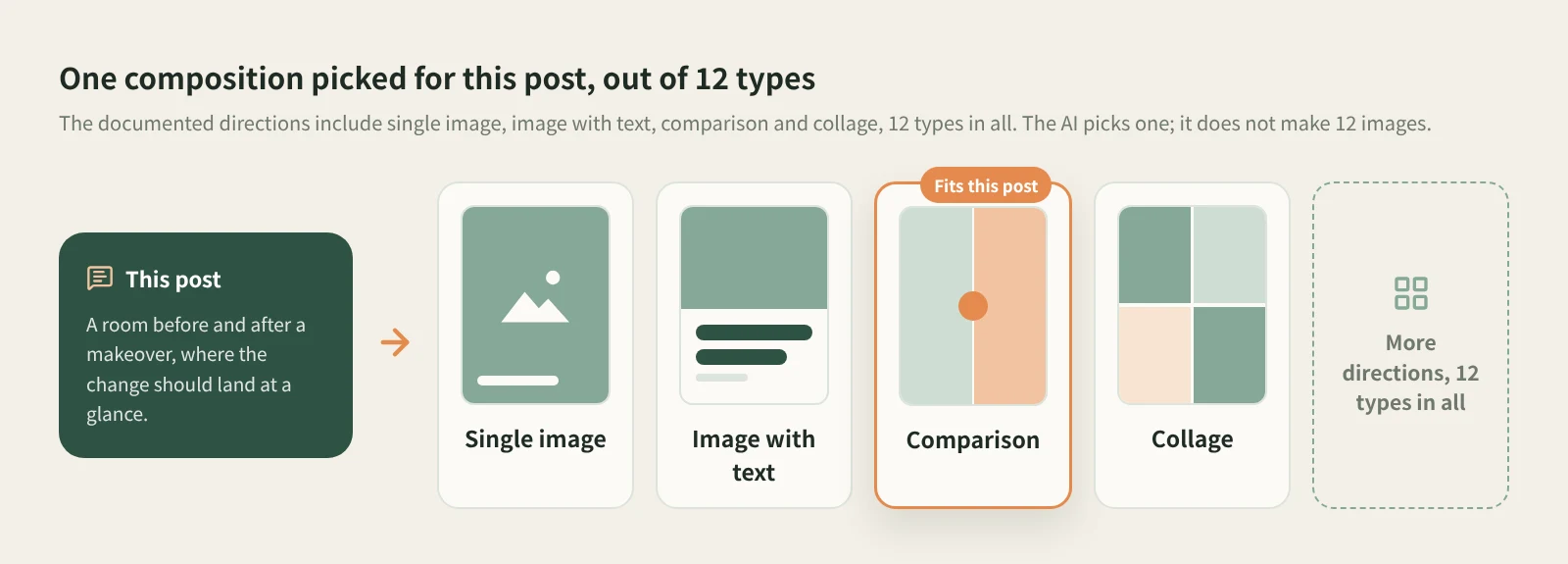
Think of it as a composition checklist the AI keeps at hand. Broadly, a single image works when one photo says it all, image with text suits how-to posts carried by the headline, comparison suits before-and-after and reviews, and collage suits roundups and lists. Because the choice follows the content, several posts in a row from the same account can have different layouts that each fit their own post.
How it compares with cover template tools
| Canva, Meitu and similar cover templates | Beav picks the composition for the content | |
|---|---|---|
| Starting point | Pick a template, then swap in your text and images | Say what the post is about, then the AI sets the layout |
| Strengths | Huge template libraries, what you see is what you get, precise control over text, layers and position | The layout changes with the content, so different kinds of posts don't share one rigid frame |
| Text on the cover | Editable text layers: what you type is what appears | Drawn by the AI, so it can occasionally get characters or strokes wrong; check every one |
| Where assets come from | Template stock or your uploads | Your reference images and asset library, optionally with a creation template |
| Relation to the post | The cover is made on its own | Make just the cover, or the whole image-and-text post together |
If you have a fixed brand layout, or not a single character on the cover can be wrong and you need pixel-level control, template editors like Canva or the Chinese tools Gaoding and Meitu are still the safer choice. Beav fits a different case: your content changes often, and you want the cover to start from "how should this post be shown" rather than from the same template every time.
Limits and notes
- The 12 composition types are what the AI considers when choosing. It does not generate 12 covers at once. If the direction it picked feels wrong, say which one you want instead.
- Generated text can be wrong, especially long headlines. Keep headlines short and check every character at thumbnail size before you post.
- Use your own photos or images you have permission to use. When learning from someone else's viral cover, take the layout and information hierarchy, not the picture.
- Beav never posts for you. Upload the cover to Xiaohongshu yourself; the post text is capped at 1,000 characters, so trim long captions.
Next steps
- See real cover template examples on the RedNote cover tool page.
- Make the cover, title, caption and tags in one go: the RedNote post package.
- For a fixed visual style, read creation templates; the full reference is Images, video, and audio.
Applies to Beav desktop 2.9. Checked 2026-10-29.