Key takeaways
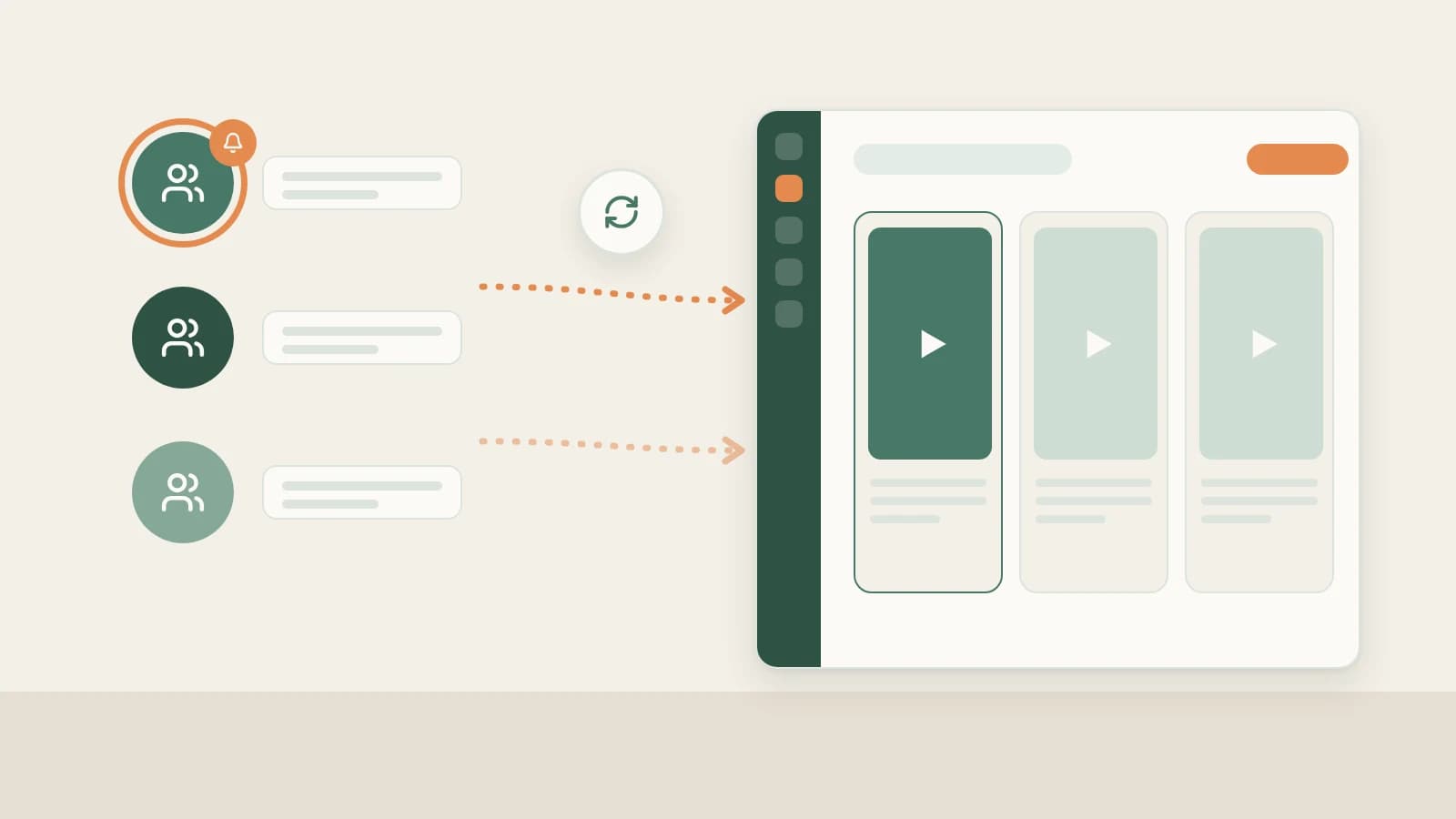
- Paste a resolvable benchmark creator URL under Knowledge Base → Subscriptions → + so Beav checks daily while running on your computer and archives new uploads chronologically in your local reference library.
- Each space allows up to 10 subscriptions (including paused entries), showing credit notices at the 4th and 6th additions; manage peers via Mark as benchmark, Check now (from ~10 credits), Move to folder, and Stop / Resume.
- Tracked uploads never trigger automatic breakdown—you selectively click Decompose only on the strongest videos worth modeling.
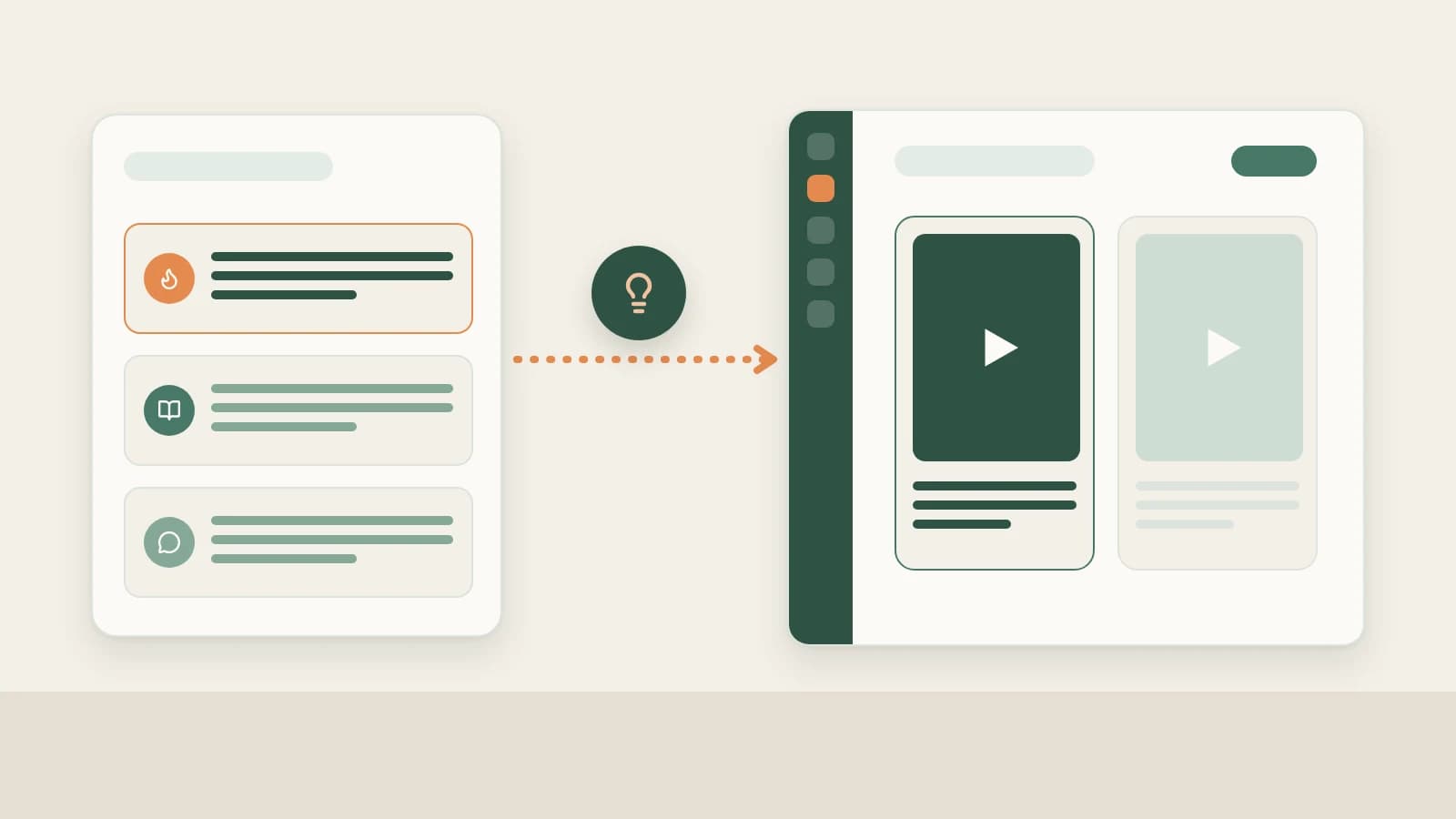
Inside WeChat, following ten benchmark Channels creators quickly runs into feed noise—updates sink beneath algorithmic recommendations and chat shares, leaving you hunting for old links whenever it is time to plan next week's scripts.
Beav Subscriptions checks your priority shortlist once a day while the desktop app runs and delivers new uploads onto one quiet local timeline right beside your scripting workspace.
Who it is for
- Creators tracking 5–10 strong peers in WeChat Channels to study weekly pacing, topic selection, and spoken hooks.
- Agency operators archiving client and competitor releases in labeled niche folders.
- Teams pairing Channels peer tracking alongside Official Account references in one space.
How to use it
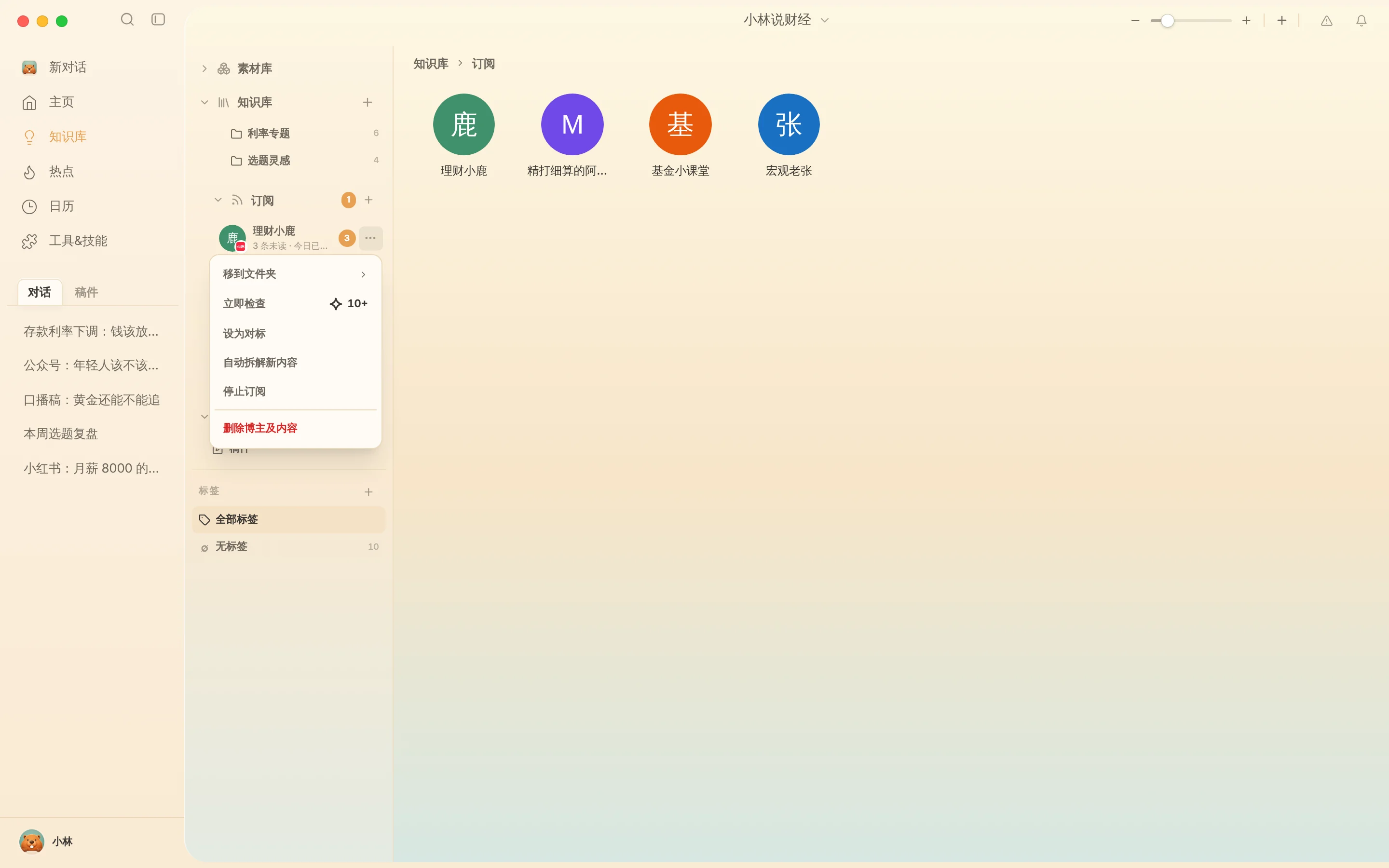
- Prepare a resolvable WeChat Channels creator URL. Open Knowledge Base → Subscriptions → + and paste the resolvable profile URL (when only an unresolvable forwarded card exists inside WeChat chat without an extractable link, capture individual uploads with resolvable post URLs via Save WeChat Channels videos to your library).
- Confirm credit prompts. Beav alerts you about daily credit usage on the 4th and 6th additions in a workspace, capped at 10 total subscriptions (paused items included).
- Review updates on timeline or gallery views. Double-click an avatar to view new uploads newest-first, or flip to Gallery to compare cover copy styles at a glance.
- Adjust anytime via
…:- Mark as benchmark: Highlight core inspirations visually in the sidebar.
- Check now: Poll updates immediately after a peer releases a viral clip (~10 credits+).
- Move to folder: Organize peers by region, client, or niche category.
- Stop / Resume subscription: Pause automated checks while keeping already-saved videos on disk (Delete creator & content permanently deletes all archived files).
Moving from tracked updates to finished scripts
- Scan titles and topics on the timeline, then manually click Decompose on standout clips to extract spoken transcripts, shot lists, and keyframes—see Break down WeChat Channels scripts & shots.
- Drag verified structures into chat alongside your own cases to build your next WeChat Channels full content package.
How it compares with in-app following and analytics dashboards
| Following inside WeChat | Third-party WeChat SaaS tools | Beav Subscriptions | |
|---|---|---|---|
| How new uploads reach you | Mixed inside mobile Following & recommended feeds | Checked inside an external browser portal | Saved daily onto your local Knowledge Base timeline |
| Value for drafting | Watch-only on phone | Focused on metrics and charts | Materials sit ready to Decompose and drag straight into chats |
| If an upload is deleted | Disappears from your feed | Summaries remain | Locally archived records remain accessible on your machine |
| Limits & cost | Free, unlimited | Paid monthly tiers | Up to 10 per space; daily subscription credits |
Limits and notes
- Use Account profiles for your own channel. Log your own engagement history separately in WeChat Channels data review.
- Local scheduler only. Automated checks never spend credits while Beav is closed; missed checks catch up on your next launch.
- Respect creator copyright. Reference peer uploads only for structural study and ideation—film original footage and verify facts yourself.
Next steps
- Need to save specific individual post links right now? Read Save WeChat Channels videos to library.
- Turn fresh peer themes and trends into grounded video concepts with WeChat Channels topic ideas.
- Full workflow and docs: WeChat Channels operation guide and Subscribe to benchmark creators.
Applies to Beav desktop 2.9 and later.