Key takeaways
- Create one account space in Beav for each RedNote account: Knowledge Base, Asset Library, AI writing memory, custom instructions, content calendar and built-in browser sign-ins stay strictly isolated per space.
- Switch spaces in one click from the bottom-left account menu. Running AI generations, video jobs or transcriptions keep using the space where they started and save results back there.
- Browser extension captures land in whichever space is open, so check your active space before saving benchmark notes — or keep closely related brand/sub-accounts together with multiple Account profiles in one space.
Running 3 to 10 RedNote (Xiaohongshu) accounts rarely breaks down because of typing speed — it breaks down from crossover. Skincare ingredient notes sneak into a career-coaching draft, a prompt telling the AI "skip exclamation marks on this lifestyle account" bleeds into an energetic food-review account, and saved benchmark carousels end up dumped into one chaotic folder.
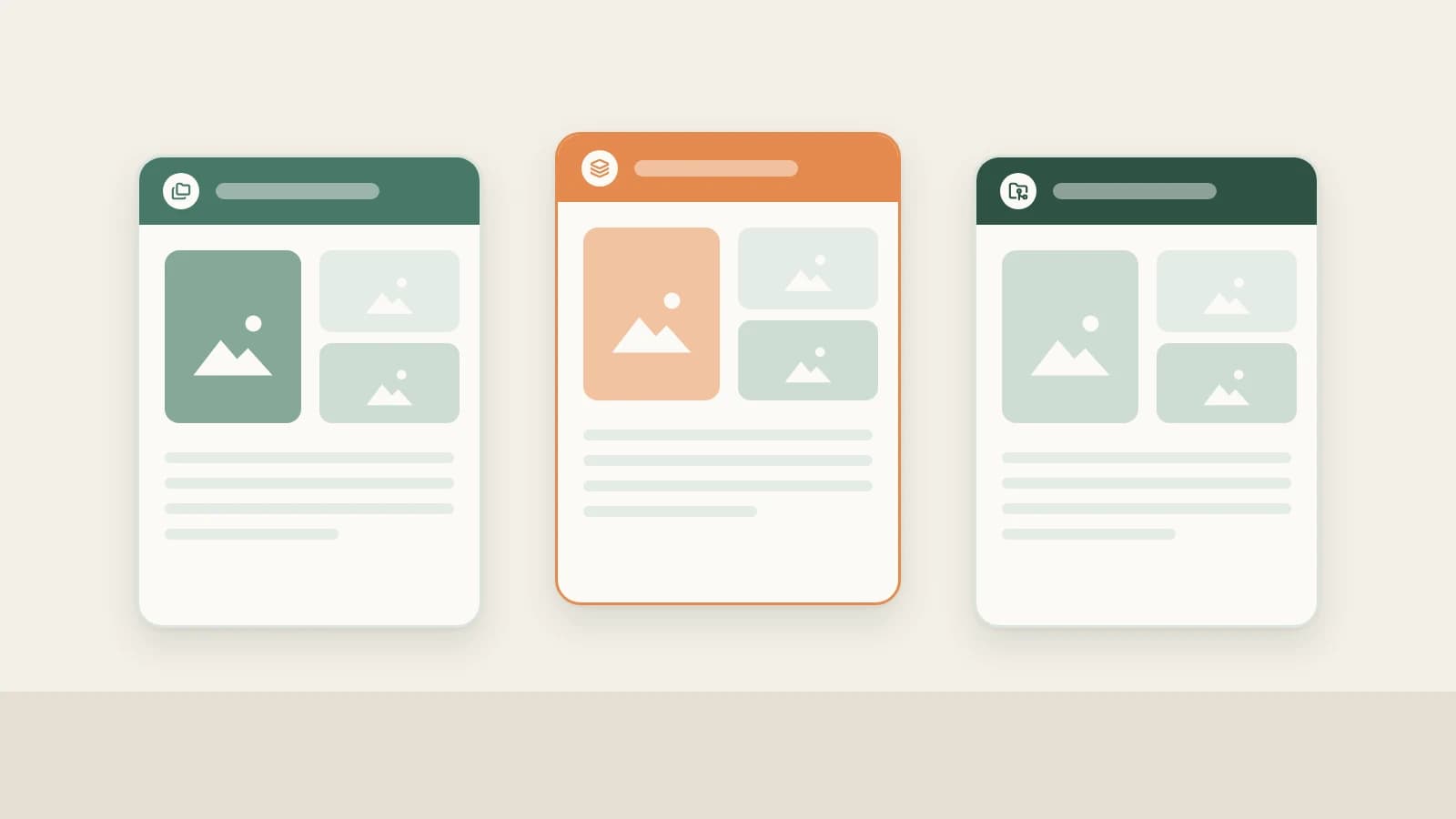
Beav keeps accounts clean at the structural level: one RedNote account, one local workspace. Every account gets its own library, voice memory and calendar, so switching accounts is a single click.
Who it is for
- Creators managing distinct RedNote niches (e.g. a skincare review account, a home-renovation account and a personal vlog account).
- Agencies and social media managers keeping client assets, brand guidelines and persona strictly separate.
- Operators scaling a RedNote matrix who need clean boundaries between shared principles and per-account output.
How to use it
- Create a workspace per RedNote account. Click the bottom-left account menu, choose New account space, and name it clearly after the RedNote account or client. You can store spaces in custom folders (including external drives or synced folders). Personal Free supports 1 personal space, Personal Lifetime supports unlimited personal spaces, and Team plans support shared team spaces.
- Complete the setup chat. Each new space opens its own initialization chat. Paste the RedNote account's profile URL if it already has posts so Beav studies its existing notes and style, or describe positioning for a brand-new account. Each space builds its own baseline.
- Verify the active space before capturing. Captures from the browser extension, desktop Add link, or phone upload go straight into the open workspace. Before saving benchmarks for Account B, switch to Account B's space first.
- Keep writing style, topics and calendars per space. Style memories under Settings → Personalization (such as title formulas, tone rules and taboos) stay scoped to one space — resetting memory affects only the current space. Your RedNote topics and publication calendar stay separated automatically.
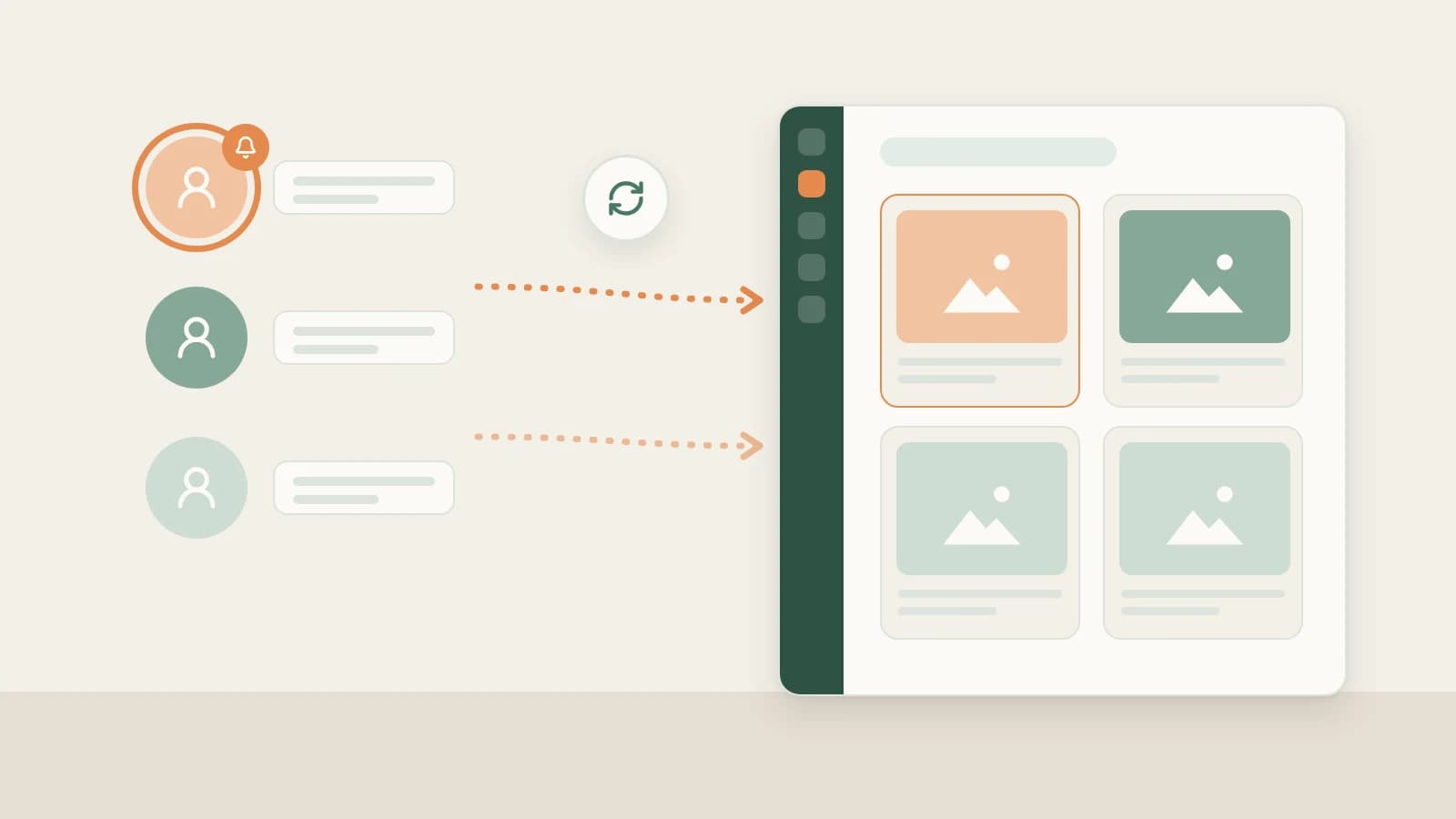
- Switch spaces freely without pausing active work. Open the bottom-left account menu and click another space. Background image/cover generations, transcriptions and exports started in Account A keep running against Account A's library and save outputs back into Account A.
When should you use separate workspaces vs multiple Account profiles in one space?
- Different niches, clients or distinct personas: create separate workspaces so benchmarks, AI memory and topic pools never cross over.
- Main + secondary accounts under the same brand sharing product photos and brand material: keep one workspace and add multiple RedNote profile links via + beside Account profiles (without replacing the primary account or creating another space).
How it compares with folders and multiple browser profiles
| Mixed inside one AI tool / folder tree | Multiple Chrome profiles | One Beav workspace per RedNote account | |
|---|---|---|---|
| Where assets live | Mixed in chat history and folders | Bookmarks separated, downloads still manual | Dedicated Knowledge Base, Asset Library and Topic Pool per space |
| AI voice & memory | Re-explain persona rules every chat | Browser has no AI memory | Writing memory and style rules saved per space |
| Browser capture | File manually after saving | Pages saved unindexed | Captures go straight into the active desktop space |
| Switching accounts | Re-prompt the AI context | Switch browser windows | One click; active tasks finish uninterrupted |
Multiple Chrome profiles excel at keeping platform logins cleanly isolated in your system browser, pairing naturally with Beav: manage each RedNote creator-center session in its own Chrome profile while Beav isolates assets, AI memory and draft packages per workspace on disk.
Limits and notes
- Workspaces organize content, not platform anti-detection. Beav isolates libraries, AI memory and the built-in browser (under the right-hand Browser tab) per space, without changing how your system Chrome/Edge or network connects to RedNote. Always follow RedNote's multi-account rules — see local-first multi-account workflows.
- Humans verify and publish. After generating a RedNote post package in a space, transfer it via QR code to the matching operator's phone for final review and manual publishing in the RedNote app.
- Extension captures follow the active desktop space. Check which space is open before saving notes in Chrome or Edge.
- Keep local backups of important spaces. Removing a custom-location space leaves its folder intact on disk, though chat history does not travel when re-opening a folder on another computer. Back up important drafts and asset libraries independently.
Next steps
- Scaling team roles across many accounts? Read from solo operator to matrix and RedNote food & local matrix.
- For the platform-agnostic guide, read one Beav space per account and RedNote account analytics.
- Full documentation: Get to know the workspace and Memory and creative style.
Applies to Beav desktop 2.9 and later.