Key takeaways
- Paste a YouTube channel or
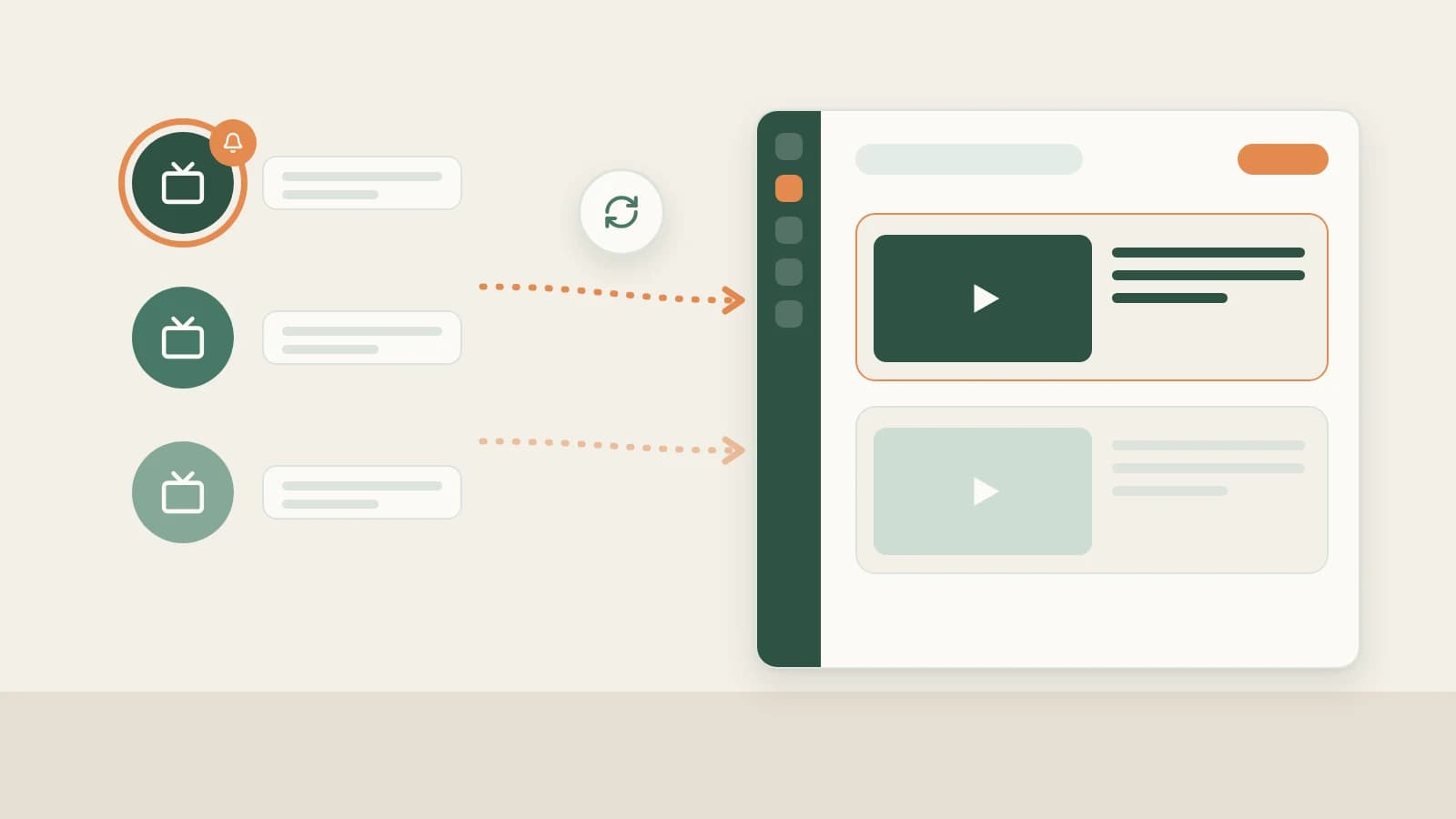
@handleURL under Knowledge Base → Subscriptions → + so Beav logs new long-form uploads and Shorts into a clean chronological timeline whenever open (capped at 10 subscriptions per space, including paused ones).- Subscriptions keep tracking lightweight: browse new uploads and 16:9 thumbnails first, then selectively confirm resolution (360P / 720P / 1080P) and credits inside the desktop app only on the standout videos you actually want to download, transcribe locally, and Decompose.
- Manage peers cleanly with Mark as benchmark, Check now (from ~10 credits), Move to folder, and Stop / Resume subscription.
YouTube's native Subscriptions tab jams personal entertainment alongside the seven niche creators you study for strategy. Checking channels manually one by one eats an hour—and even after you spot an interesting video, you usually only want to pull and break down one standout release out of every five uploads.
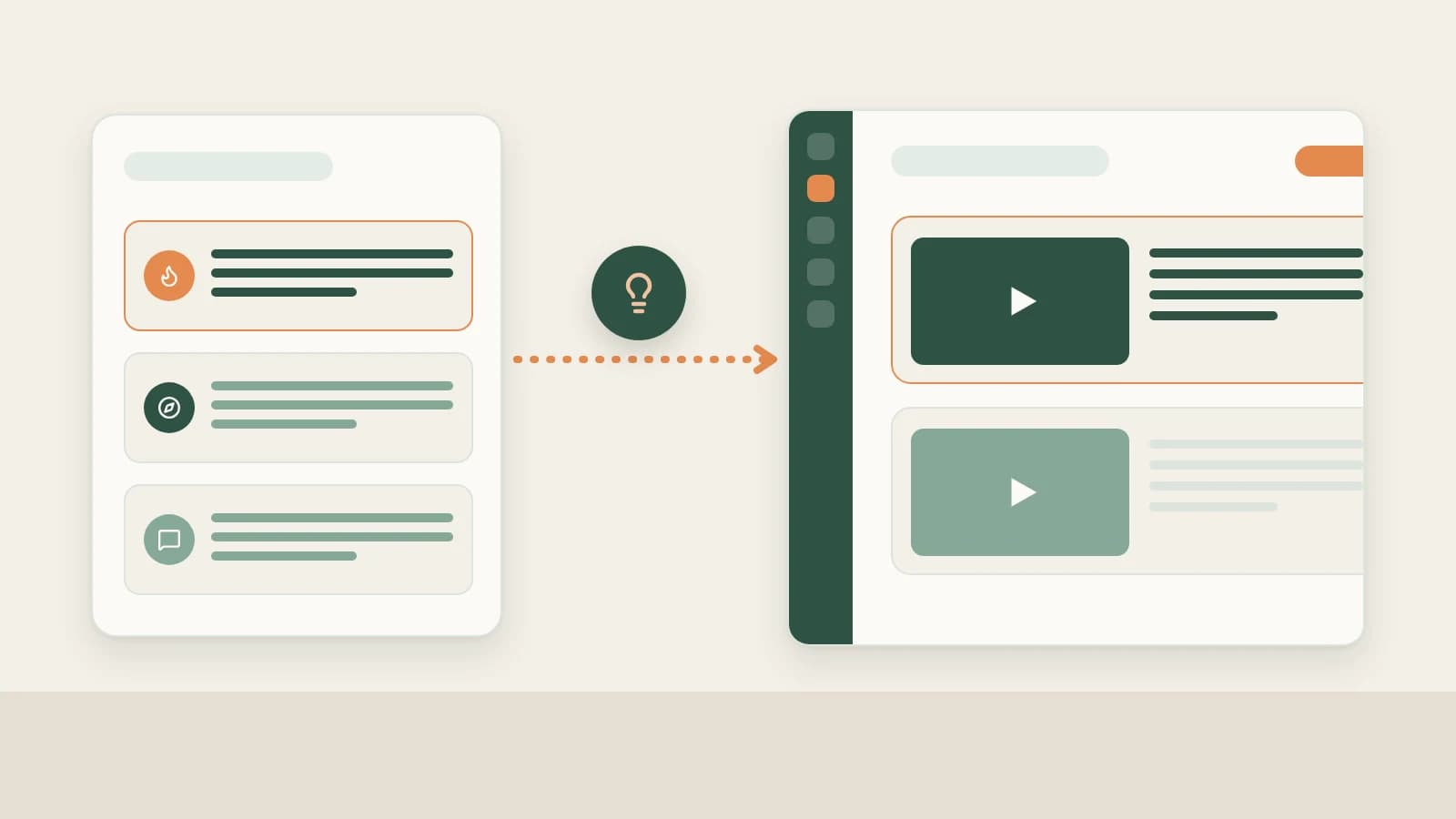
Beav separates keeping an eye on uploads from spending video download and breakdown credits: daily checks deliver every new release to your workspace timeline first, and you choose which pieces merit full local video download and transcription.
Who it is for
- YouTube creators keeping track of 5–10 top benchmarks to monitor title hooks, 16:9 thumbnail patterns, and pacing evolution.
- Bilingual researchers and operators scanning overseas channels in one dashboard before selecting winners for deep study.
- Production teams grouping peer channels into neat folders by topic vertical or client niche.
How to use it
- Copy the YouTube channel URL. Open a benchmark creator's channel page (
youtube.com/@handleor/channel/...) in your desktop browser rather than an individual watch URL. - Add the channel under Subscriptions. Open Knowledge Base → Subscriptions → +, paste the channel link, and confirm. Beav displays daily credit notices when adding your 4th and 6th items and enforces a 10-channel limit per workspace.
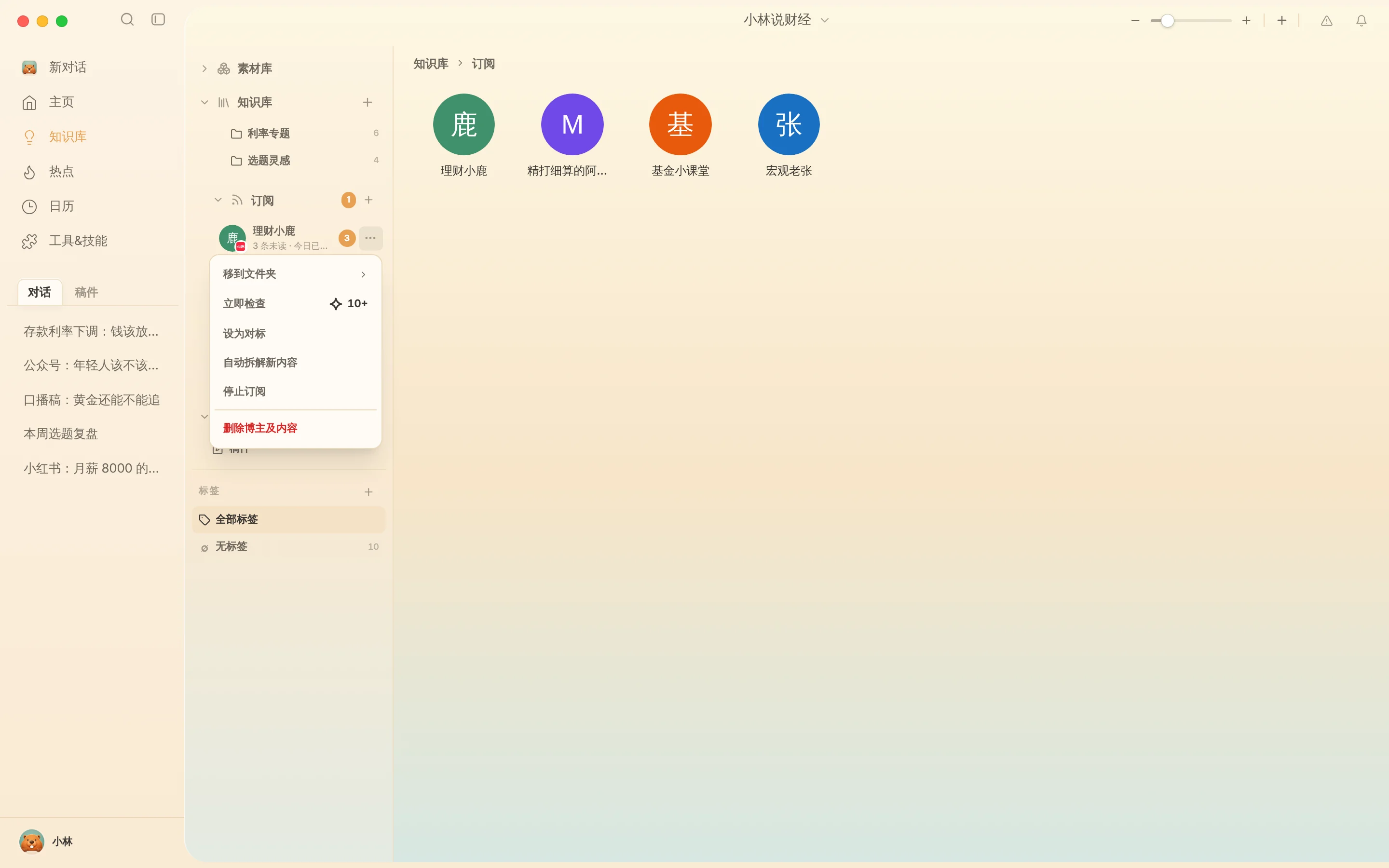
- Inspect uploads cleanly. Double-click an avatar for the chronological upload feed or toggle Gallery view to scan 16:9 cover directions at a glance. Click
…or right-click to adjust anytime:- Mark as benchmark: Star priority channels you mirror most closely.
- Check now: Poll fresh uploads immediately after a major launch (~10 credits+).
- Move to folder: Split channels into categories like "AI Explainers," "Product Reviews," or "Shorts Formats."
- Stop / Resume subscription: Pause automated checks while keeping every captured record intact (Delete creator & content wipes saved items permanently).
Moving from tracked uploads to full decomposition
Keep these two steps crystal clear to manage credits wisely:
- Confirm quality only on uploads worth studying. When an archived channel item sparks an idea for deep analysis, open it inside Beav, choose max 360P, 720P (recommended), or 1080P, and verify the live credit quote (documented at 15 credits standard / 9 credits member at time of writing; billed upon successful API resolution). See saving YouTube videos to your library.
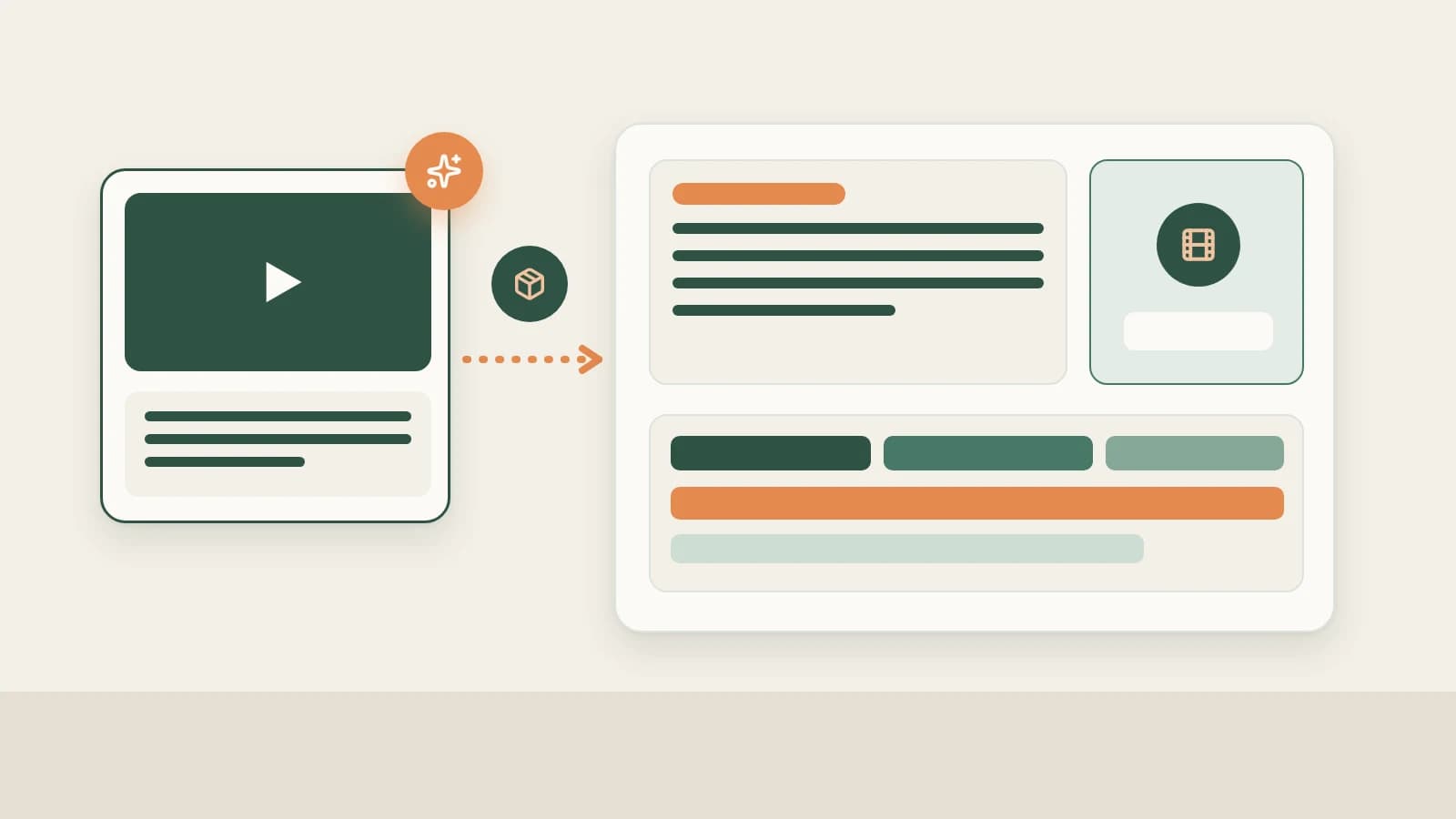
- Run local transcription and manual Decompose. Once the video file lands on disk, Beav transcribes speech automatically—then click Decompose to extract chapters, shot lists, keyframes, and topics ready for your YouTube full content package.
How it compares with YouTube Subscriptions tab and RSS feeds
| YouTube Subscriptions tab | RSS readers | Beav Subscriptions | |
|---|---|---|---|
| What reaches you | Personal channels mixed with work research | Plain text links and summaries | Dedicated workspace timeline sorted per niche/client |
| Next step after spotting a hit | Leave browser to find external tools | Switch out to download and summarize | Confirm resolution right inside Beav, transcribe locally, and Decompose |
| Link to scripting | Lives separately in browser | Reading-only utility | Connected straight to Topic pool, master drafts, and editor |
| Limits & cost | Free, unlimited | Mostly free | Up to 10 channels per space; daily subscription credits |
Limits and notes
- Use Account profiles for your own channel. Log daily engagement history for your own YouTube channel in YouTube channel data review.
- Runs only while Beav is open. Scheduled checks pause whenever you exit the desktop app, preventing hidden cloud credit charges.
- Respect creator copyright. Downloaded reference videos and transcripts exist purely for research and structure learning—never clip original footage or re-upload direct translations.
Next steps
- Turn tracked trends and references into strong video ideas with YouTube topic ideas.
- Review single-video download rules in Save, break down & rewrite YouTube videos.
- Full column workflow and docs: YouTube operation guide and Subscribe to benchmark creators.
Applies to Beav desktop 2.9.2 and later.