Key takeaways
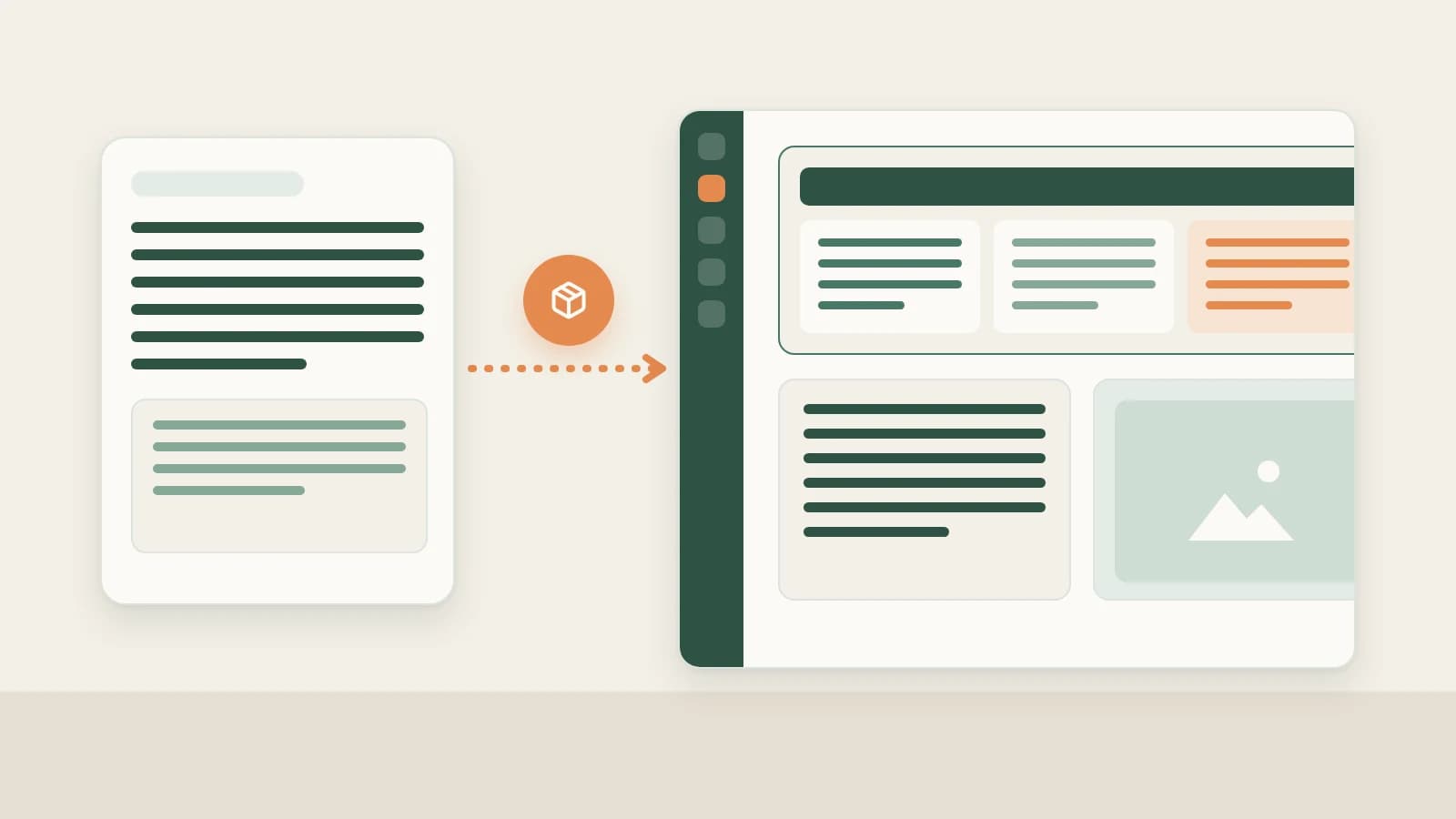
- Enable Zhihu under More on the new-chat bar (or open Creation → Creation templates, 2.10.4) to combine your Zhihu topic, verified data, and decomposed structure into a master Markdown draft + Zhihu package.
- Built directly for how high-upvote Zhihu readers scan: clear opening rebuttal or boundary check → structured decision criteria → Markdown comparison tables → matching summary visuals, all editable section by section on the right.
- From the same factual master draft, immediately generate companion RedNote carousels or Official Account packages without starting over.
Writing a Zhihu answer or column essay that actually holds upvotes takes far more than stretching an opinion across three thousand characters. Zhihu audiences decide within the first two screens whether your piece states clear boundaries upfront, lays out verifiable decision criteria, and pairs trade-offs cleanly in comparison tables instead of rambling prose.
Beav ties master drafting, comparison tables, cohesive diagrams, localized section edits, and multi-platform spin-offs into one cohesive Zhihu content package.
Who it is for
- Creators and brand experts writing deep tutorials, buyer comparisons, SaaS evaluations, and structured teardowns on Zhihu.
- Writers turning one thoroughly researched long essay into sibling RedNote carousels and Official Account articles.
- Editors who want to polish individual paragraphs or tables without duplicating messy copies.
Step 1: Start from Zhihu in a new chat to generate the package
- Select Zhihu or open a structured template. Enable Zhihu via More on the new-chat platform bar, or select an outline template built from earlier winners under Creation → Creation templates.
- Attach verified notes and comment objections before generating. Drag your settled Zhihu angle, archived structure breakdown, counter-arguments spotted in public comments, and your own benchmarks or screenshots into chat. Beav builds a durable master Markdown draft alongside a complete Zhihu package:
- Boundary-first opening: answers directly who the advice applies to and cuts common misconceptions early;
- Layered argument cadence: pairs claims with supporting proof, exceptions, and practical next steps;
- Tables & unified visuals: generates clean comparison tables and matching explanatory illustrations ready to inspect on the right.
- Update single paragraphs or graphics in place. Click Edit text in the right workspace package or ask AI to revise only section two or regenerate card #1—Beav updates the single package cleanly with timestamp history. See Master drafts and packages.
Step 2: Spin off RedNote and Official Account editions cleanly
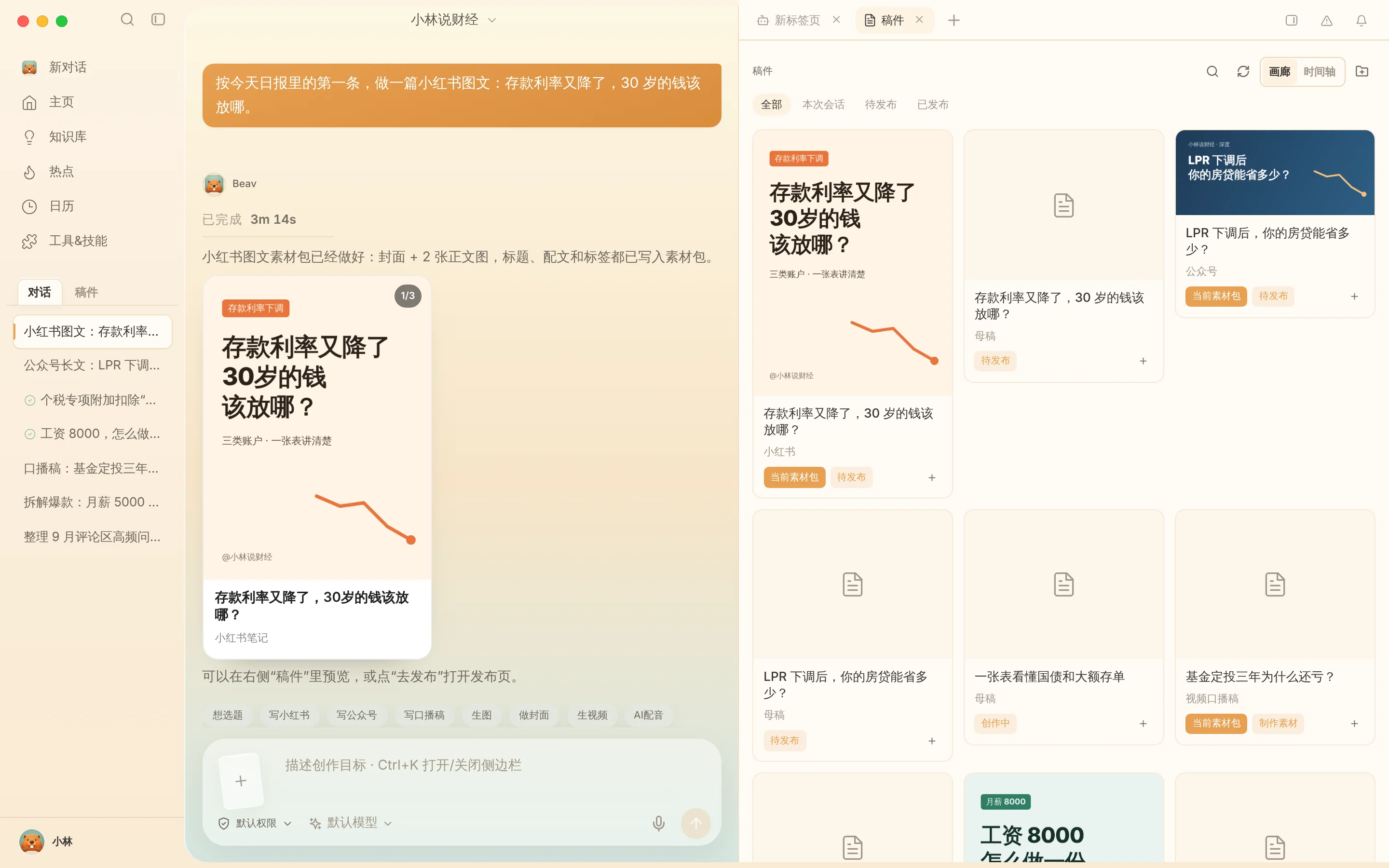
Don't trap three days of primary research inside a single answer. Right after verifying all facts inside your Zhihu master draft, stay in the same conversation and ask Beav to convert it into a concise 3:4 RedNote post package or a rich WeChat Official Account package—each tracking its own independent deliverables and Published status. See One draft, many platforms.
Step 3: Verify citations and publish manually in Zhihu
Export files via Save to your computer (or preview via same-Wi-Fi Share to phone), inspect every price, date, citation, and chart label against primary facts—Zhihu readers spot sloppy statistics fast—add AI disclosure notes where required, and publish manually inside Zhihu Creator Center before clicking Mark as published for Zhihu inside Beav.
Limits and notes
- Never fabricate firsthand tests. Replace placeholder cases with experiences and measurements you actually ran yourself.
- Inspect baked text inside visual diagrams. Verify spelling, units, and numbers rendered on generated graphics before posting.
- No automated posting. Final editing, disclosure tags, and publishing on Zhihu remain strictly manual.
Next steps
- Need sharper comment-driven questions first? Read Zhihu topic ideas.
- Ready to monitor daily snapshot momentum after posting? Read Zhihu account data review.
- Full workflow and docs: Zhihu operation guide and Drafts, packages and publishing.
Applies to Beav desktop 2.9 and later; creation templates and multi-platform bundling reflect 2.10.0–2.10.4.