Key takeaways
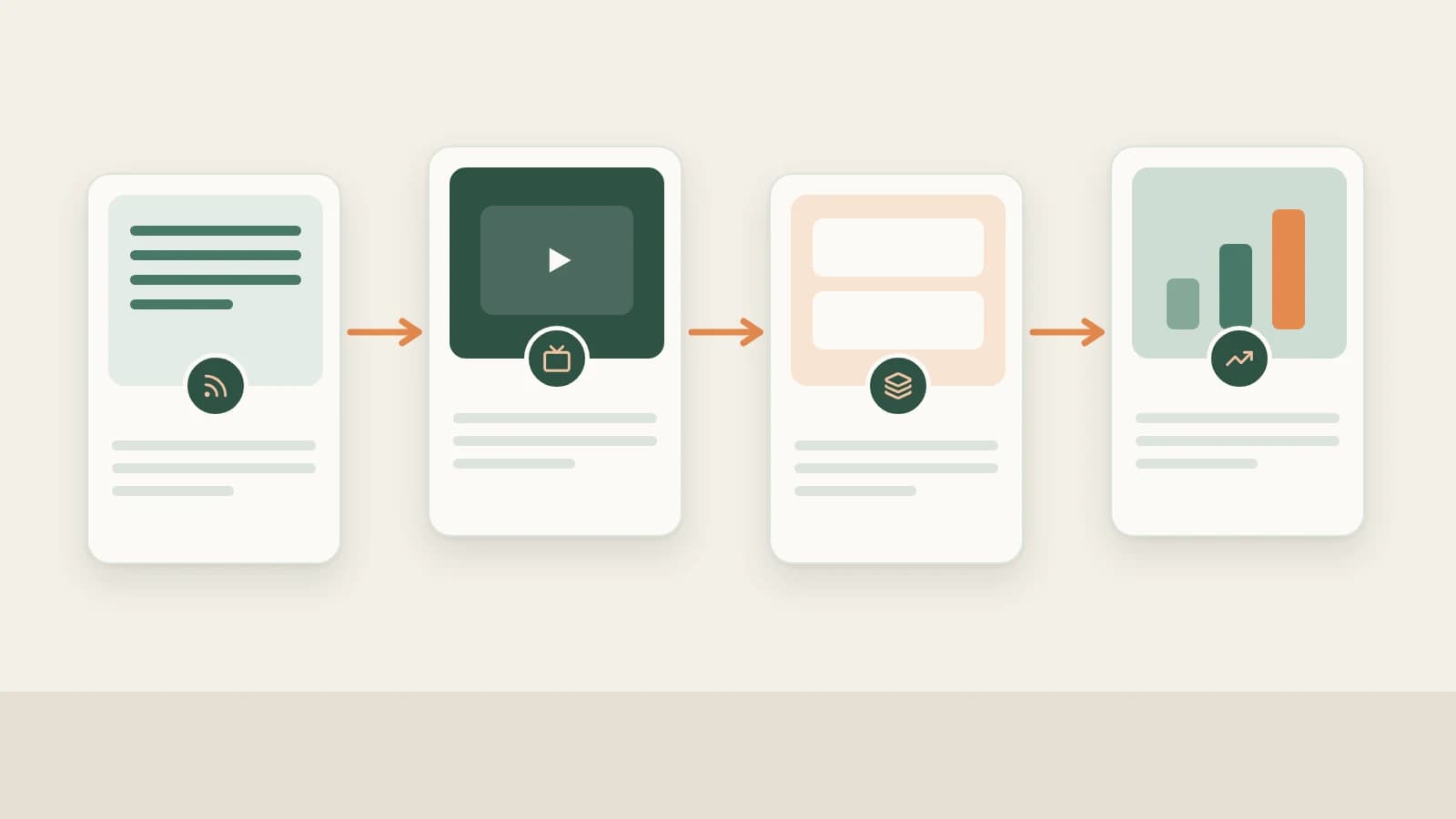
- Beav links your YouTube workflow from start to finish: source grounded topics → subscribe to peer channels → selectively confirm resolution (360P/720P/1080P) to download & transcribe → decompose long-form pacing → produce chaptered scripts, 16:9 thumbnails & rough cuts → review growth.
- Channel subscriptions track uploads without silently spending video download credits—you decide which standout videos warrant in-app resolution confirmation and full breakdown.
- Fact verification, licensed footage/music, AI-content disclosures, and publishing inside YouTube Studio always remain in your hands.
Whether you run an English YouTube channel or study overseas tutorials to craft localized Chinese deep-dives, long-form prep breaks down fast across disconnected apps: scrubbing 20-minute videos for timestamps burns an evening, and checking eight peer channels every week becomes the first habit dropped when launches pile up.
Beav brings channel tracking, selective local downloads, automatic transcription, shot-by-shot decomposition, chaptered script packaging, 16:9 cover drafting, and timeline cleanup under one roof—saving the evenings usually lost scrubbing long videos.
Where YouTube Operations Lose Time vs. How Beav Cuts the Busywork
| Where time usually goes | How Beav cuts the busywork |
|---|---|
| Manually visiting eight benchmark channels every week and missing timely drops | Subscribe in your knowledge base to sync new upload entries automatically without silently spending download credits |
| Scrubbing 20-minute English or multilingual tutorials to type notes and timestamps | Confirm resolution only for standout clips, download and transcribe locally, and run long-form decomposition for chapter arcs |
| Rebuilding chaptered outlines and cross-language commentary from scratch | Generate full chaptered scripts directly from decomposed sources, viewer questions, and Hotspots |
| Jumping between thumbnail tools, animation apps, and editors for retakes | Produce 16:9 thumbnails, explainer animations, and smart talking-head rough cuts in the same workspace |
| Looking up which sources backed an older upload months later | Keep reference clips, source notes, scripts, and daily growth snapshots tied together in your channel workspace |
End-to-end YouTube workflow
Beav YouTube workflow
Step 1: Discover topics from trends, cross-language libraries, and comments
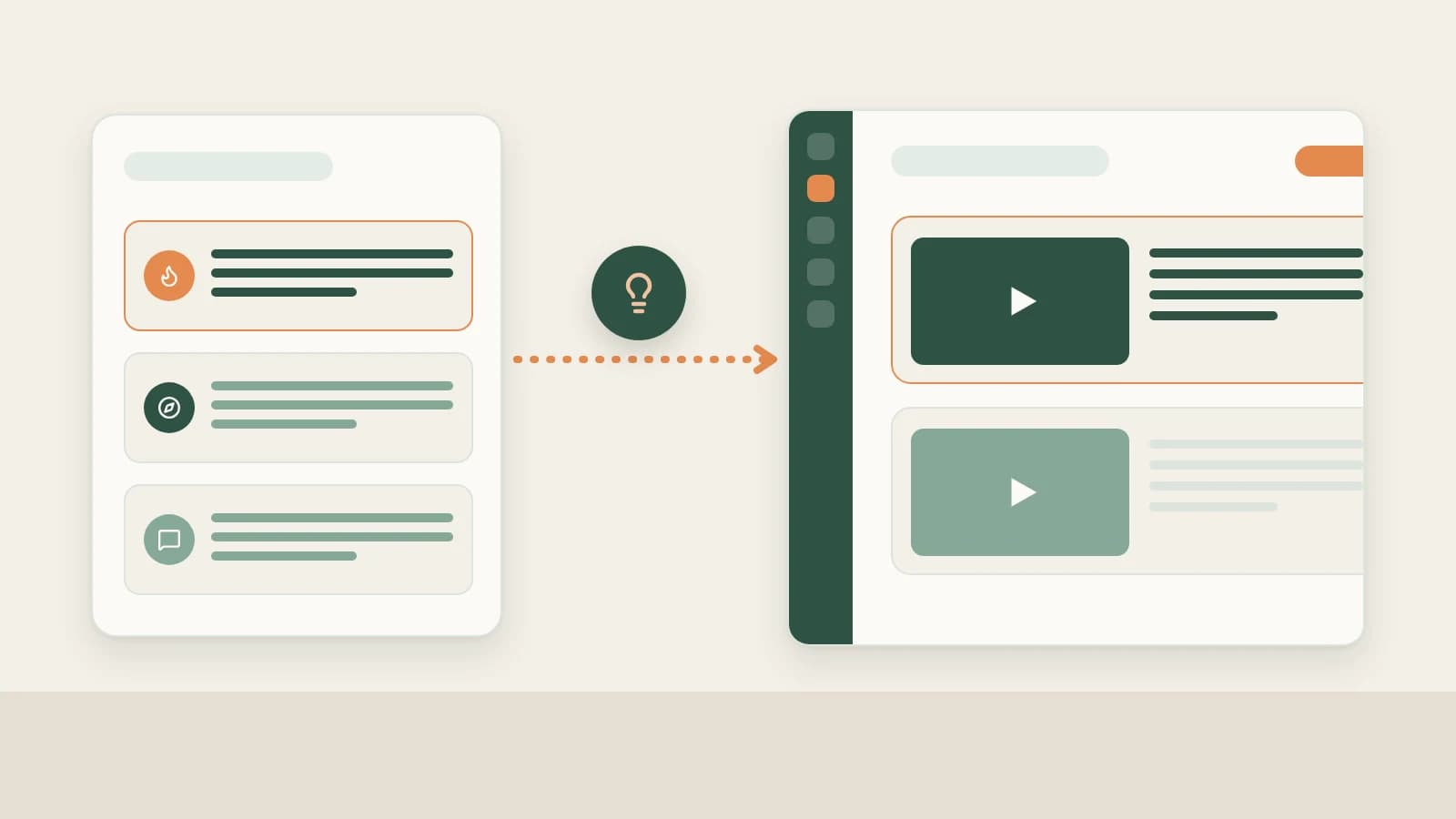
Pair NewsBing Hotspots (For Me scoring against your workspace profile + primary-source verification in Discuss with AI) and the 09:00 daily brief with Creation → Topic Radar (2.10.7), new-chat Find topics prompts, and high-signal YouTube viewer doubts saved via browser text selection. See YouTube topic ideas.
Step 2: Track peer channels daily and confirm downloads selectively
- Follow uploads automatically: Paste a YouTube channel or
@handlelink under Knowledge Base → Subscriptions → + to inspect every new upload chronologically without pre-spending download fees—see YouTube channel subscription. - Save and transcribe individual picks: Clip via browser extension, Add link, or Phone Upload to log a pending item, then pick max 360P, 720P (recommended), or 1080P inside the desktop app with transparent credit pricing shown before parsing. Once saved locally, Beav transcribes speech automatically. See saving YouTube videos to your library.
Step 3: Decompose long-form videos into structure, shots, and timing
Click Decompose manually on downloaded videos (or batch up to 100 items) to extract timestamped transcripts, reusable structural templates, per-shot camera notes, keyframes, MP4 cuts, and non-speech music cues filed under decompositions/<title>, while extracted core topics land in Asset Library → Topics. Refine cuts right on the timeline and switch cleanly into localized rewriting—see breaking down YouTube videos and save, break down & rewrite YouTube videos.
Step 4: Produce full YouTube scripts, 16:9 thumbnails, and rough cuts
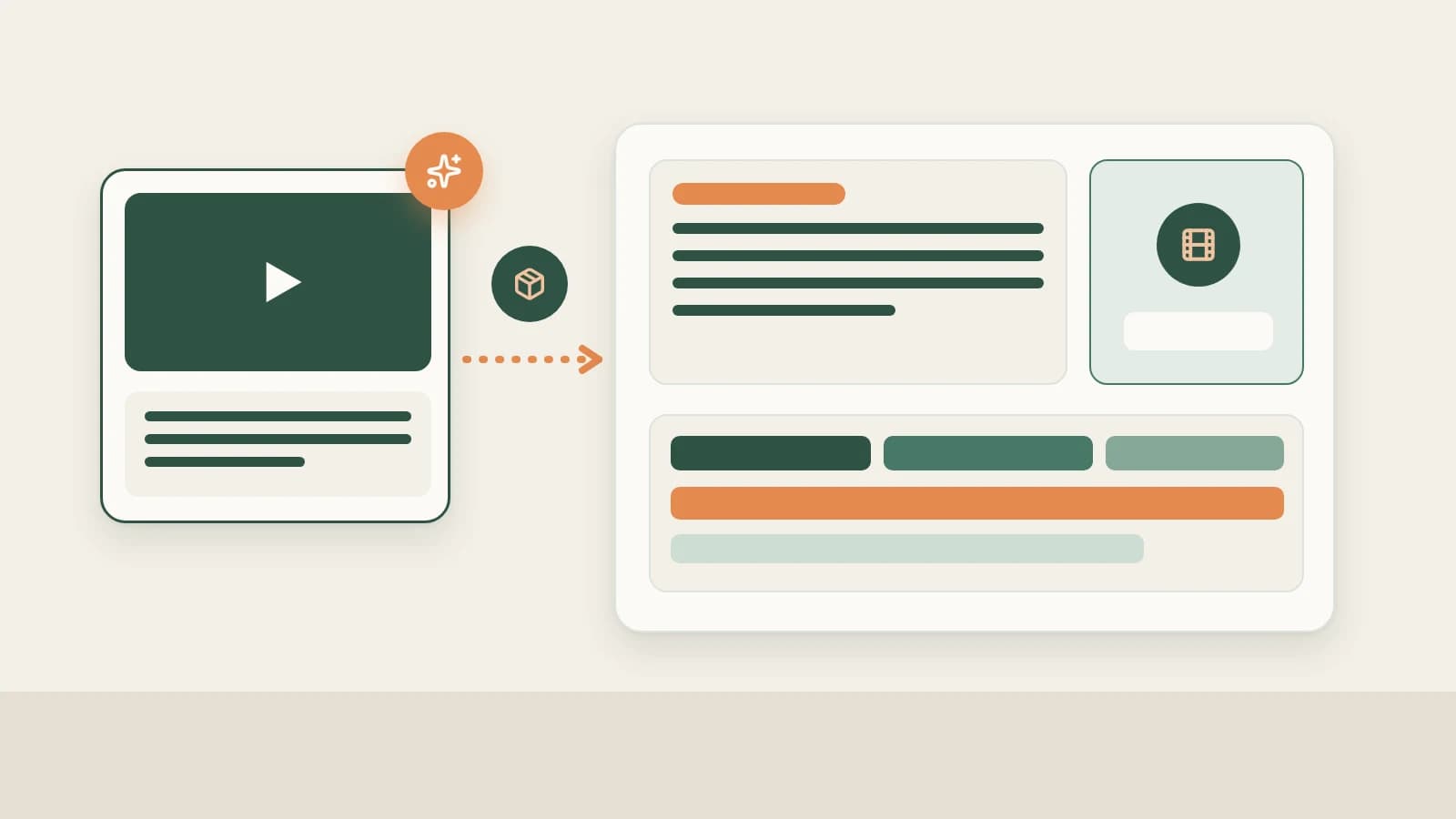
Pick YouTube on the new-chat platform bar (via More) and drag your settled topic, decomposed benchmarks, and local assets into the composer. Beav builds a master Markdown draft + YouTube package containing title options, opening retention hooks, chaptered talking points, and 16:9 widescreen thumbnail concepts (plus 9:16 adaptations for Shorts).
Drop recorded A-roll into chat for Smart talking-head cuts in the right-hand editor (automatic pause removal, open-source multilingual caption fonts, chapter cards, 67 offline sound effects), or install the official Remotion / HyperFrames plugins so AI can render code-driven explainer animations onto your timeline. See YouTube full content package.
Step 5: Log your own channel's progress beside your drafts
Open Account profiles → + to check live platform support inside the modal, link your own YouTube channel where supported, and keep scheduled daily refresh enabled so snapshots feed Yesterday's review and AI queries alongside official retention and CTR reports in YouTube Studio. See YouTube channel data review.
Limits and notes
- YouTube downloads are confirmed one item at a time. Download from Links cannot pack YouTube videos into a computer ZIP, and transcription runs locally from downloaded audio rather than reading YouTube platform captions.
- Respect copyright and altered-content disclosures. Never re-upload another creator's clips, stills, or audio; declare altered or synthetic visuals inside YouTube Studio per policy.
Column navigation
- Topics & subscriptions: YouTube topic ideas | YouTube channel subscription
- Saving & breakdown: Save YouTube videos to your library | Break down YouTube structure & shots | Save, break down & rewrite YouTube videos
- Production & review: YouTube full content package | YouTube channel data review
- Browse the full hub: YouTube column
Applies to Beav desktop 2.9.2 and later; Topic Radar, explainer plugins, and offline sound effects apply to 2.10.0–2.10.7.