BeavBeav

Beav Journal

YouTube guides

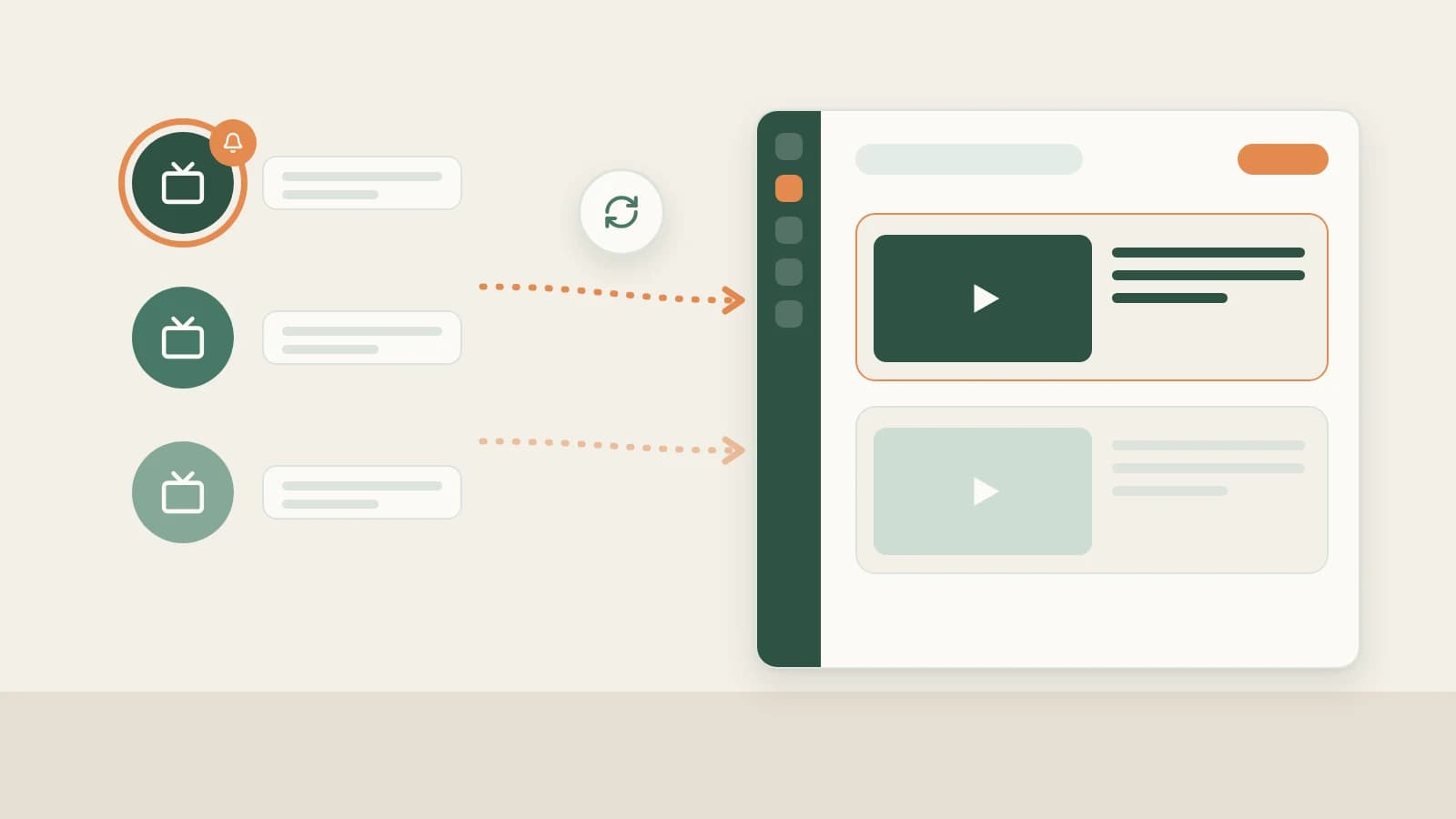
Save hours running YouTube in Beav: stop scrubbing 20-minute videos by hand for timestamps—track channels selectively, auto-transcribe locally, decompose chapter pacing, draft scripts with 16:9 thumbnails and smart cuts, and review channel progress.

Start here

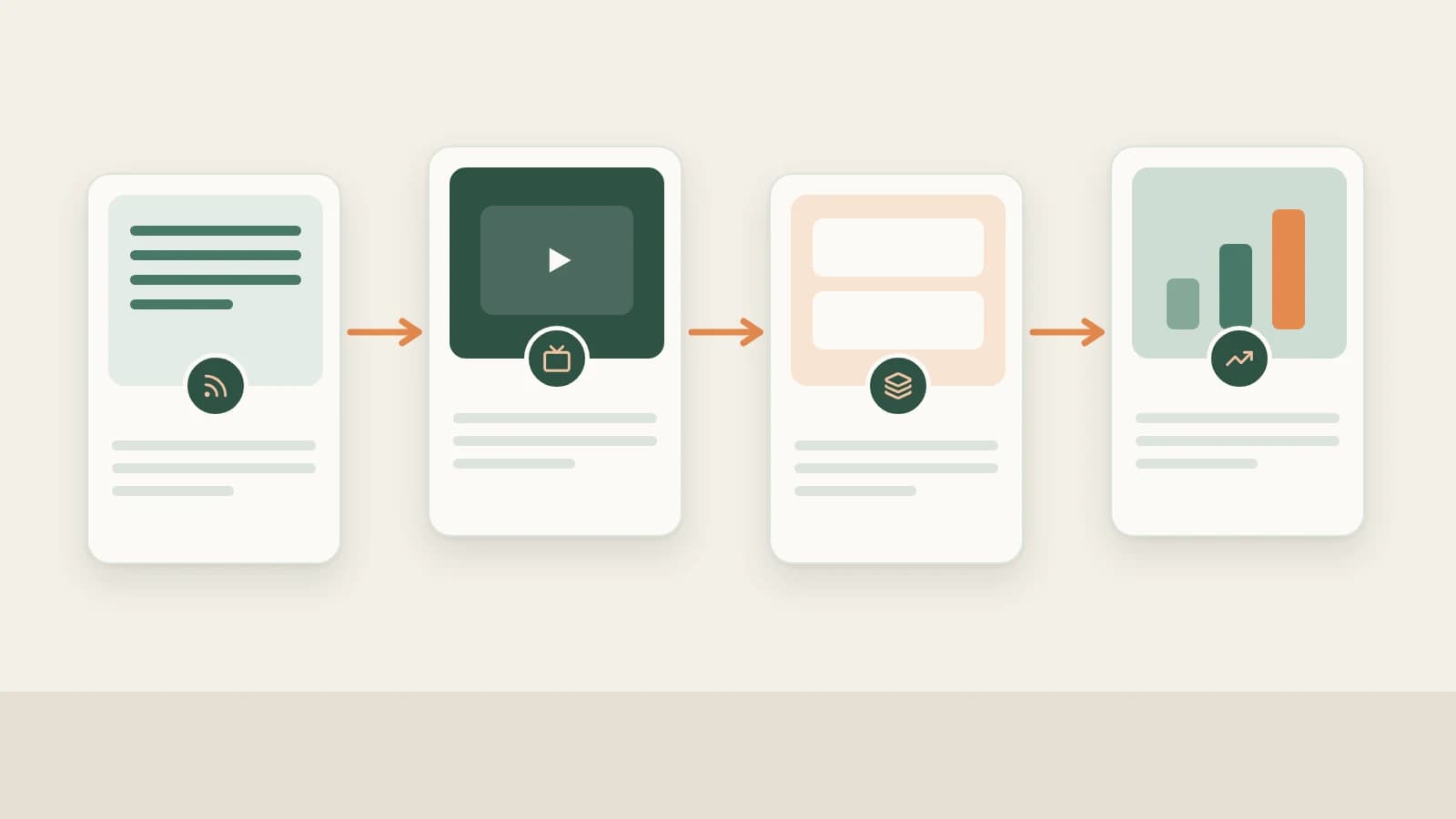
YouTube Operation Guide: From Topics and Channel Subscriptions to Full Scripts, 16:9 Thumbnails, and Reviews in Beav

YouTube workflow guide: stop burning evenings scrubbing 20-minute reference videos, logging timestamps by hand, and jumping across editing tools—track channels selectively, auto-transcribe locally, build chaptered scripts and 16:9 thumbnails, smart-cut footage, and track reviews in Beav.

Read article
YouTube Operation Guide: From Topics and Channel Subscriptions to Full Scripts, 16:9 Thumbnails, and Reviews in Beav

YouTube features in Beav

How Do You Break Down an English YouTube Video? Get the Shot Script and Original Transcript, Then Make Your Own Version

How Do You Break Down an English YouTube Video? Get the Shot Script and Original Transcript, Then Make Your Own Version

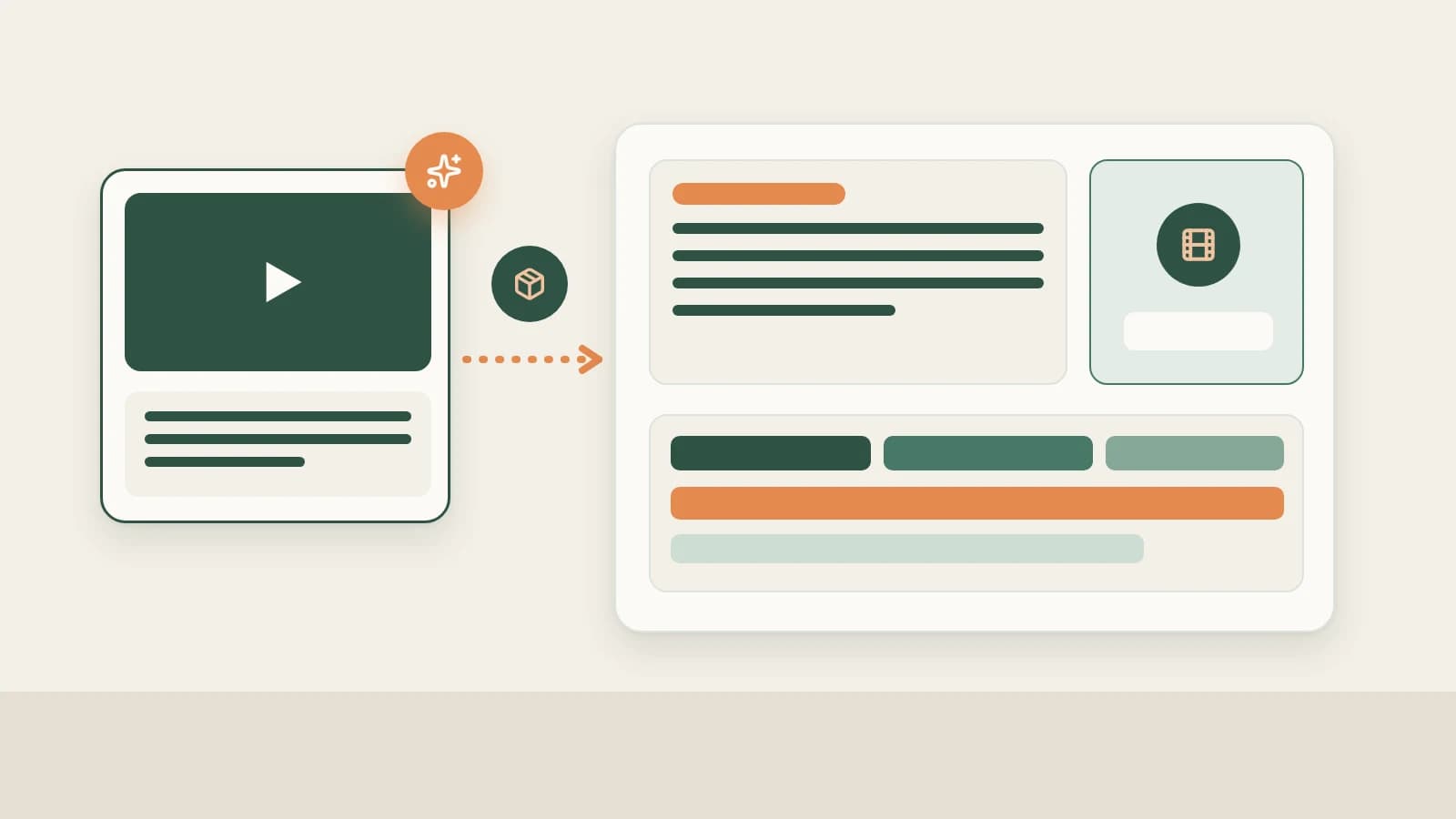
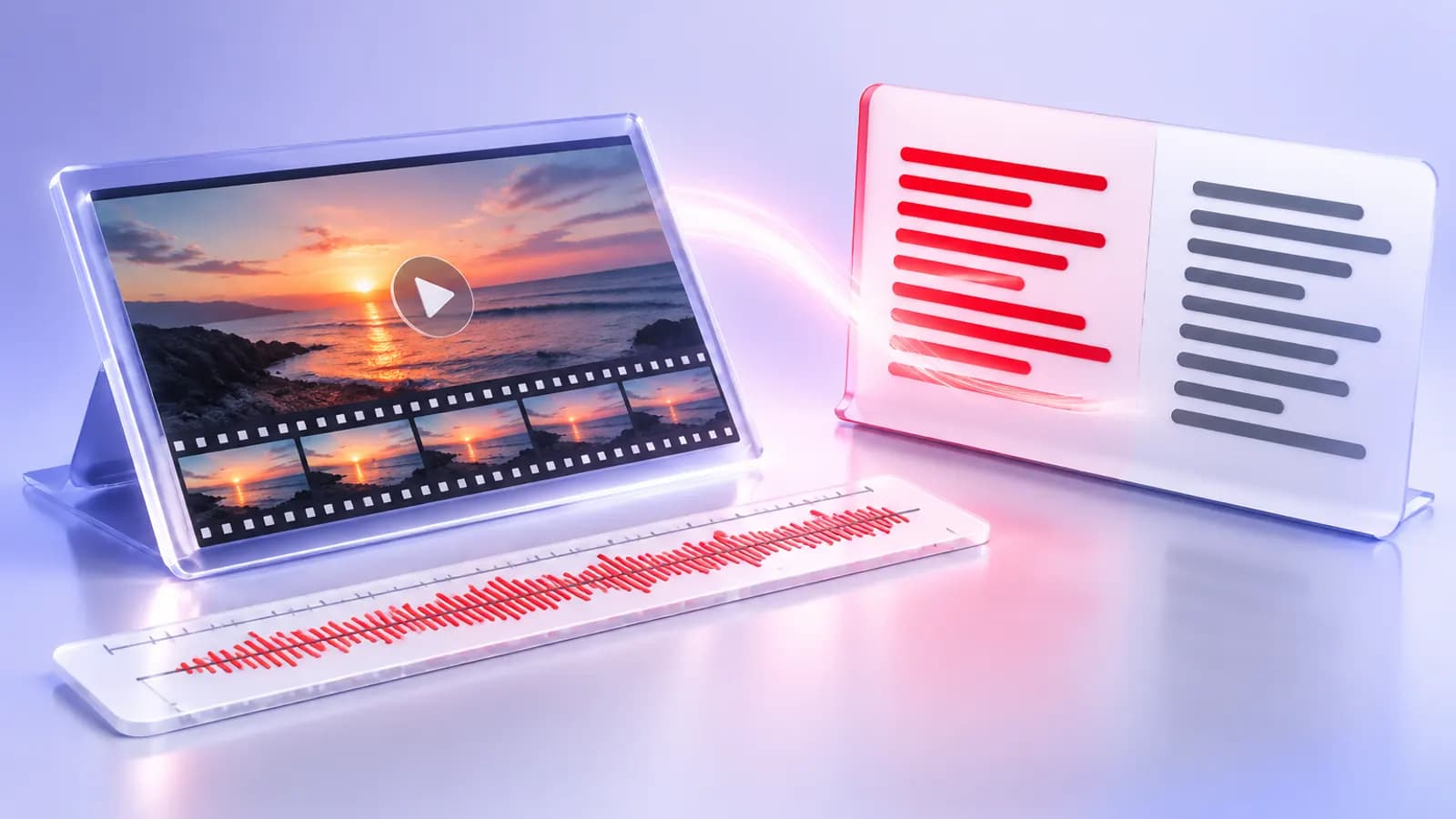
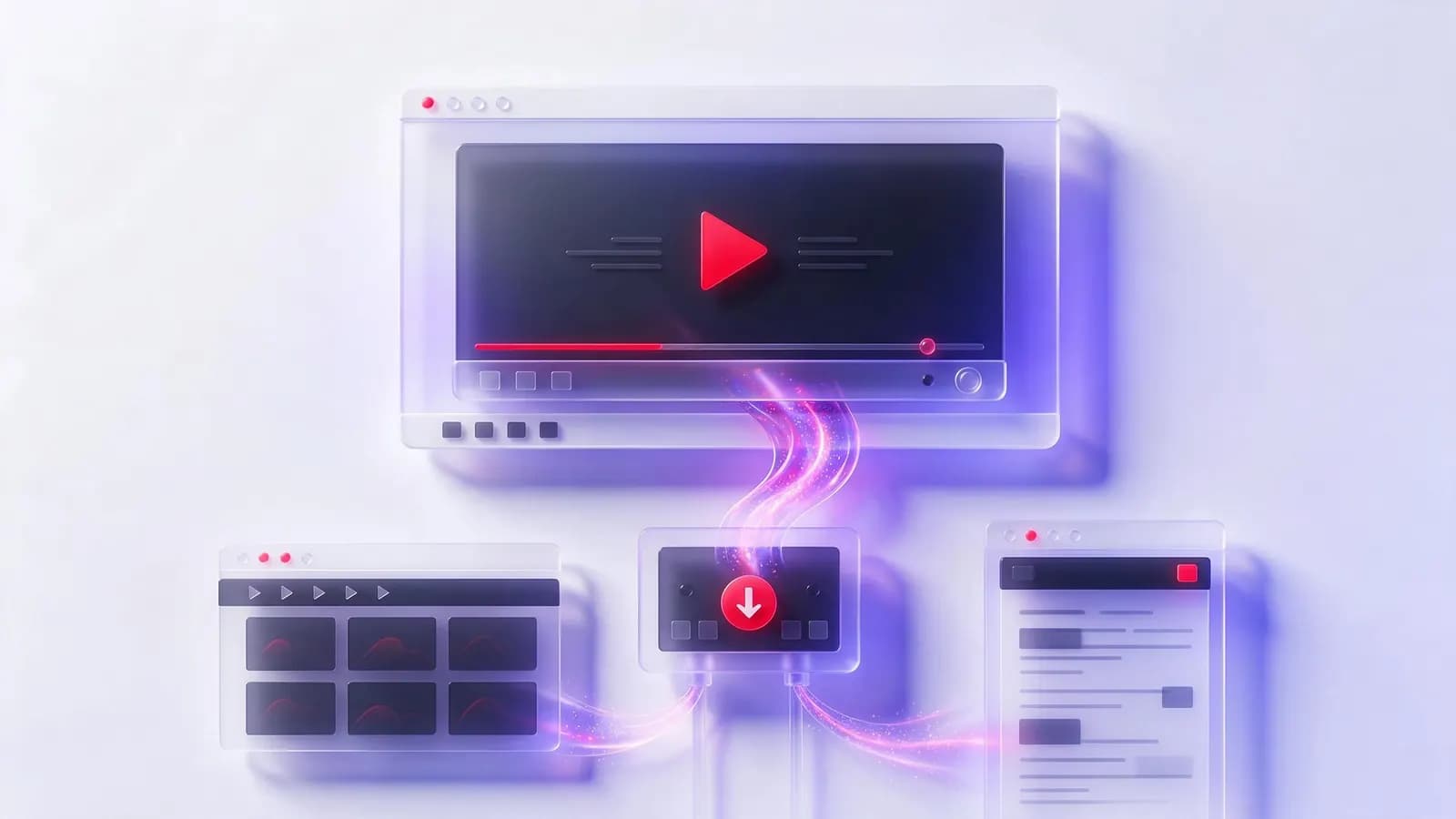
Once a YouTube video has been resolved, paid for and downloaded in Beav, click Decompose on it to get a topic, a structure template, shots with a per-shot shooting script, a timed transcript of the original words and M4A music cues, then use AI rewrite to build your own content on the original's structure. Limits for long videos, what uses points and quota, and how it compares with breaking down by hand, CapCut auto captions and separate music-ripping tools.

Beav ·

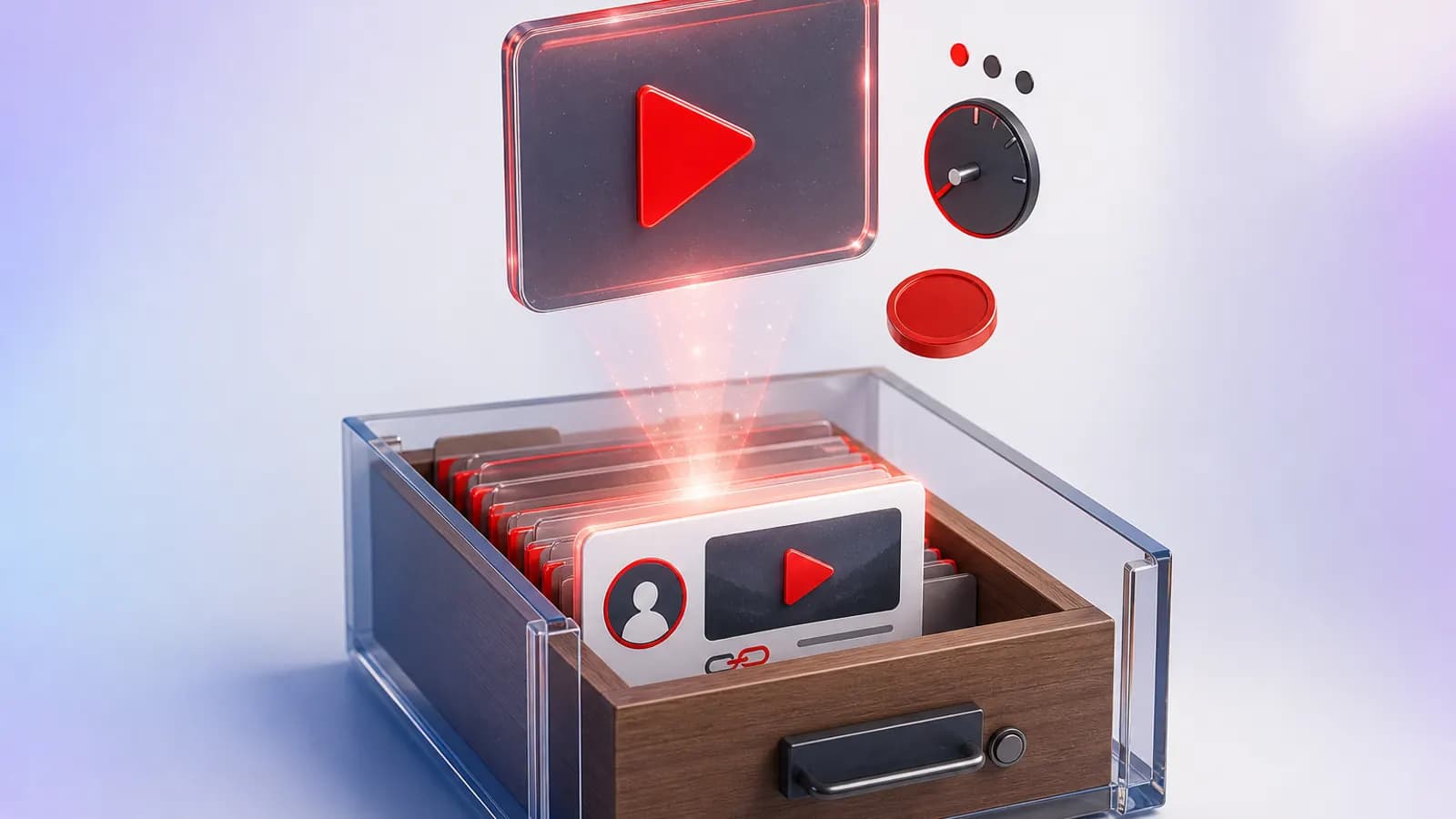
How Do You Keep YouTube Videos in Your Own Reference Library? Confirm Quality and Points, Save Locally, Keep the Title and Creator

How Do You Keep YouTube Videos in Your Own Reference Library? Confirm Quality and Points, Save Locally, Keep the Title and Creator

In the Beav knowledge base, click + and Add link, then paste a YouTube video link to create an entry awaiting download confirmation. In the desktop app, choose a maximum of 360p, 720p or 1080p, review the points quote and confirm; the video is saved to your computer with its title, description and cover. How charging works, and how it compares with Watch Later, YouTube Premium downloads and downloader tools.

Beav ·