Key takeaways
- Enable Bilibili under More on the new-chat bar (or open Creation → Creation templates, 2.10.4) to build a master Markdown draft + Bilibili production package (title angles, 16:9 cover concepts mindful of bottom-right timestamp placement, chapter outlines, and capture checklists).
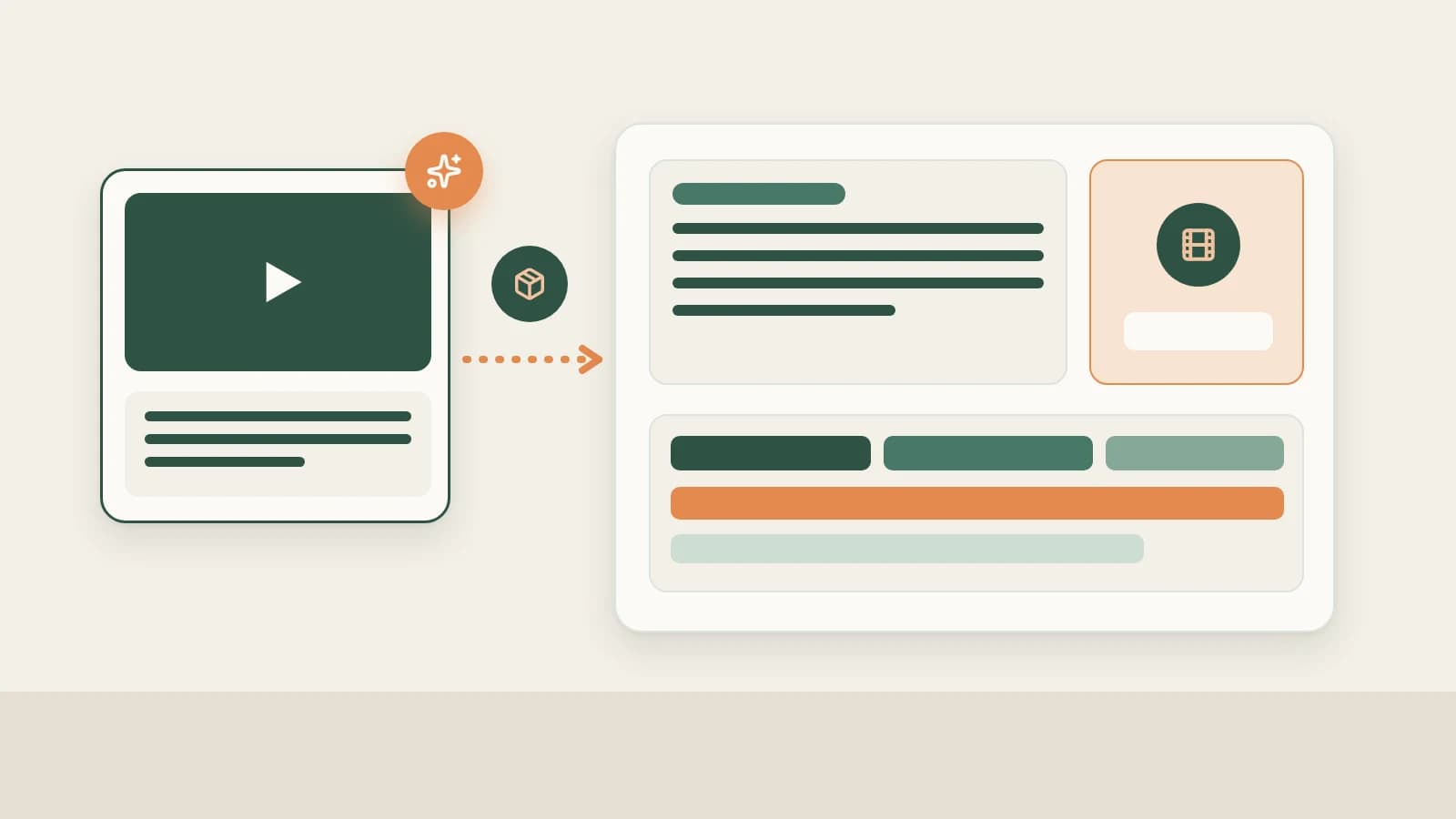
- Drop raw A-roll and screen recordings into chat for Smart talking-head cuts—auto-removing retakes and silences, adding open-source captions, 9 overlay animations, 67 offline sound effects (52 CC0 commercial-safe), and script word anchors that re-sync if spoken lines shift.
- Install recommended Remotion or HyperFrames plugins so AI renders custom animated workflow/comparison graphics directly onto your Bilibili timeline.
Producing a solid mid-to-long-form Bilibili upload involves four heavy lifts: tight chaptered scripting without filler, clear 16:9 widescreen covers that remain legible at small grid sizes, cutting twenty minutes of A-roll pauses cleanly, and dropping clear diagrams wherever talking-head explanation alone falls short.
Beav aligns drafting, cover concepts, smart timeline editing, offline sound design, and code-rendered explainer animations next to one chat.
Who it is for
- Knowledge, tech-review, productivity, and commentary UP creators building weekly 8–20 minute Bilibili videos.
- Small creative teams running a standardized pipeline from title/cover pairs to editable multi-track timelines.
- Creators repurposing validated deep-dive scripts into sibling Xiaohongshu notes or WeChat essays.
Step 1: Generate the chaptered master draft and 16:9 package
- Select Bilibili or launch a recurring column template. Enable Bilibili via More on the new-chat bar, or choose an established format in Creation → Creation templates.
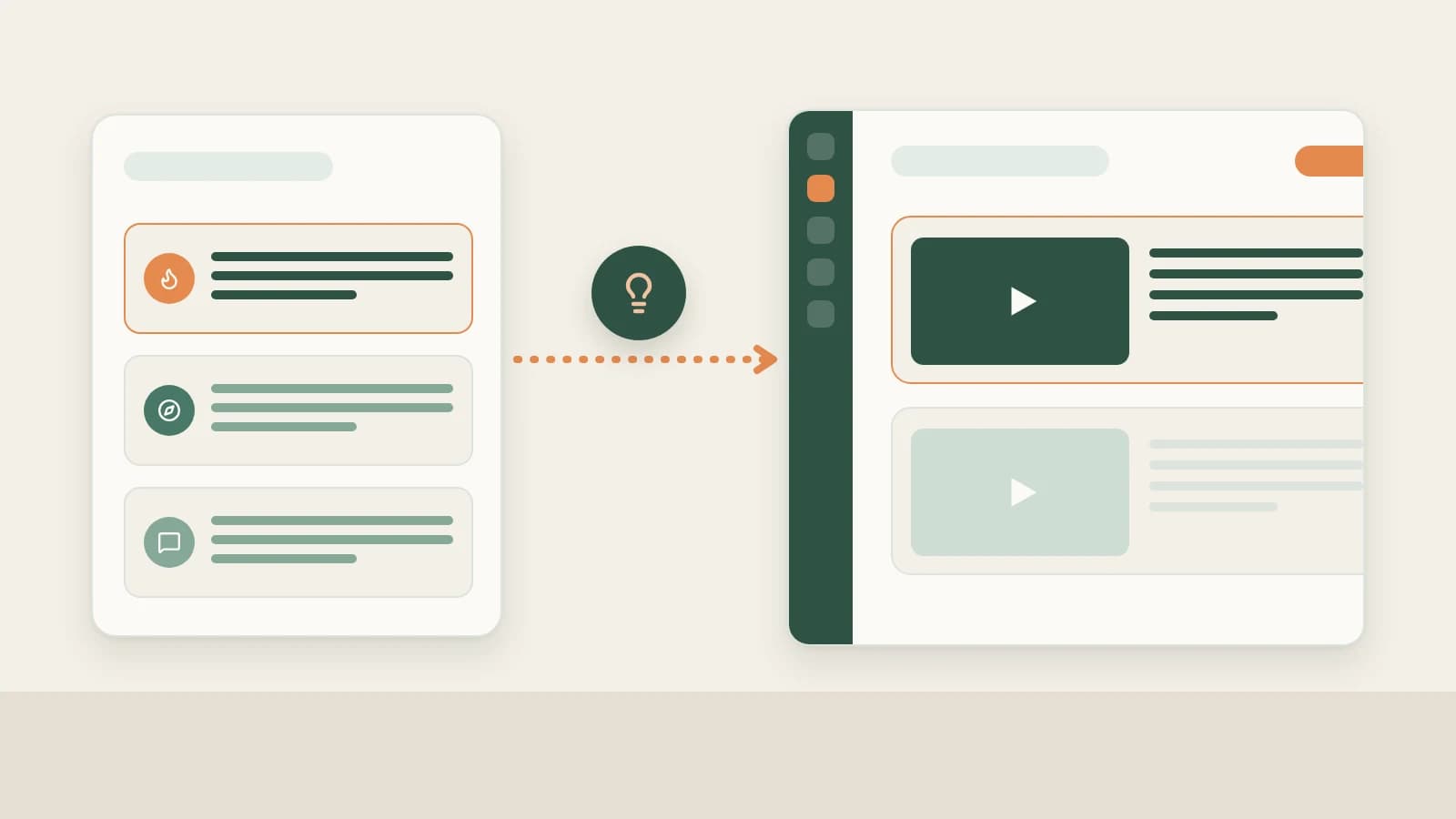
- Ground the package in real tests and references. Drag your Bilibili topic, decomposed peer breakdowns, and screen captures into the composer. Beav outputs a master Markdown draft plus a Bilibili package featuring title angles, 16:9 cover compositions keeping key copy clear of duration badges, timestamped chapter notes, and a screen-record / B-roll shot checklist.
- Edit cleanly without version clutter. Adjust sections directly on the right without spawning duplicate packages—and spin off a matching RedNote package or Official Account article from the same master draft anytime. See Master drafts and packages.
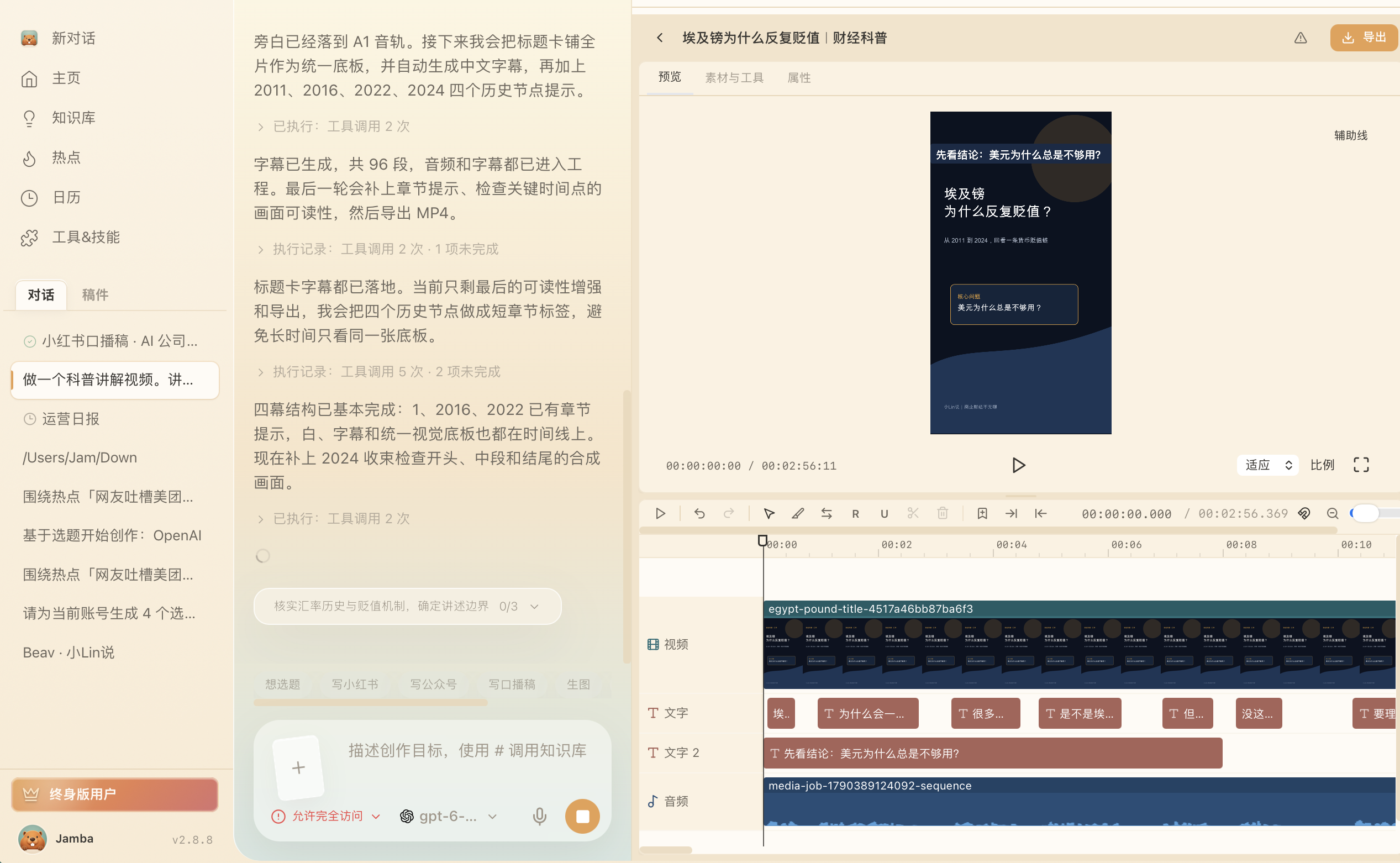
Step 2: Cut talking-head takes and add explainer motion graphics
Drop recorded video and screen captures into chat and ask Beav to prepare a clean Bilibili cut:
- Smart cuts & script word anchors (2.10.4): Beav trims retakes and silence gaps automatically, builds semantic captions, and preserves
@{anchor}markers so callouts and sound hits automatically follow re-recorded lines. - Built-in animations & 67 offline SFX: Layer 8 talking-head templates, 9 built-in overlay animations (callouts, myth checks, comparisons), 93 styled text presets, automatic music ducking, and 52 CC0 commercial-safe sound effects before exporting in the background. See Video editing & smart cuts.
- Remotion & HyperFrames explainers: With recommended plugins enabled and local runtime tools ready, AI scripts, renders, and aligns custom diagram videos onto matching spoken segments. See Skills, plugins and MCP.
Step 3: Export locally and upload manually in Bilibili Creator Center
Click Save to your computer after background export finishes to gather your MP4, 16:9 cover artwork, chapter timestamps, and description text. Upload manually inside Bilibili Creator Center, paste timestamp markers, apply any AI-assisted creation disclosures per site guidelines, and mark Bilibili Published back inside Beav.
Limits and notes
- Watch full playback before submitting. Verify audio loudness, safe caption zones, and sync across any re-dubbed anchor edits.
- Explainer plugins need local render tools ready. Installing Remotion or HyperFrames inside Beav does not auto-install Node dependencies; keep local runtime tools configured.
- Authorized likenesses only for digital humans. Always verify pronunciation in a 480P preview before confirming a 1080P render.
Next steps
- Collect and study peer references first with Save Bilibili videos to library and Break down Bilibili structure.
- Track post-upload snapshots daily with Bilibili data review.
- Full workflow and docs: Bilibili operation guide and Drafts, packages and publishing.
Applies to Beav desktop 2.9 and later; word anchors, offline SFX, and templates reflect 2.10.4.