Key takeaways
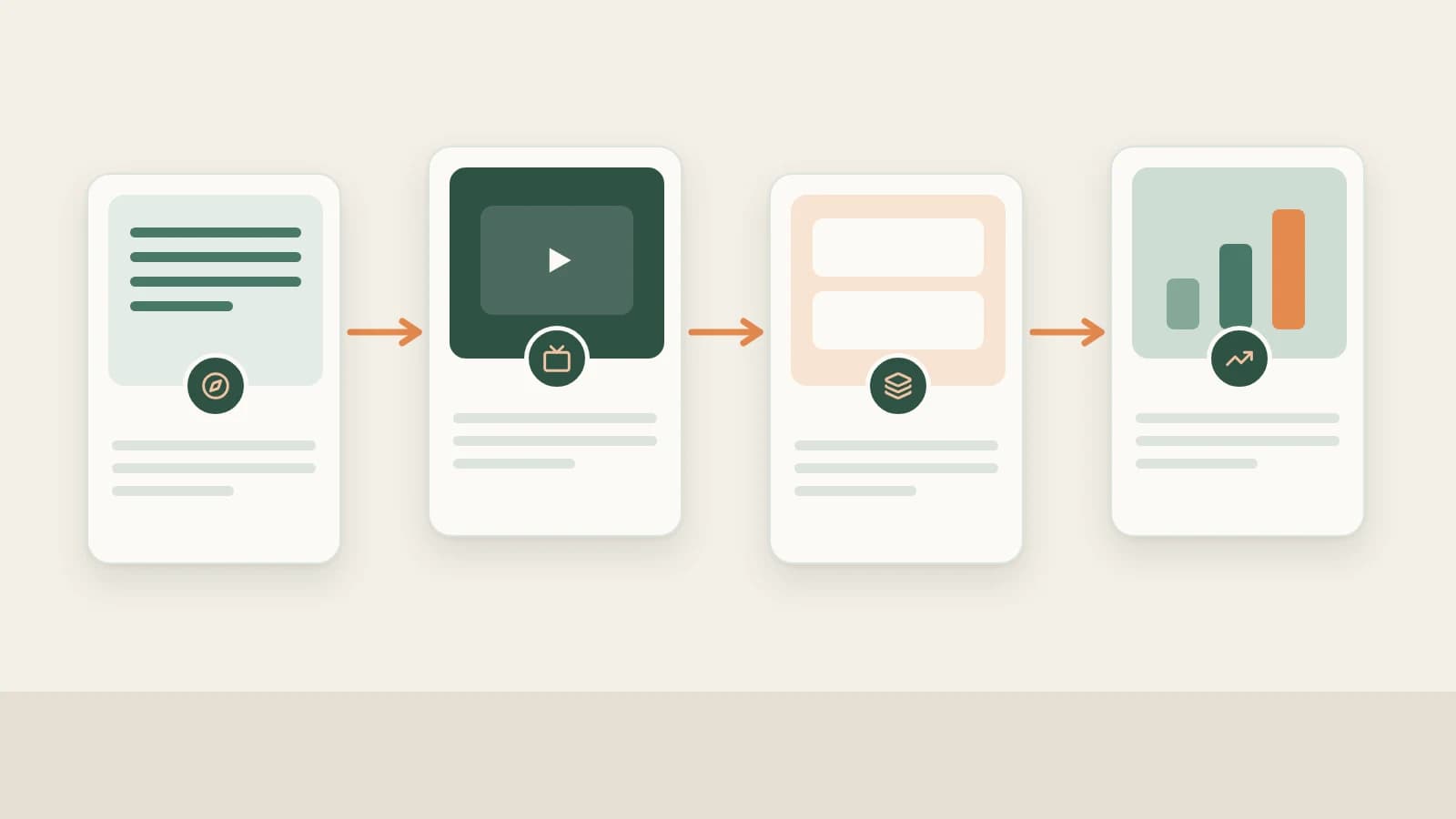
- Beav connects Bilibili production end to end: source deep topics → subscribe to peer UP creators & capture videos (with b23.tv short-link resolution) → manually decompose long-form pacing → produce chaptered scripts, 16:9 thumbnails, explainers & rough cuts → track daily snapshots.
- When long knowledge videos exceed size ceilings during breakdown, Beav automatically generates a compressed analysis copy so structural templates still extract smoothly.
- Firsthand testing, licensed B-roll/audio, AI disclosure labels, and manual publishing inside Bilibili Creator Center always remain in your hands.
Building a knowledge, tech-review, or commentary channel on Bilibili brings completely different friction than short clips: a 12-minute upload carries 2,500 spoken words, visual comparisons, and chapters that have to hold viewer retention—plus you often want spin-off carousel notes afterward.
Beav puts creator monitoring, compressed-safe long-form breakdowns, chaptered master drafts, 16:9 covers, and right-hand rough cutting onto one local workbench—eliminating whole nights of manual video notes and tool-switching.
Where Bilibili Operations Lose Time vs. How Beav Cuts the Busywork
| Where time usually goes | How Beav streamlines the workflow |
|---|---|
Unshortening b23.tv share links and manually refreshing ten peer UP channels | Paste share text to resolve b23.tv links straight into your library and auto-sync subscribed UP creators |
| Spending an entire evening manually outlining a 15-minute explainer video | Decompose long videos smoothly (with automatic compressed-safe handling) for chapter pace, shot scripts, and transcripts |
| Moving scripts to other apps for 16:9 covers, visual explainers, and cleaning up retakes | Generate chaptered scripts, 16:9 thumbnails, explainer animations, and smart talking-head rough cuts in one space |
| Manually condensing finished Bilibili essays for RedNote slides or Douyin clips | Repurpose the same researched master draft into RedNote post packages or short vertical scripts in minutes |
End-to-end Bilibili workflow
Beav Bilibili workflow
Step 1: Pick topics deep enough for 10-minute watch time
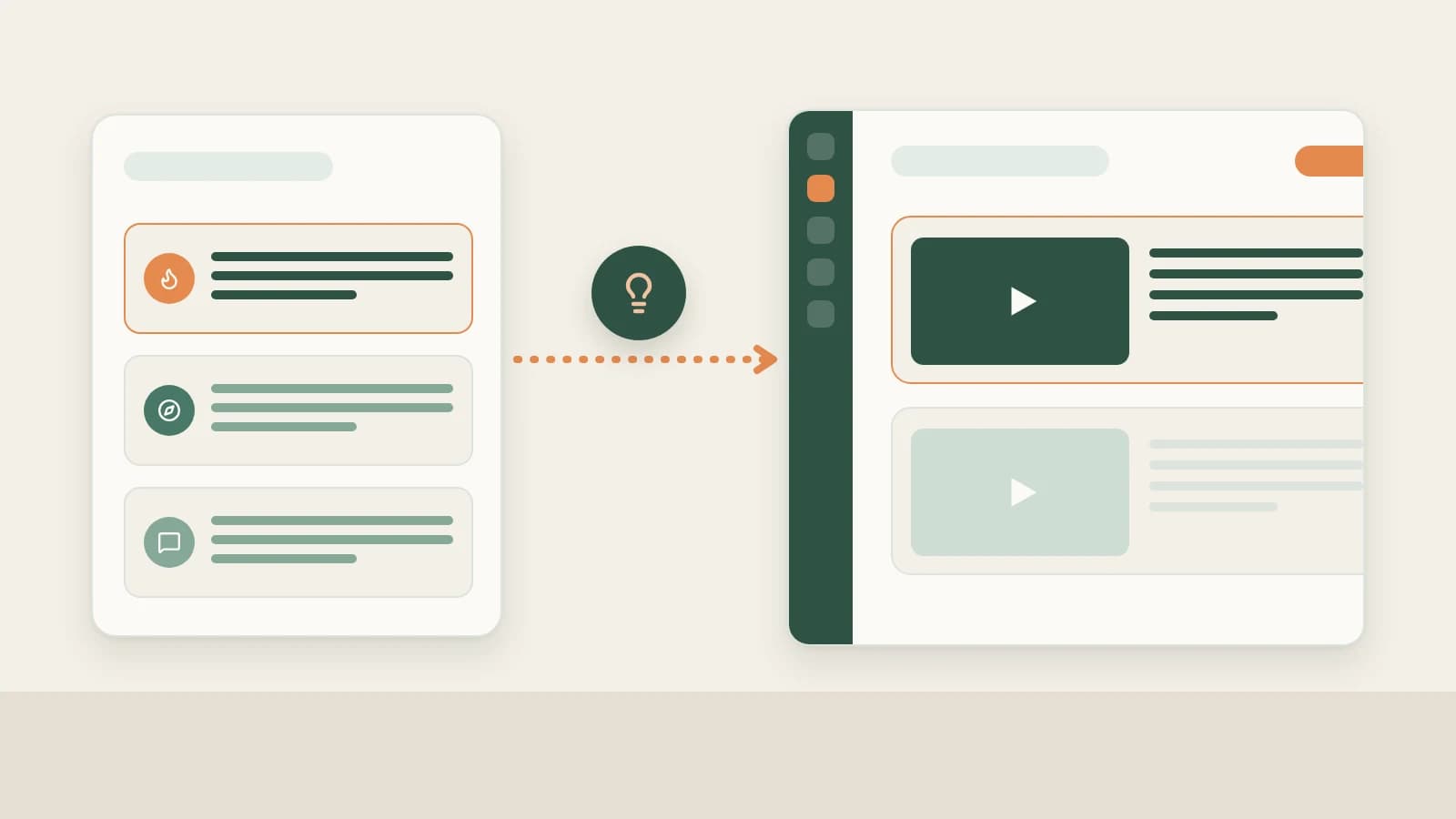
Combine NewsBing Hotspots (For Me scoring against your space positioning) and the 09:00 daily brief with Creation → Topic Radar (2.10.7), new-chat Find topics prompts, and specific viewer questions clipped from browser comment threads—see Bilibili topic ideas.
Step 2: Subscribe to benchmark UP creators and archive standout videos
- Automated UP feed monitoring: Paste a benchmark UP creator's space URL (
space.bilibili.com/...) under Knowledge Base → Subscriptions → + to save new uploads chronologically into your library (up to 10 subscriptions per space). See Bilibili creator subscription. - Capture single videos or extract spoken text: Submit links via Add link (automatically resolving
b23.tvshare text), same-Wi-Fi Phone Upload (up to 50), pasting into chat, or queuing URLs in Extract Video Script (2.10.6+). See saving Bilibili content to your library and save, break down & rewrite Bilibili videos.
Step 3: Manually decompose long videos into argument skeletons and shots
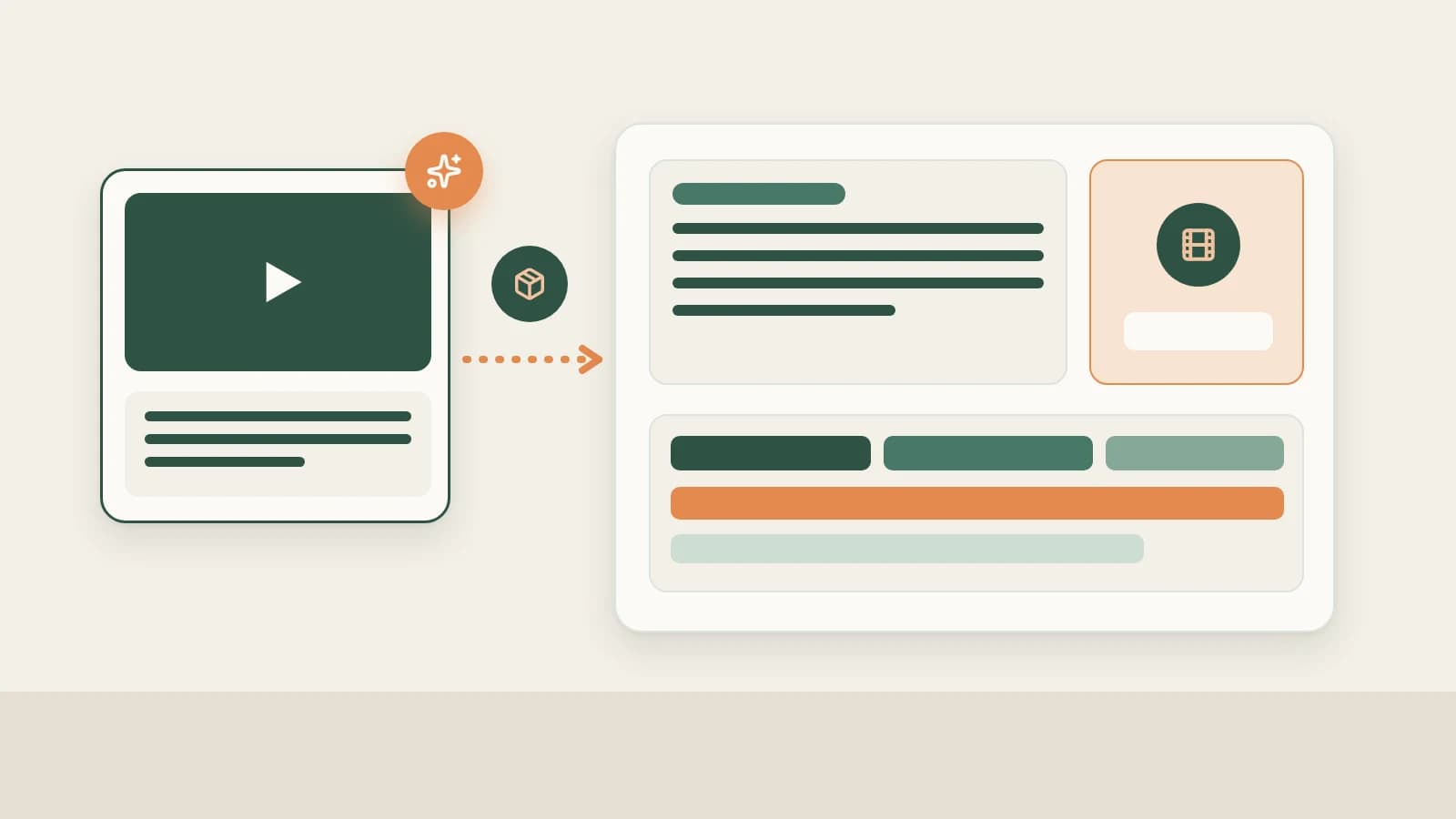
Saved uploads only spend model credits when you choose winners and click Decompose (or batch up to 100): extract timestamped scripts, argument templates, extracted topics (Asset Library → Topics), keyframes, and shot lists—automatically falling back to a lighter compressed copy when full HD files are huge. See breaking down Bilibili videos.
Step 4: Produce full Bilibili scripts, 16:9 thumbnails, and smart cuts
Enable Bilibili under More on the new-chat platform bar to create a master Markdown draft + Bilibili production package (title angles, 16:9 cover concepts, chaptered speaking outline, and B-roll checklist).
Drop A-roll or screen captures into chat for Smart talking-head cuts in the editor (built-in open-source caption fonts, 67 offline sound effects), pair with Remotion / HyperFrames plugins for code-rendered diagrams, and spin off companion RedNote carousels from the same master draft. See Bilibili full content package.
Step 5: Link your own UP profile via b23.tv short links for daily reviews
Paste your own b23.tv share text under Account profiles → + (do not put competitors here), sync 1–10 pages, and keep daily scheduled refresh turned on to feed Yesterday's review and AI growth questions alongside official completion, coin, and danmaku insights in Bilibili Creator Center—see Bilibili data review.
Limits and notes
- Extremely large video files may skip per-shot camera scripts if still oversized after compression, while still preserving topics, structures, and text.
- Keep final review and publishing manual. Double-check benchmark figures, adhere to copyright on referenced footage, add AI declarations where applicable, and upload directly in Bilibili Creator Center.
Column navigation
- Topics & tracking: Bilibili topic ideas | Bilibili creator subscription
- Saving & breakdowns: Save Bilibili videos to library | Break down Bilibili structure & shots | Save, break down & rewrite Bilibili videos
- Production & analytics: Bilibili full content package | Bilibili data review
- Browse the full hub: Bilibili column
Applies to Beav desktop 2.9 and later; Topic Radar, offline SFX, and Bilibili script extraction apply to 2.10.4–2.10.7.