Key takeaways
- Paste a benchmark UP creator's profile URL (
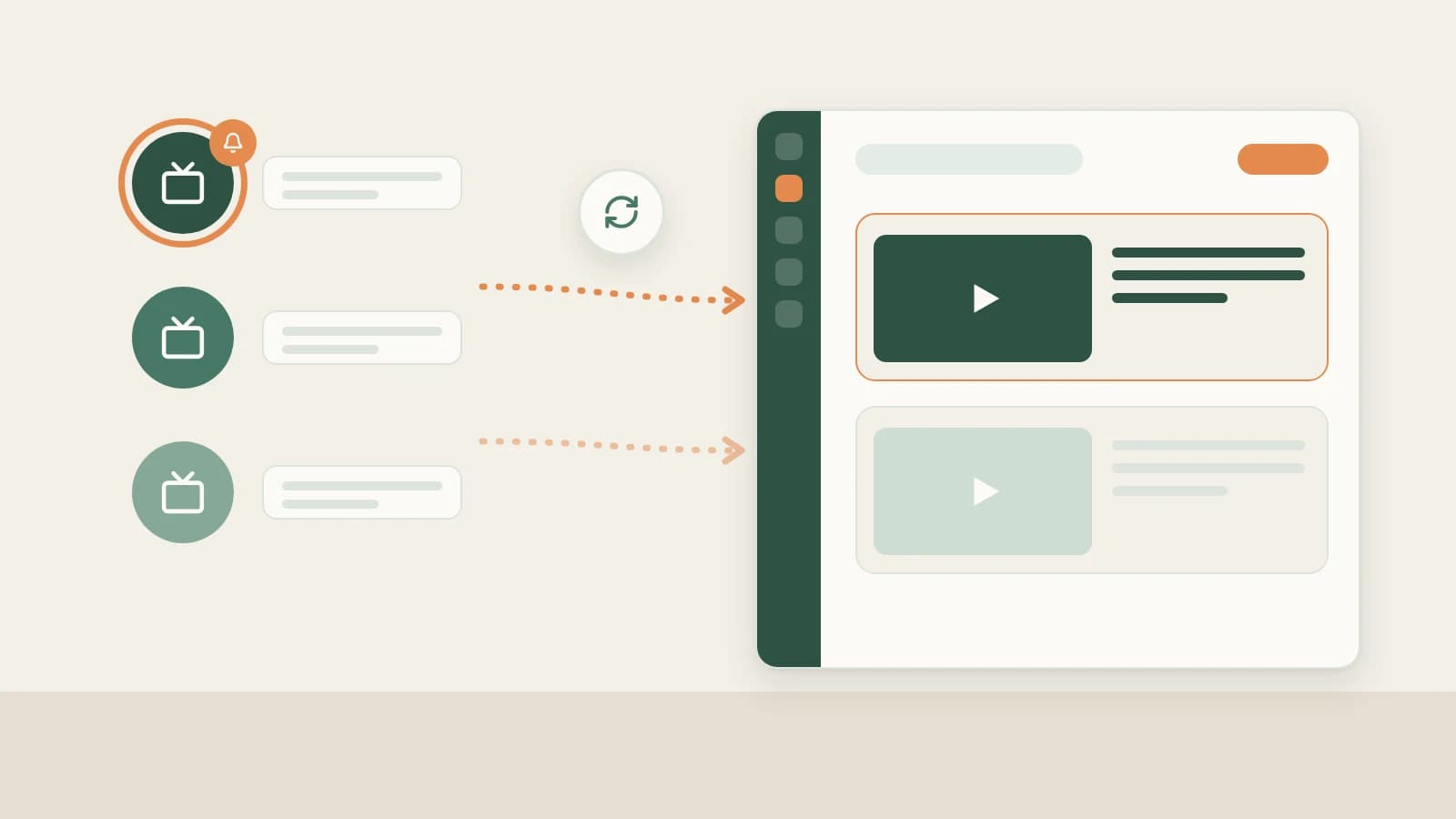
space.bilibili.com/...) under Knowledge Base → Subscriptions → + so Beav checks daily while running and delivers new uploads onto a quiet local timeline.- Spaces cap at 10 subscriptions (including paused entries), showing credit notices when adding the 4th and 6th; organize via Mark as benchmark, Check now (from ~10 credits), Move to folder, and Stop / Resume.
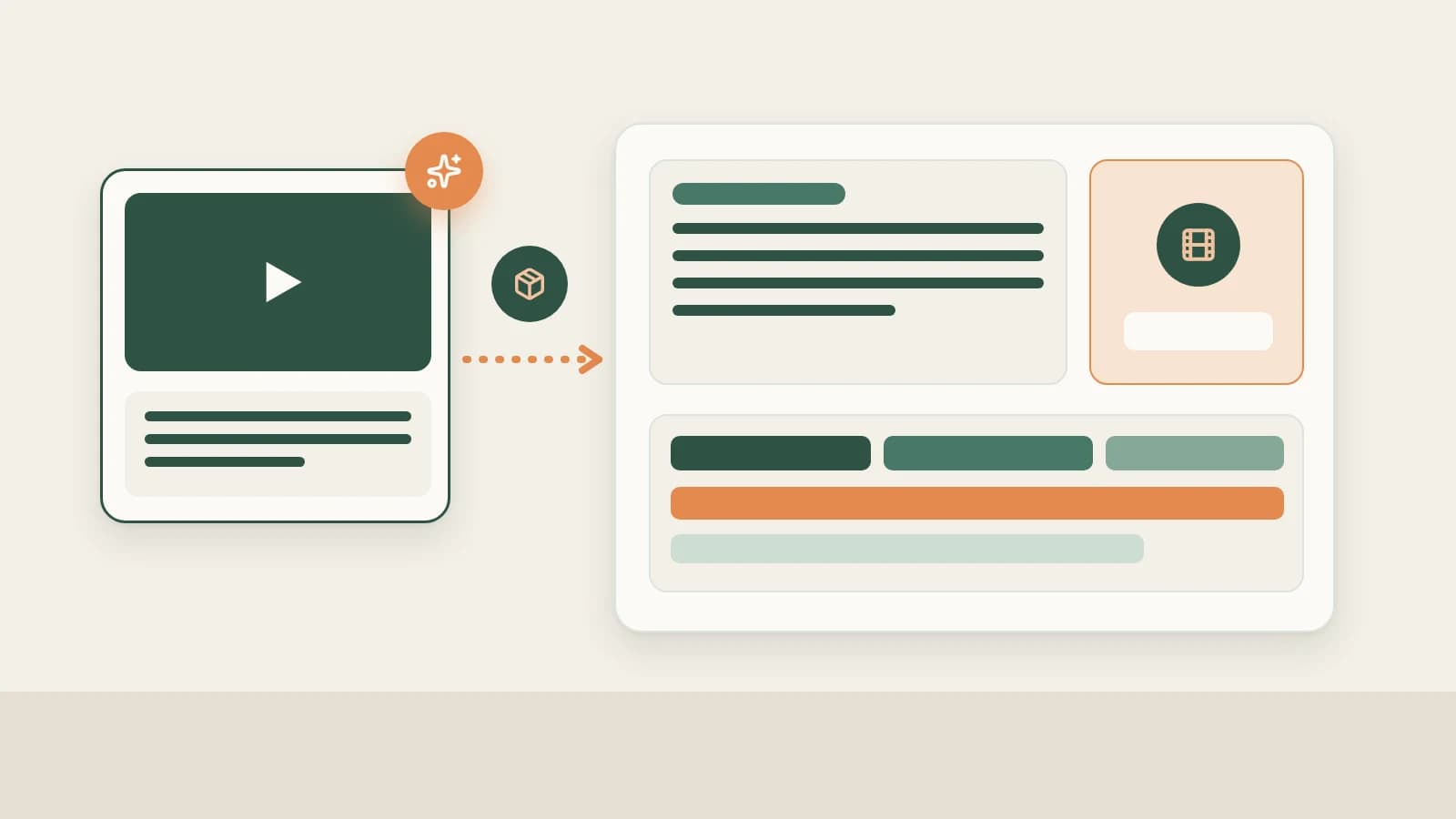
- Newly archived uploads never auto-decompose—review new titles and 16:9 cover strategies first, then click Decompose selectively on standout long-form benchmarks.
In Bilibili's native feed, personal entertainment channels drown out the seven niche UP creators you follow for production strategy. Checking eight creator pages one by one eats an evening, and when someone drops an unusually sharp breakdown mid-week, catching why it popped often happens weeks too late.
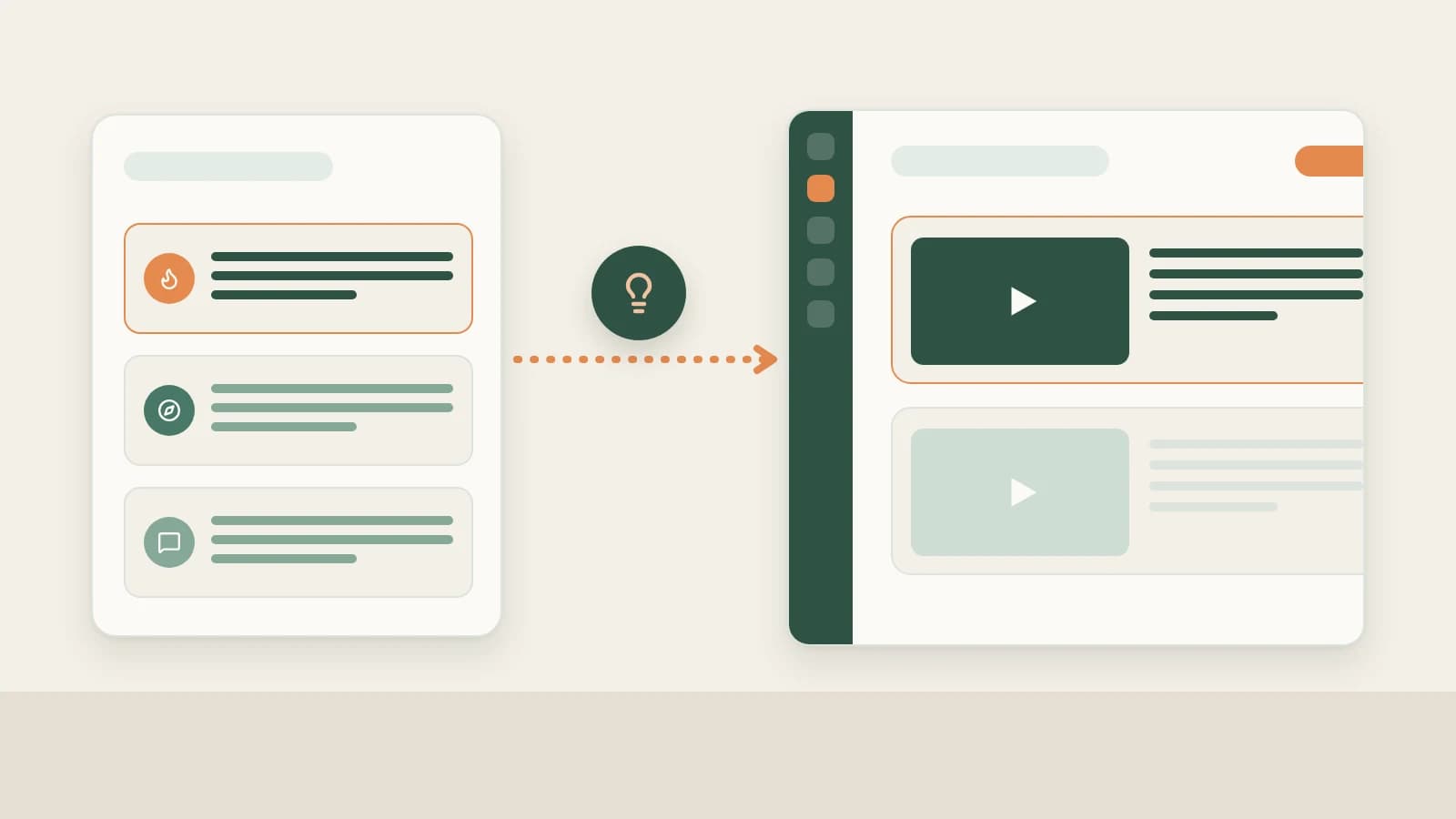
Beav Subscriptions brings only your hand-picked UP shortlist onto your local workspace timeline so every upload stays clean, searchable, and ready to study whenever you script next.
Who it is for
- Bilibili creators following 5–10 top peers in knowledge, tech, design, or commentary categories to analyze cover choices and series pacing.
- Teams grouping competitor UP feeds by topic vertical or brand campaign inside dedicated folders.
- Producers wanting chronological creator archives right beside their long-form outlining desk without algorithmic feed clutter.
How to use it
- Copy the UP creator's space URL. Open the benchmark channel (
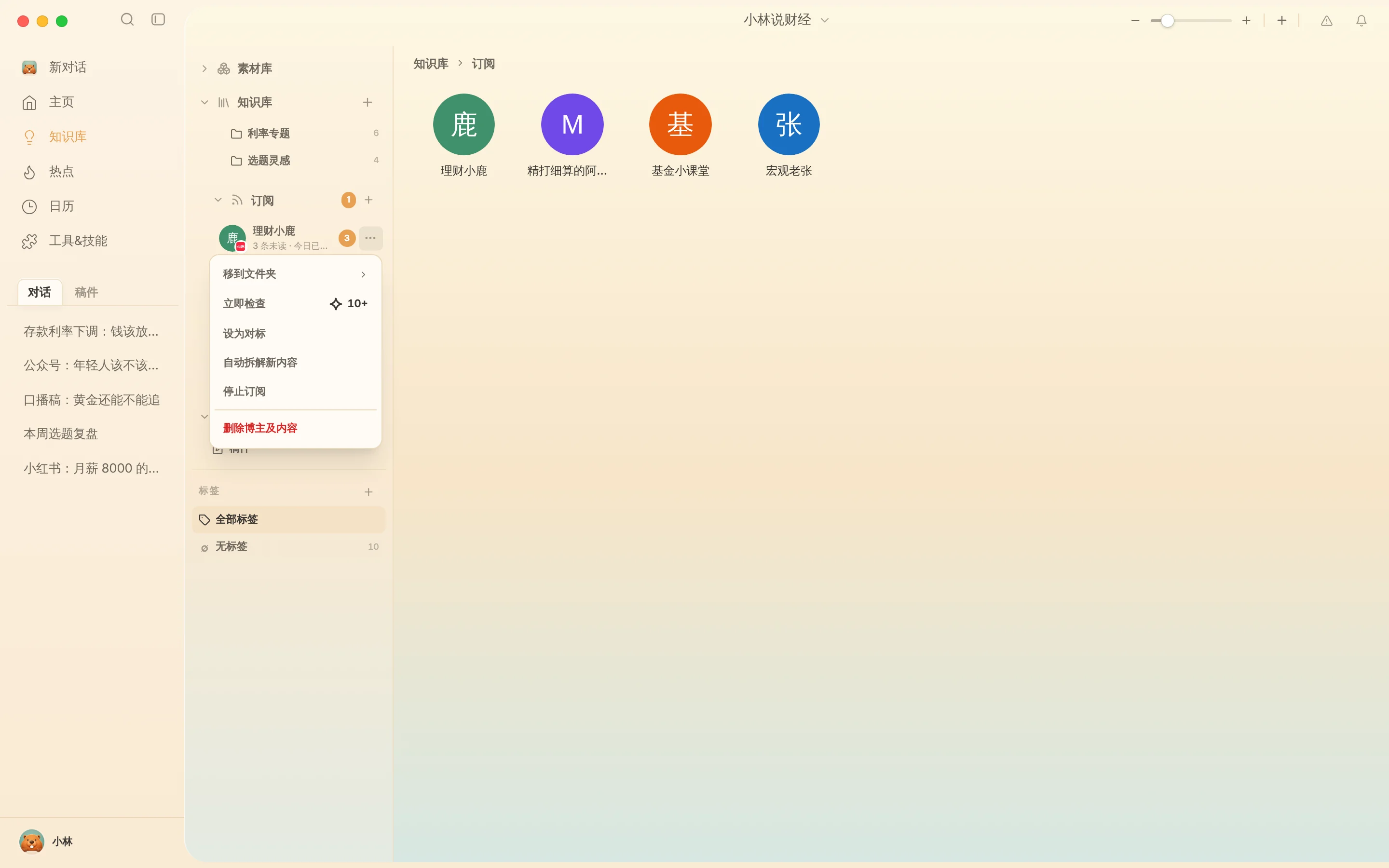
space.bilibili.com/...) in your browser rather than an individual video link. - Add the subscription. Click Knowledge Base → Subscriptions → +, paste the space URL, and confirm. Beav displays daily credit guidance on the 4th and 6th subscriptions and enforces a 10-slot cap per workspace to keep your shortlist focused.
- Flip between timeline and gallery. Double-click an avatar to review publishing cadence chronologically or scan Gallery mode to compare 16:9 cover typography across consecutive uploads.
- Manage anytime via
…:- Mark as benchmark: Flag top references visually inside the sidebar.
- Check now: Pull new releases immediately after a major industry event (~10 credits+).
- Move to folder: Group peers into categories such as "Tech Reviewers," "Essay Explainers," or "Visual Storytellers."
- Stop / Resume subscription: Pause automated checks while keeping previously archived records intact (Delete creator & content permanently deletes local archives).
Putting archived uploads to work
- Screen titles first, then manually Decompose winners. Only the standout episodes earn a click on Decompose—see Break down Bilibili structure & shots (automatically handling compression if a long HD video exceeds model limits).
- Build original episodes from your own proof. Bring extracted structures and your own test data into Bilibili full content package.
How it compares with Bilibili's dynamic feed and third-party leaderboards
| Bilibili Dynamic feed | Third-party UP analytics portals | Beav Subscriptions | |
|---|---|---|---|
| How new uploads appear | Mixed with personal entertainment follows | Listed inside external ranking dashboards | Filed chronologically per creator inside your workspace |
| Link to production | Watch-only; manual external notes | Focuses on follower and commercial stats | Uploads sit ready to Decompose and drag straight into scripting chats |
| If an upload is removed | Gone from your favorites/feed | Usually retains headline summaries only | Locally archived copy remains readable on disk |
| Limits & cost | Free, unlimited | Monthly SaaS tiers | Up to 10 per space; daily subscription checks spend credits |
Limits and notes
- Use Account profiles for your own UP account. Track your own daily snapshots separately via
b23.tvshort links in Bilibili data review. - Runs only while Beav is open. Completely closing the desktop app halts scheduled checks cleanly with zero hidden charges.
- Respect creator copyright. Reference peer uploads only for thesis framing and pacing study—never clip another UP's footage or copy scripts verbatim.
Next steps
- Need to save individual
b23.tvorBVvideo links without subscribing? Read Save Bilibili videos to library. - Synthesize tracked releases with trending topics in Bilibili topic ideas.
- Full workflow and docs: Bilibili operation guide and Subscribe to benchmark creators.
Applies to Beav desktop 2.9 and later.