Key takeaways
- Under Knowledge Base → Subscriptions → +, paste a benchmark TikTok creator's profile URL (such as their
@handlepage) so Beav checks daily while open on your computer and archives new uploads into your local timeline.- Spaces cap at 10 subscriptions (including paused ones), with credit prompts when adding the 4th and 6th; use Mark as benchmark, Check now (from ~10 credits), Move to folder, and Stop / Resume subscription.
- Captured competitor uploads never auto-decompose—pick the few standout winners manually so model credits go only where they count.
Every serious TikTok operator tracks five to eight top-performing accounts in their niche. Yet tapping Follow inside the mobile app buries updates beneath algorithmic feeds, and opening profile pages every few days only to copy video links manually breaks down quickly during product launches.
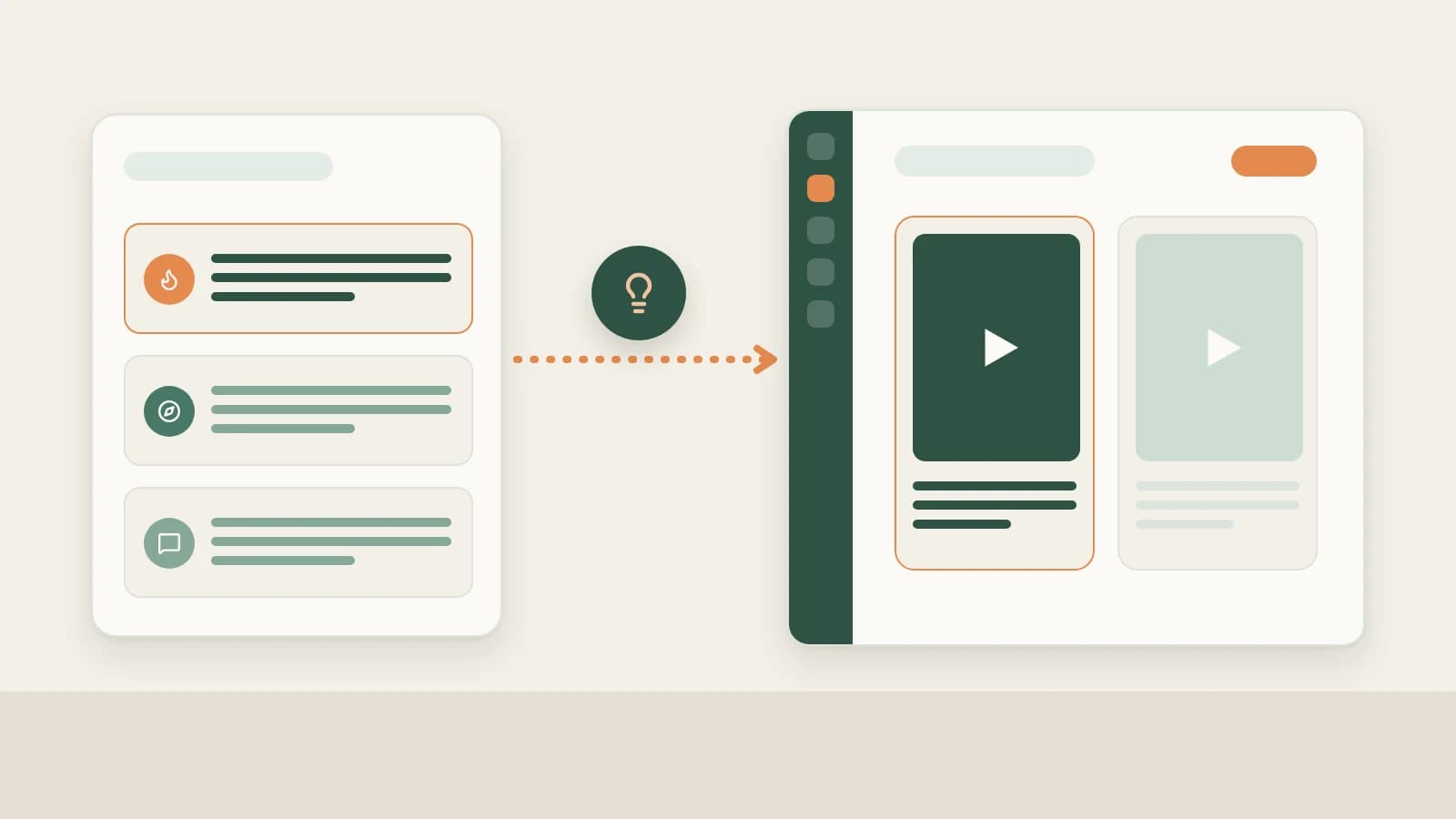
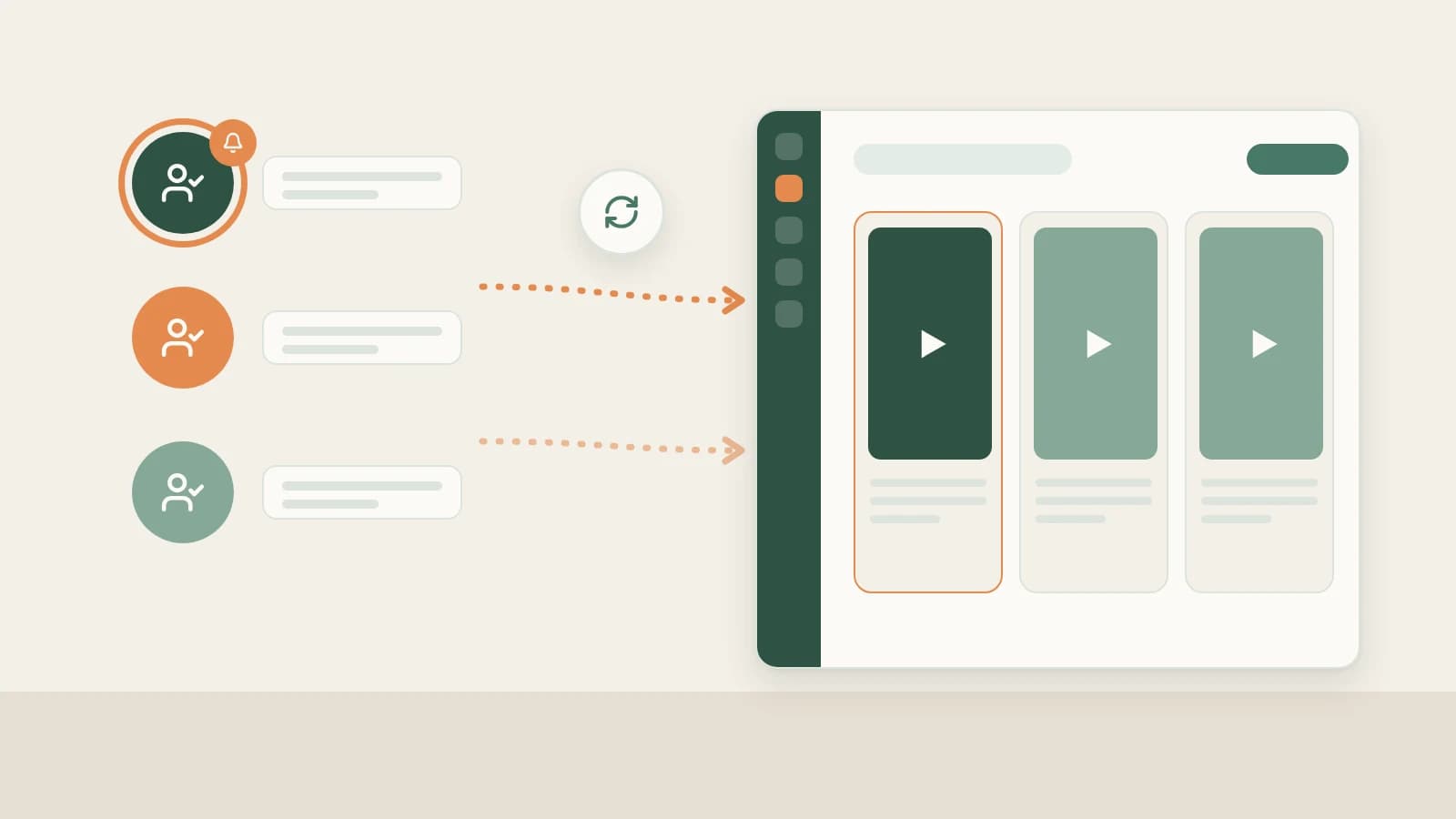
Beav Subscriptions puts competitor monitoring on autopilot locally: checking your priority shortlist once a day while Beav runs and filing new uploads cleanly onto your desktop timeline beside your scripting tools.
Who it is for
- Cross-border ecommerce sellers and global brands studying how category leaders test new seasonal hooks and product demos.
- Agencies grouping competitor feeds into folders by brand client, language, or market.
- Creators pairing ongoing benchmark monitoring with batch TikTok saving for deeper hook analysis.
How to use it
- Copy the creator's TikTok profile URL. Visit their
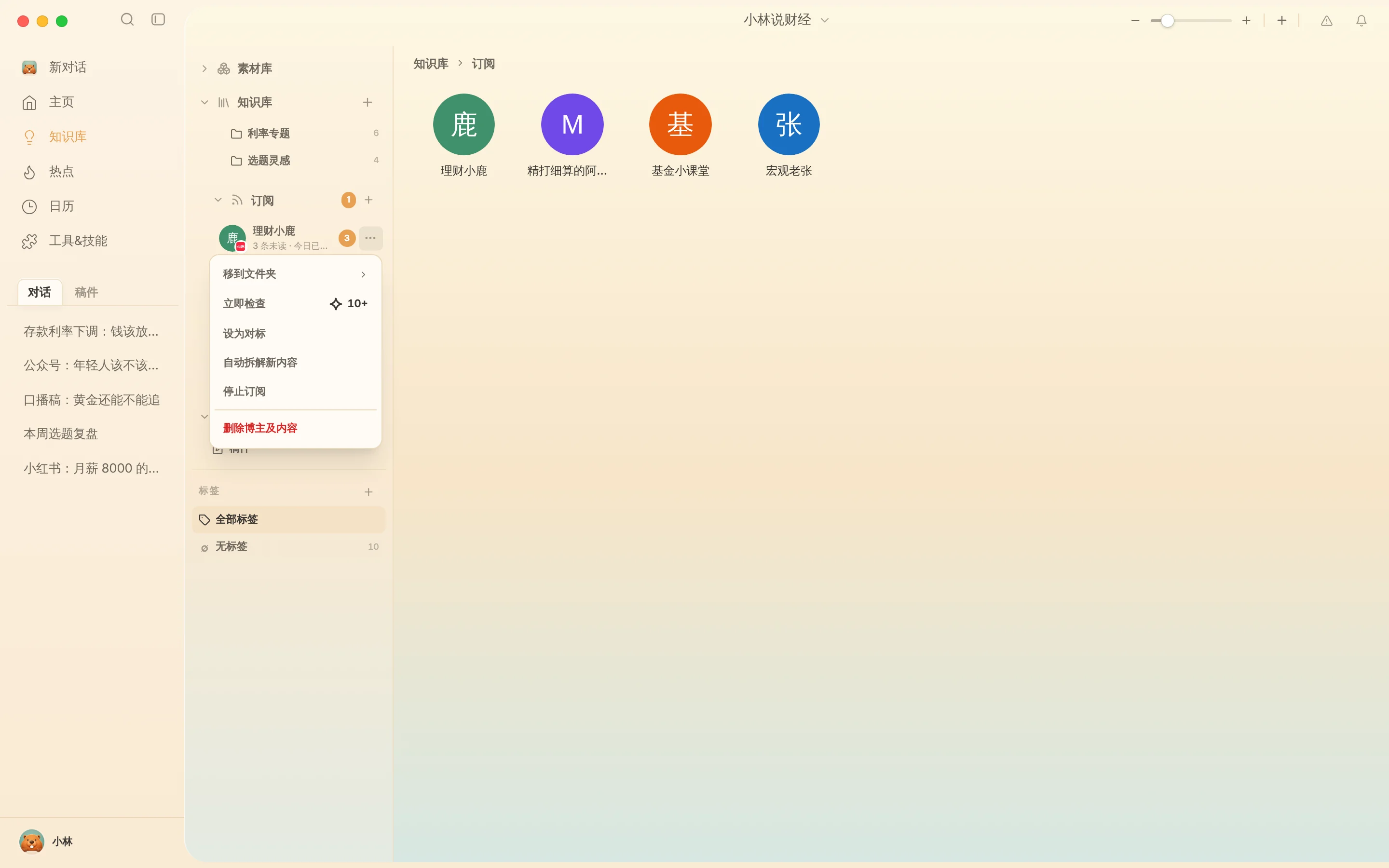
@handleprofile page in your desktop browser and grab the profile address rather than a single video link. - Add the subscription. Open Subscriptions in the Knowledge Base sidebar, click +, paste the link, and confirm. Beav shows credit notices when adding a 4th or 6th account and enforces a 10-account cap per workspace so shortlists stay deliberate.
- Review by timeline or gallery. Double-click an avatar to view archived posts newest-first, or switch to Gallery view to scan opening thumbnails and text overlays side by side.
- Manage anytime from
…:- Mark as benchmark: Flag primary inspirations visually inside your list.
- Check now: Pull latest posts immediately during a campaign sprint (~10 credits+).
- Move to folder: Split subscriptions by US/EU vs SEA markets or by product line.
- Stop / Resume subscription: Pause scheduled checks while preserving everything already archived locally (Delete creator & content removes all files permanently).
Turning newly archived competitor clips into your own posts
Nothing is broken down automatically in the background—you choose which uploads earn deeper analysis:
- Scan titles and topics on the timeline, then manually click Decompose on standout clips to pull timed transcripts, per-shot scripts, and music cues—see TikTok pacing breakdown.
- Drag those breakdowns alongside your Product cards into a new chat to generate your own localized TikTok full content package.
How it compares with in-app following, Creative Center, and web trackers
| TikTok Following tab | TikTok Creative Center | Third-party SaaS trackers | Beav Subscriptions | |
|---|---|---|---|---|
| How new clips reach you | Scroll mobile Following stream | Broad industry trend & ad rankings | Log into an external analytics web portal | Saved daily onto your computer's Knowledge Base timeline |
| Connection to creation | Watch only | Trend inspiration only | Export lists, then move into separate tools | Clips sit ready to Decompose and drag straight into scripting chats |
| If an upload is deleted | Disappears from your feed | Ad examples vary over time | Retention varies by plan | Local entries already captured remain on disk |
| Limits & cost | Free, unlimited | Free | Monthly SaaS tiers per tracked account | Up to 10 per space; daily subscription credits |
Limits and notes
- Keep your own channel in Account profiles. Subscriptions monitor peers; track your own uploads and daily snapshots in TikTok analytics & review.
- Local scheduler only. Automated checks run only while the Beav desktop app is running, never quietly spending credits while closed.
- Respect creator rights. Archived competitor uploads exist strictly for pacing, structure, and research—film or license your own visuals and audio when publishing.
Next steps
- Need to save a specific list of individual TikTok links at once? Read Collect viral TikTok videos in bulk.
- Want to combine peer trends with NewsBing headlines? Read TikTok topic ideas.
- Full workflow and docs: TikTok operation guide and Subscribe to benchmark creators.
Applies to Beav desktop 2.9 and later.