Key takeaways
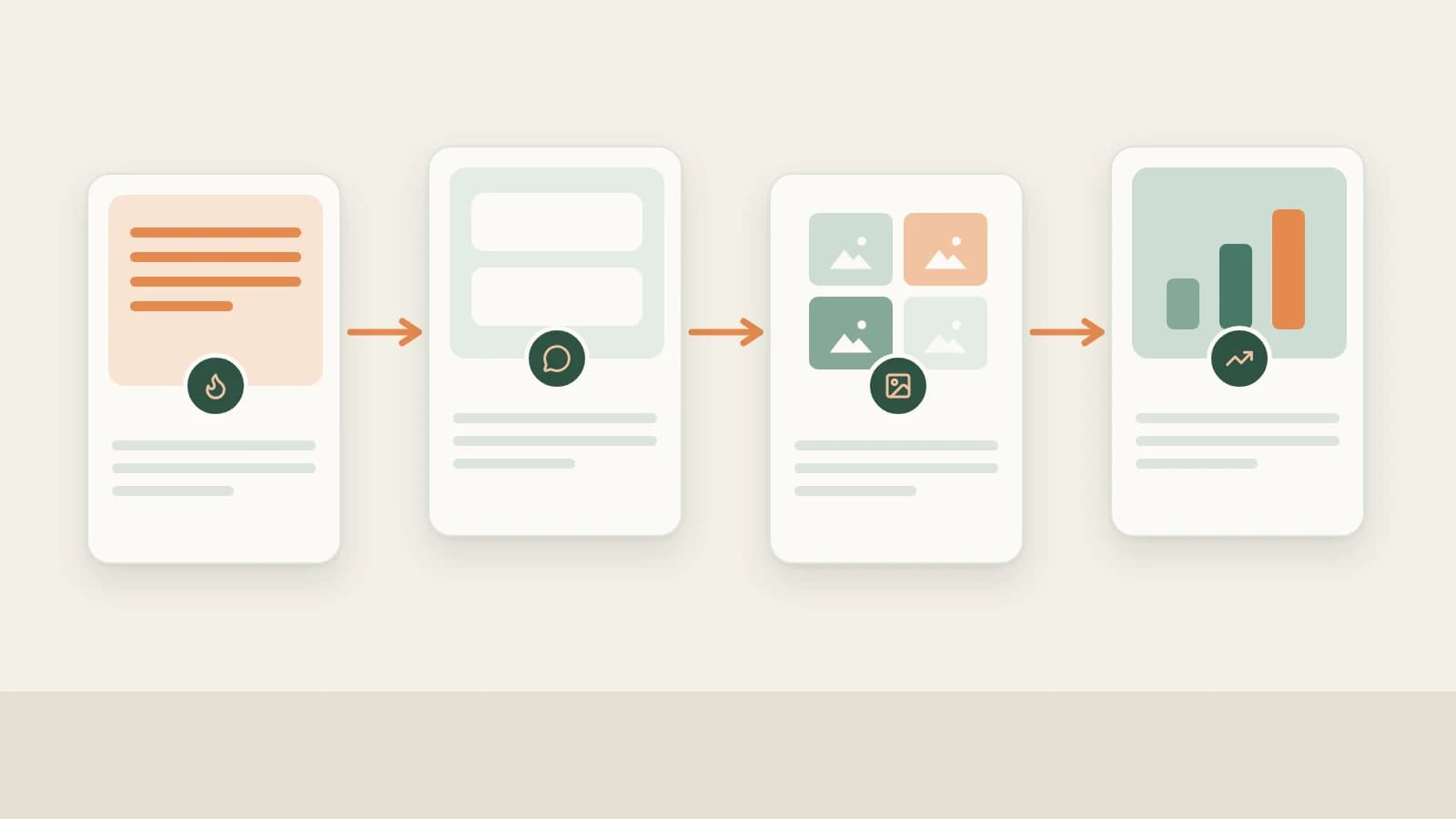
- Beav links fast-moving Weibo work end to end: hot-search & comment sentiment discovery → peer tracking & post archiving → argument skeleton extraction → one-pass text & multi-image packages (plus RedNote/Official Account spin-offs) → daily reviews.
- Beyond saving single posts by URL, Beav lets AI search posts around Weibo hot-search terms and read public comments on demand when given exact post URLs.
- Primary event verification, image compliance, AI labels, and final posting on Weibo stay strictly with you.
On Weibo, news moves at breakneck speed: trending tags flash across your screen without telling you whether commenters actually support or mock the claim, and chasing fast commentary often leaves nothing reusable afterward once the conversation cools.
Beav brings hot-search investigation, public comment sentiment analysis, competitor tracking, rapid post + image packaging, and cross-platform repurposing onto one desktop desk—saving the time usually wasted chasing fast feeds with zero reusable output.
Where Weibo Operations Lose Time vs. How Beav Cuts the Busywork
| Where time usually goes | How Beav streamlines the step |
|---|---|
| Clicking through twenty trending tags and endless reply pages to gauge public sentiment | Pull representative posts from a Weibo hot-search term and read public comments on exact post URLs on demand |
| Constantly checking benchmark commentators across fast-moving feeds | Subscribe to peer Weibo profiles so updates gather cleanly inside one local timeline |
| Writing rapid Weibo commentary that evaporates once the trend cools | Package short posts, multi-image carousels, or long essays alongside RedNote and Official Account spin-offs from one research base |
| Having no record months later of how you covered past news cycles | Retain sourced reference posts, drafts, and daily profile snapshots side by side |
End-to-end Weibo workflow
Beav Weibo workflow
Step 1: Spot sharp angles via Hotspots, hot-search terms, and public comments
Check NewsBing Hotspots (For Me scoring against your space profile) alongside the 09:00 daily brief, or give AI a Weibo hot-search term inside chat to pull and summarize representative posts (prompting for credit confirmation before bulk calls). Even better, send exact single-post links in chat and tell Beav to read public comments too, revealing recurring agreements, pushback, and unanswered questions ready for your Topic pool. See Weibo topic ideas.
Step 2: Follow benchmark creators and save strong threads
- Track key peers daily: Paste a benchmark Weibo user profile URL (
weibo.com/u/...or custom profile path) under Knowledge Base → Subscriptions → + to capture new posts daily into a quiet local timeline (up to 10 subscriptions per space). See Weibo competitor subscription. - Archive single posts & comments on demand: Clip posts via Add link, same-Wi-Fi Phone Upload (up to 50), or chat links with optional comment analysis—see saving Weibo posts and comments and save, break down & rewrite Weibo posts.
Step 3: Manually decompose punchy posts into reusable skeletons
Click Decompose manually on saved viral Weibo posts (syncing core topics to Asset Library → Topics) to see exactly how sharp hooks pair with multi-image cards and closing questions—covered in breaking down Weibo structure.
Step 4: Generate complete Weibo short posts, long essays, and multi-image cards
Enable Weibo under More on the new-chat bar to generate a master Markdown draft + Weibo package: either tight hot-take commentary with hashtags and 2–4 crisp info cards, or structured Weibo long-form articles—editable section by section on the right, and ready to spin off into companion RedNote carousels or Official Account essays. See Weibo full content package.
Step 5: Sync your own Weibo archive and track daily snapshots
Inspect live support inside Account profiles → +, sync 1–10 pages of your own posts, and keep daily refresh enabled to populate Yesterday's review alongside official impressions and repost analytics in Weibo Creator Center—see Weibo account data review.
Limits and notes
- Public comment reads reflect whatever the API returns on demand rather than guaranteeing every comment counted on mobile. Bulk hot-search lookups prompt for credits before running.
- Verify breaking claims from primary sources. Never repeat unverified Weibo rumors; attach AI disclosures where applicable and publish manually on Weibo.
Column navigation
- Topics & tracking: Weibo topic ideas | Weibo competitor subscription
- Saving & breakdowns: Save Weibo posts and comments | Break down Weibo structure | Save, break down & rewrite Weibo posts
- Packaging & analytics: Weibo full content package | Weibo account data review
- Browse the full hub: Weibo guides
Applies to Beav desktop 2.9 and later; Topic Radar reflects 2.10.7.