Key takeaways
- Select Official Accounts (
公众号) on the new-chat bar with Write long article or Layout formatting (or open a saved structure under Creation → Creation templates) to output a reusable master Markdown draft + Official Account package.- Built-in Official Account package formatting (2.9.5+) delivers consistent inline illustration planning, 2.35:1 headline-cover crop safe-zone guidance, seven layout themes plus custom styles, and rich visual blocks (callout cards, step lists, comparison tables).
- Edit sections cleanly right inside the workspace rich-text view without cloning versions—and optionally generate a companion RedNote post package from the same master draft.
Finishing the last sentence of a 2,500-word Official Account essay rarely finishes the job: you still need coherent inline graphics so readers don't abandon walls of text, a 2.35:1 header image whose critical headline survives 1:1 chat-card cropping without getting sliced off, and clean spacing pasted into a formatting editor without breaking lists or tables.
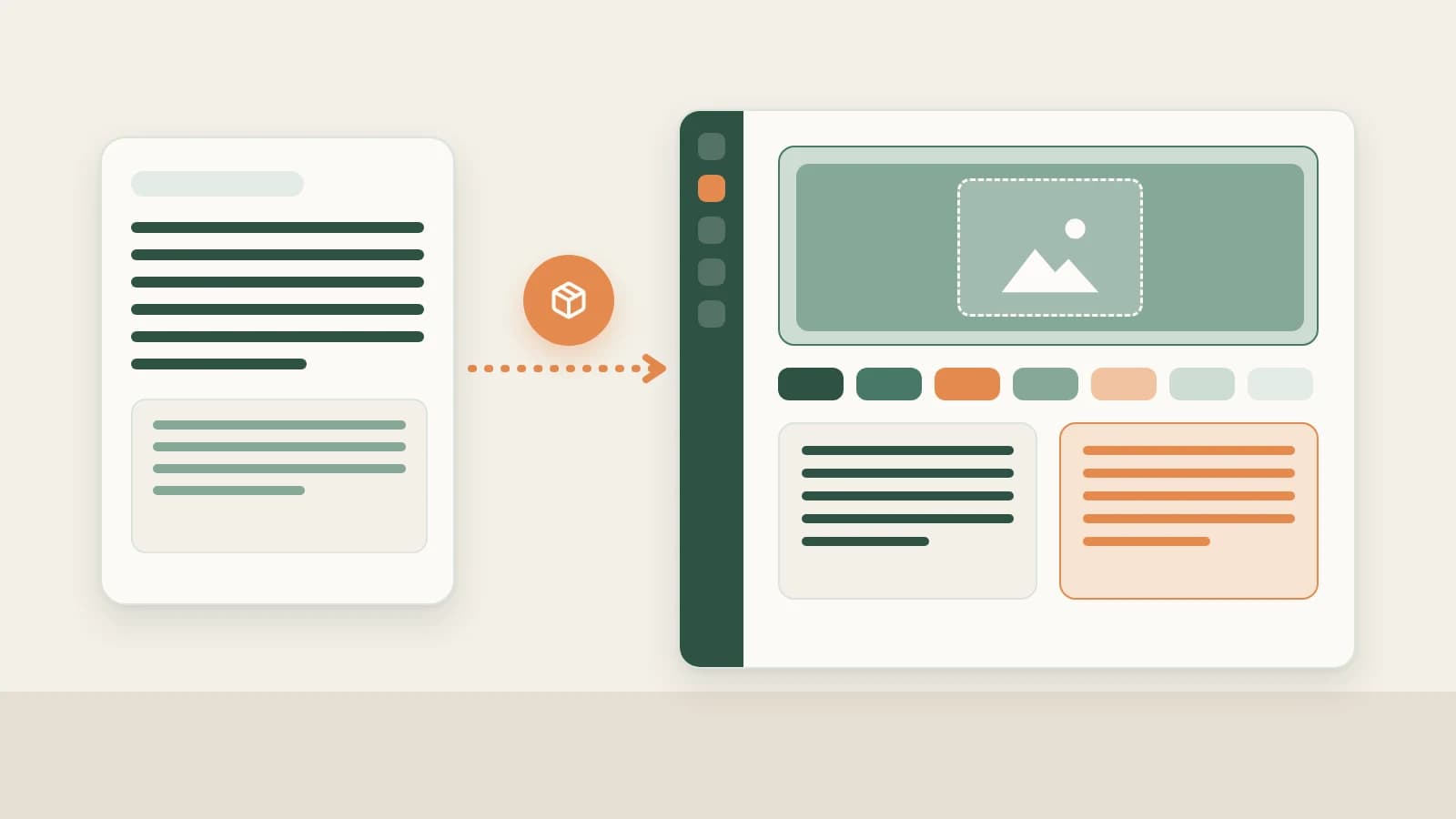
Beav folds writing, illustration planning, safe-zone cover design, and seven ready-to-use visual themes into one Official Account package right beside your chat.
Who it is for
- Creators and editorial leads who want research, drafting, illustration planning, and layout assembly on one local desktop desk.
- Teams juggling wide 2.35:1 subscription-list banners and square 1:1 share-card crops who want key typography safely centered automatically.
- Multi-platform operators converting one validated deep-dive essay into companion RedNote carousels or WeChat Channels talking points.
Step 1: Start from Official Accounts → Write long article or Layout formatting
- Select the platform scene or launch a template. Click Official Accounts on the new-chat bar and choose Write long article or Layout formatting (or start from a recurring series blueprint in Creation → Creation templates, 2.10.4 beta).
- Attach your topic, structures, and verified facts. Drag your Official Account topic, decomposed peer skeletons, and real screenshots or Product cards into chat. Beav produces a clean master Markdown draft paired with a styled Official Account package.
- Built-in publishing polish in one run:
- Cohesive inline image planning: plots charts, concept visuals, or photo placements at long-form transition breaks in one consistent palette;
- 2.35:1 cover safe-zone guidance: frames banner titles and focal subjects inside the centered safe box so 1:1 feed and Moment crops stay clean;
- Seven visual themes + custom style prompts: swap between seven editorial themes or describe custom margins, header markers, and callout accents directly in chat;
- Scannable components: weaves key-takeaway cards, numbered steps, and Markdown comparison tables naturally into long reads.
Step 2: Edit rich text in place and spin off companion platforms
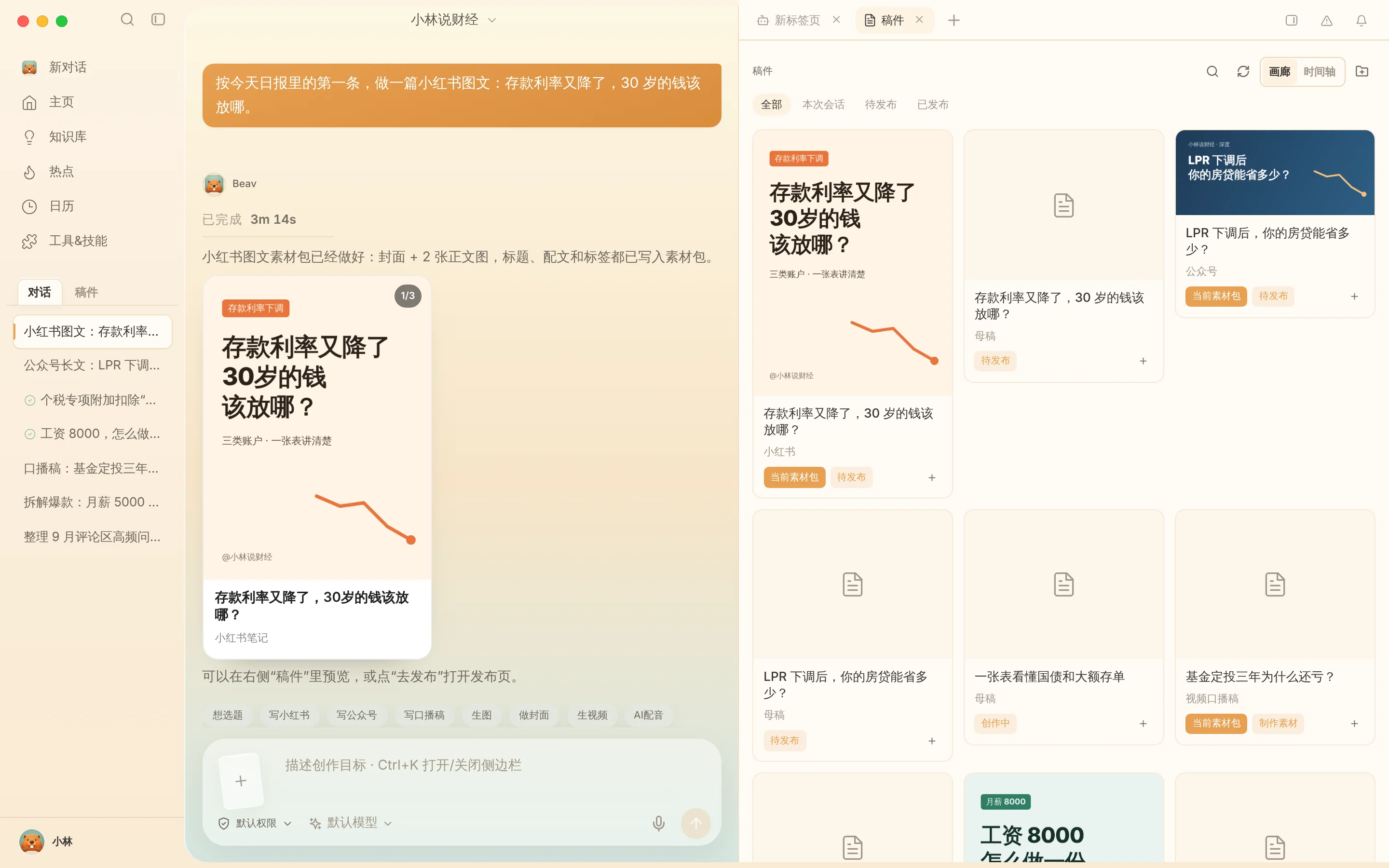
- Local rich-text edits on the same package: Open the package on the right and click Edit text to refine wording or swap a figure directly inside rich text—or ask the AI to tighten section three without generating duplicate package folders. See Master drafts and packages and Skills, plugins and MCP.
- Spin off sibling formats from one verified draft: Once your long-form draft holds verified numbers and clean arguments, ask Beav right away to convert the exact same master draft into a RedNote carousel package or a WeChat Channels script—see One draft, many platforms.
Step 3: Preview inside the WeChat backend and publish manually
Before scheduling a send, review the package completely inside Beav, export via Save to your computer or copy formatted output directly into the WeChat Official Account platform draft editor, send yourself a mobile preview to inspect dark/light mode rendering, configure originality declarations and collections manually, and hit Mark as published for Official Accounts back in Beav.
Limits and notes
- Verify final styling inside WeChat's official draft preview. Because WeChat enforces its own HTML rendering and image limits upon paste, mobile preview checking before blasting remains essential.
- No auto-login or auto-sending. Beav never accesses or publishes from your WeChat credentials; final factual approval and sending remain strictly yours.
- Always cite your own real tests and examples. Never transfer another author's personal stories or unverified numbers into your published packages.
Next steps
- Still gathering strong essay ideas? Read WeChat Official Account topic ideas.
- Ready to monitor how published posts perform over time? Read WeChat Official Account data review.
- Full column workflow and docs: WeChat Official Account operation guide and Drafts, packages and publishing.
Applies to Beav desktop 2.9.5 and later; creation templates reflect 2.10.4.