Key takeaways
- Keep Account profiles strictly for your own channels: Check live platform support inside Account profiles → + before syncing your recent uploads (use Subscriptions for competitor channels).
- Log daily snapshots automatically: Sync 1–10 pages (~20 items per page) and enable Settings → General → Scheduled account archive refresh so Beav records a local engagement snapshot up to once every 24 hours while running.
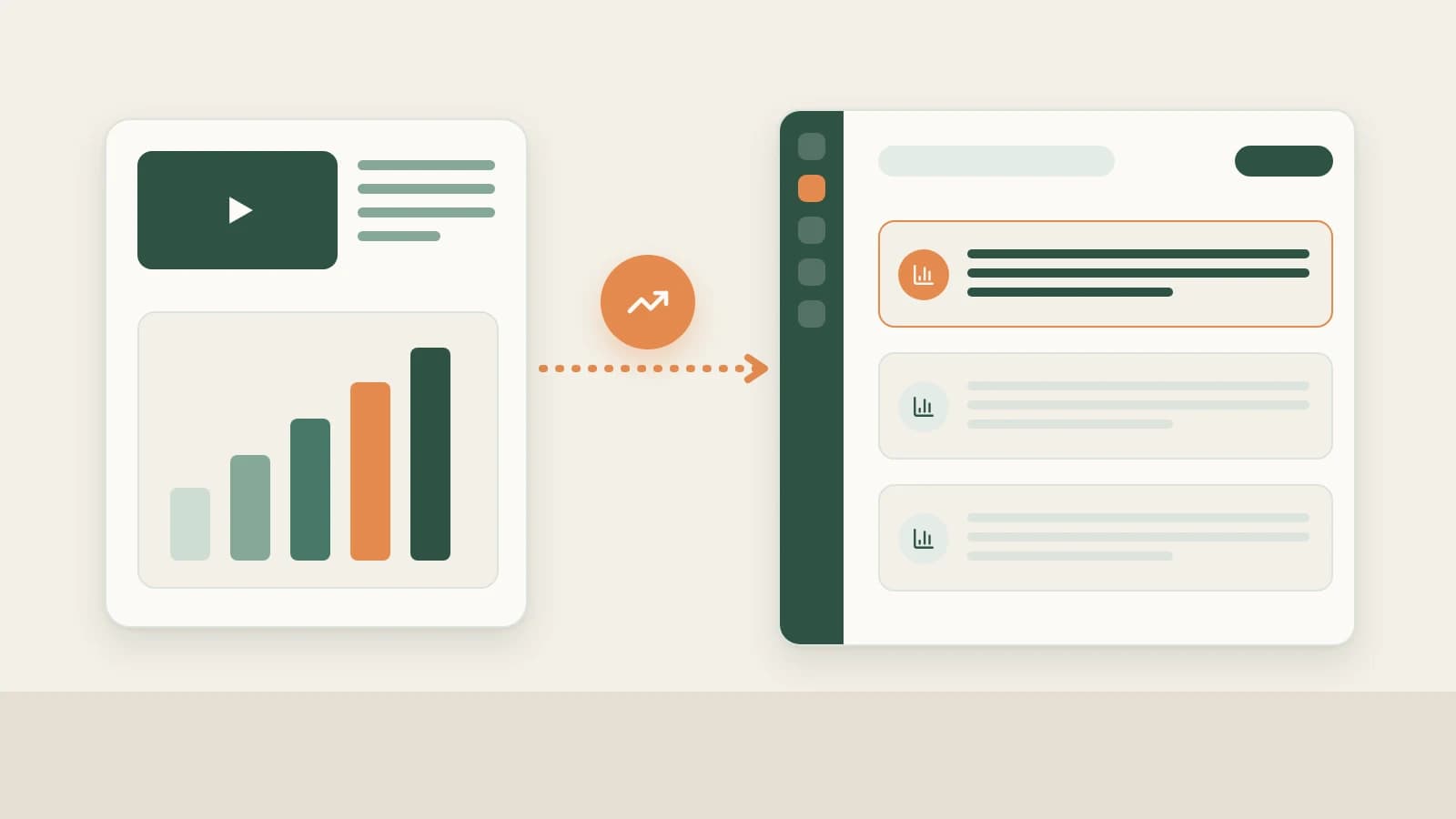
- Turn numbers directly into better next episodes: Snapshots feed Yesterday's review in the 09:00 daily brief, Creation → Review (2.10.7), and chat audits—working alongside authoritative CTR and retention graphs in YouTube Studio.
YouTube growth is famously delayed: a searchable tutorial might creep upward for weeks via Search, while a news breakdown spikes on day one and stalls by day three. Checking YouTube Studio occasionally without keeping notes next to your original scripts makes it easy to forget which opening hook or angle actually earned lasting engagement.
Beav puts your published video archive, daily engagement snapshots, and original master drafts in one workspace so reviews immediately sharpen tomorrow's episode.
Who it is for
- Creators tracking how long-form videos and Shorts perform across days one, three, and seven after publishing.
- Channel leads who want the morning daily brief to summarize recent winners alongside today's writing queue.
- Teams operating bilingual or multi-channel spaces who keep scripts and review lessons cleanly separated per channel.
How to use it
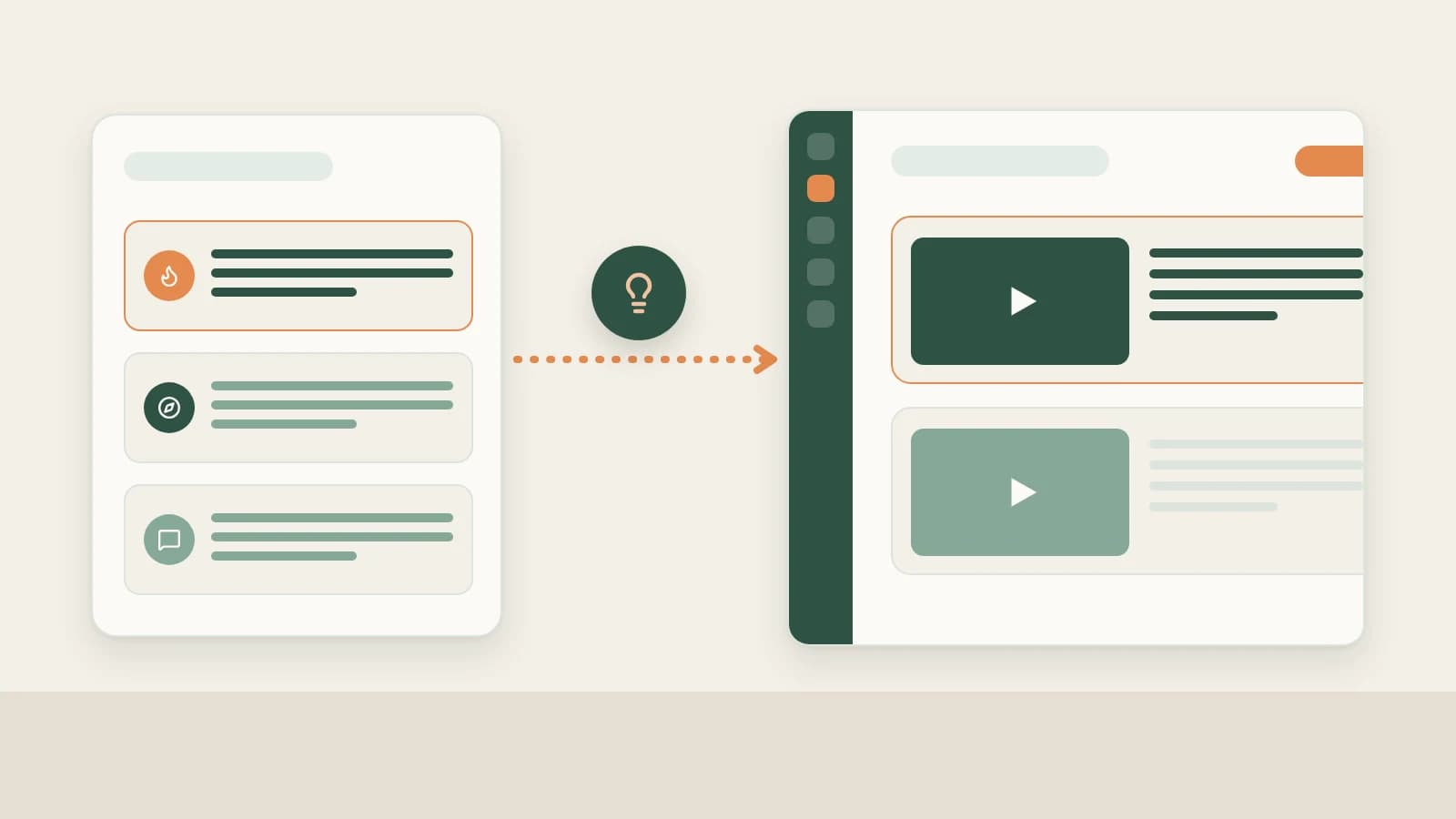
- Add your own channel under Account profiles. Click + beside Account profiles in the left sidebar, paste your YouTube channel URL, and verify live support and fetch rules shown directly inside the modal (for any metrics not exposed directly by public feeds, you can paste Studio stats right into chat).
- Sync recent uploads (1–10 pages). Open the profile, click Sync recent posts for 1–10 pages (~20 items each), and confirm the credit notice. Existing items update counts while new releases store item details; unavailable fields appear cleanly as
—. - Leave daily refresh turned on. Keep Settings → General → Scheduled account archive refresh active so Beav logs one fresh snapshot per 24 hours whenever running locally (tracking builds forward from the day you enable it).
- Analyze performance across three places:
- Diagnose alongside scripts in chat: Ask "compare the like growth across my last 15 uploads by opening hook"—or paste CTR and 30-second retention percentages straight from YouTube Studio so the AI tells you whether to rework future 16:9 thumbnails or tighten intro pacing.
- Read Yesterday's review in the 09:00 brief: The morning report tabulates net gains for comparable posts and extracts one practical rule (clearly stating when snapshot history is still building).
- Save proven takeaways under Creation → Review (2.10.7): Inspect review cards and pin winning lessons into your space's persistent guidance. See Daily ops report.
How Beav complements YouTube Studio and browser extensions
| YouTube Studio | vidIQ / TubeBuddy | Beav Account profiles | |
|---|---|---|---|
| Most authoritative for | Impressions, thumbnail CTR, watch time, audience retention graphs, traffic sources | Keyword competition scores and tag estimates | Local record of your published entries + ongoing engagement snapshots |
| Connected to scripting | Insights stay inside Studio tabs | External SEO/tag overlay | Sits next to master drafts, topic pools, and breakdowns inside one chat |
| History & backups | Official full channel history | Varies by paid SaaS plan | Daily local snapshots from when refresh is turned on |
| Cost & setup | Free inside official account | Freemium / paid subscriptions | Credit prompt before sync; keep daily refresh to 1 page to save credits |
Impressions, click-through rate (CTR), average percentage viewed, and watch-hour revenue live authoritatively inside YouTube Studio. Pairing Studio exports or pasted metrics with Beav's saved scripts closes the feedback loop fastest.
Limits and notes
- Keep competitors in Subscriptions. Never put peer channels into Account profiles; follow competitors separately under YouTube channel subscription.
- No past backfill; runs locally while open. Closing Beav completely pauses scheduled checks and spends zero credits until reopened.
- Follow modal scope and credit prompts. Platform support and return fields follow the in-app modal; always review credit quotes before running multi-page syncs.
Next steps
- Ready to carry winning hooks into your next script? Read YouTube full content package.
- Review the shared snapshot guide in Account profile sync & like history and YouTube operation guide.
Applies to Beav desktop 2.9 and later; Creation → Review applies from 2.10.7.