Key takeaways
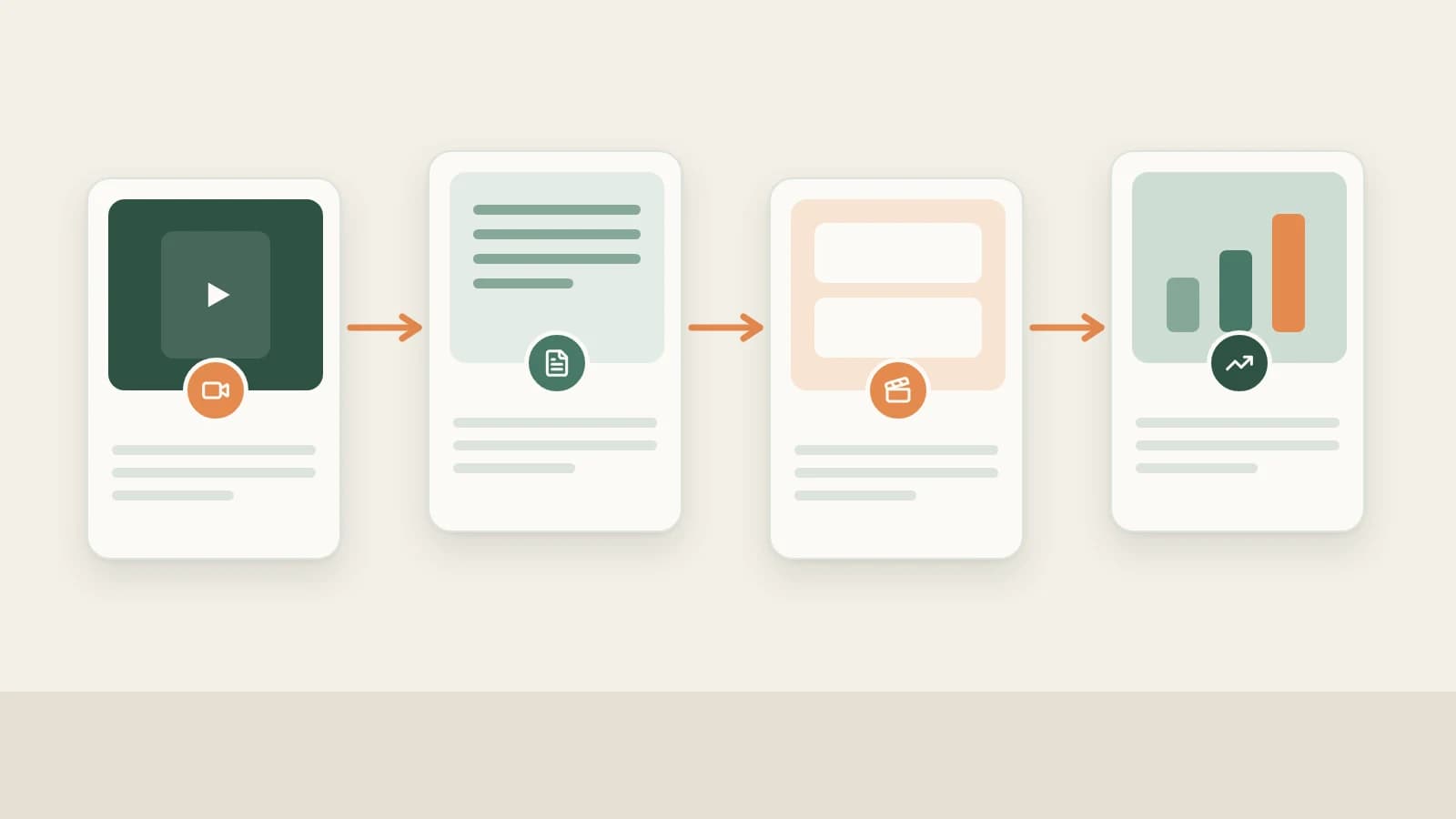
- Beav connects Douyin content production into five sequential steps: save reference videos (with caption and source) → batch-extract transcripts to inspect the first 3 seconds → manually decompose winners for shots and music → rewrite your voiceover or 9:16 shot list (and optionally let AI cut talking-head takes) → sync your own Douyin profile for daily like snapshots.
- The browser extension saves Douyin videos from desktop web playback (not Douyin photo sets); you can also paste full share text via Add link, Download from Links, or phone QR upload.
- AI speeds up transcription, shot alignment and first drafts — filming, real product experience, fact and price checks, AI disclosure labels and publishing on Douyin remain your job.
Most Douyin workflows stall not for lack of inspiration, but because every tool breaks at the handoff. You favorite a hundred videos on your phone, only to find several deleted when you sit at your desk; a script extractor gives you a flat wall of text with zero timing; even when you spot how a benchmark video paces its cuts, translating that rhythm into your own 9:16 shoot means starting from a blank page.
Beav keeps every piece in one local workspace: source video, original caption, timed transcript, shot cuts, music cues, your own draft scripts, smart rough cuts, and daily like snapshots stay connected from video to video so you skip manual transcribing and app-hopping.
Where Douyin Operations Lose Time vs. How Beav Cuts the Busywork
| Where time usually goes | How Beav cuts the busywork |
|---|---|
| Liking clips on mobile, then finding half deleted or hard to search back at your desk | Save Douyin videos locally with the extension, share text, or QR batch upload—caption, author, and URL stay attached |
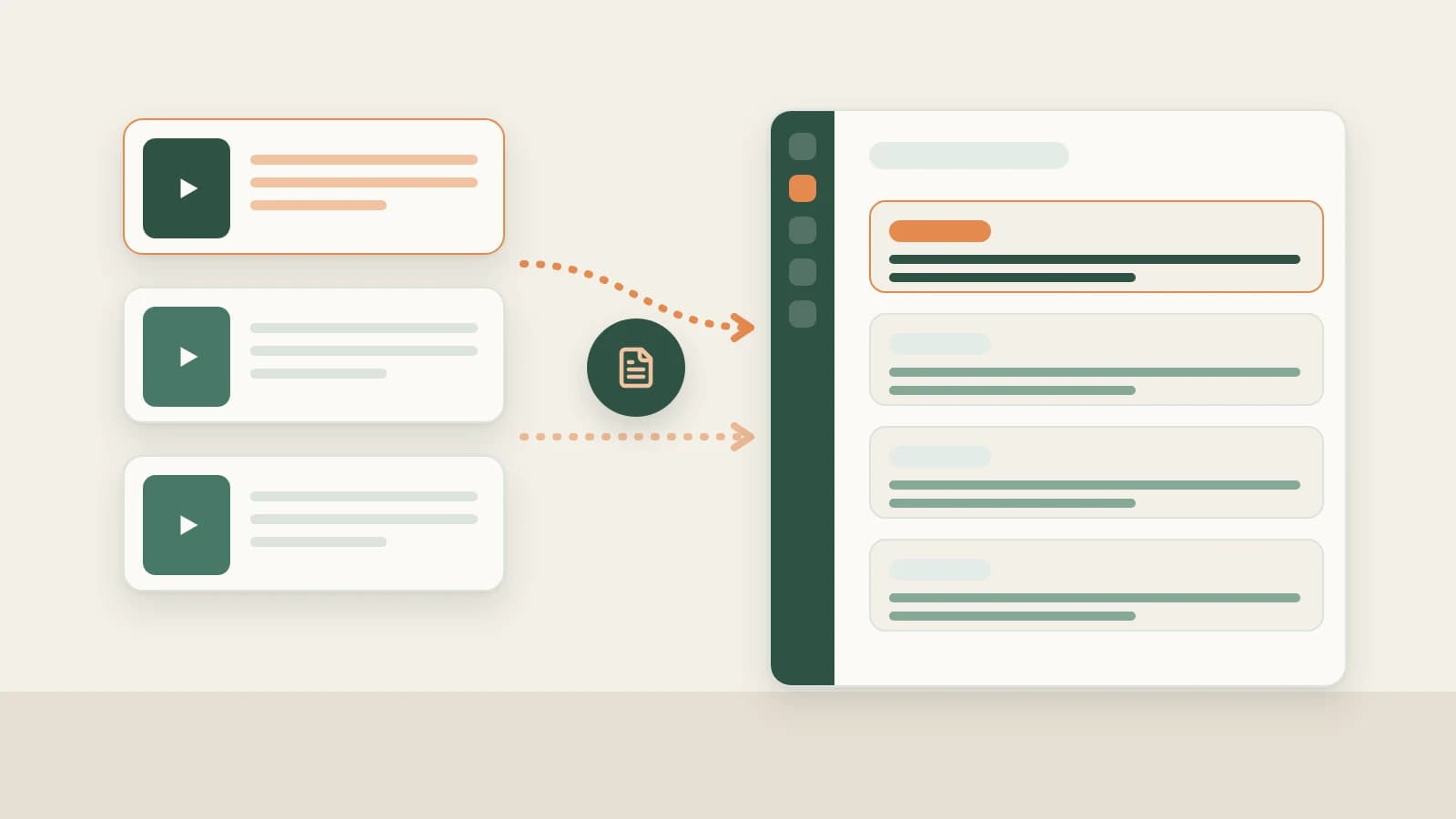
| Extracting scripts in external mini-programs and getting untimed walls of text | Batch-extract deduplicated transcripts and SRT timelines first to spot strong 3-second hooks before deep breakdowns |
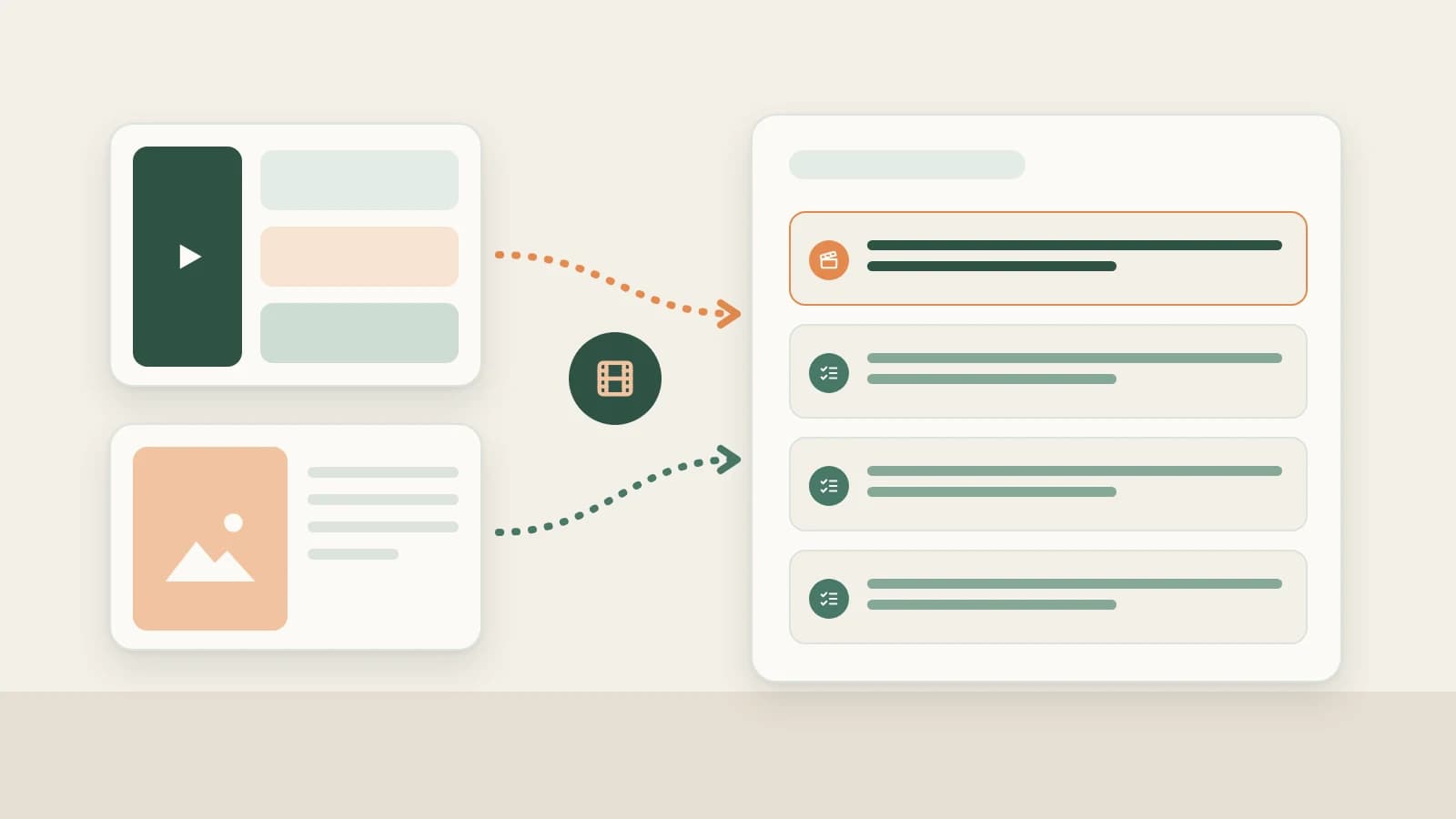
| Scrubbing timelines frame by frame to note shot types, transitions, and music timing | Run one-click Decomposition on winners for timed transcripts, split-shot MP4s, shooting scripts, and music cues |
| Writing 9:16 shot lists from scratch, then manually cutting umms and retakes in separate editors | Generate full 9:16 script packages grounded in your library, then use smart talking-head rough cut to mark filler words and retakes |
| Checking why older uploads worked without matching script history | Sync your own Douyin profile for daily like snapshots linked directly inside the same account workspace |
End-to-end Douyin workflow
Beav Douyin creation workflow
Step 1: Lock your topic, subscribe to peers, and save reference videos
Combine topic discovery with disciplined reference saving before touching credits on deep breakdowns:
- Find grounded topics & subscribe to peers: pair NewsBing Hotspots and the 09:00 daily brief with reference-library distillation and saved viewer comments in Douyin topic ideas, while keeping top competitors archived daily in Douyin competitor tracking.
- Save while watching on desktop (browser extension): keep the Beav desktop app open on your target space, play any Douyin video in Chrome or Edge (detail page, feed or curated popup), and click Save Douyin video to knowledge base without switching away mid-save. Note that browser-extension saving covers Douyin videos, not photo sets — see saving Douyin videos on desktop and Douyin downloader.
- Paste share text gathered on mobile (link capture): click + → Add link in the Knowledge Base, use Download from Links (up to 20 per batch), or scan Phone Upload (up to 50 per batch). Paste Douyin's full share text directly — Beav resolves the short link and saves caption, author, source URL and video file. See saving Douyin videos to a reference library.
Step 2: Batch-extract scripts to inspect the first 3 seconds
When reviewing a batch of competitor Douyin clips, extract scripts in bulk first instead of paying to cut shots on every clip. Open Tools & skills → Mini apps → Extract Video Script, paste a batch of Douyin share links, deduplicate automatically and export plain text or timed SRT.
Comparing SRT files side by side immediately reveals how many seconds top accounts spend on their opening hook, when tension turns, and where follow/CTA prompts land. Check Save to knowledge base as well for standout picks so they move seamlessly to Step 3. See Douyin transcript extractor.
Step 3: Manually decompose standout videos into scripts, shots and music
Once chosen Douyin videos finish downloading to your computer, open an item and click Decompose (or select a batch of up to 100 from the context menu). Outputs are filed under decompositions/<title> in your Asset Library with full source provenance:
- Timed transcript: every spoken line tied to timestamps.
- Shot cuts, MP4 clips and keyframes: study framing switches and cutaways; refine cuts directly with Merge into previous shot or Split at playhead, and later runs preserve your cuts.
- Per-shot shooting script: shot-by-shot camera framing, action and role in pacing.
- M4A music cues: audio cues extracted from non-speech segments for pacing/mood study (not vocal isolation; license separate music for publishing).
See breaking down a Douyin video.
Step 4: Write your own voiceover or 9:16 shot list, then trim takes with AI
Put decomposed assets directly into production:
- Talking-head and IP commentary accounts: click AI Rewrite or drag the decomposed reference into a chat, preserving opening hook placement, beat count and line cadence while swapping every fact, example, price and opinion for your own — see Douyin breakdown and rewriting.
- Store visits, skits and physical product accounts: drag the decomposed video alongside your own product/store photos into a chat, specify Douyin 9:16 vertical and target runtime, and generate a camera-ready shot list detailing framing, seconds, spoken lines and props — see Douyin shot list from a viral breakdown.
- Rough-cut filmed takes in Beav: once filmed, drop your talking-head footage into Beav and ask the AI to trim slips, pauses and generate aligned vertical captions — see smart talking-head cuts.
Step 5: Sync your own Douyin profile for daily like snapshots
After publishing, add your own Douyin profile under Account profiles → + (use social research for other people's accounts), sync your recent 1–10 pages of videos, and keep Settings → General → Scheduled account archive refresh enabled.
Whenever Beav runs, it refreshes profiled accounts at most once every 24 hours and saves a daily like snapshot. Combine Douyin Creator Center's official completion rate and view metrics with Beav's AI queries ("show the like growth history of this video") and Yesterday's review to spot sleepers that take off on day two or three — see Douyin account data tracking.
Limits and notes
- Douyin support boundaries: browser-extension capture supports Douyin videos (not photo sets); batch decomposition caps at 100 items; Extract Video Script handles text/SRT only without shot cutting.
- Credits and quotas: link captures via the capture service consume capture quota according to its rules; transcription, decomposition and profile sync use points as prompted in the UI.
- Creative and platform compliance: never publish another creator's clips, keyframes or non-speech music cues as your own; manually verify every number, store price and claim drafted by AI; add Douyin's required AI-content disclosures when publishing AI media, and always publish manually from your own Douyin account.
Column navigation
- Topics & subscriptions: Douyin topic ideas | Douyin competitor tracking
- Capture & library: Save Douyin videos on desktop | Save Douyin videos to a reference library
- Transcripts & breakdown: Douyin transcript extractor | Break down a Douyin video (script, shots & music)
- Rewriting, shooting & full packages: Douyin breakdown and rewriting | Douyin shot list from breakdown | Douyin full content package
- Analytics & review: Douyin account data tracking
- Browse all Douyin articles & quick saver: Douyin guides | Douyin downloader
Applies to Beav desktop 2.9 and later.