
BeavBeav

Collect

Save links from phone to desktop

Half your best benchmark ideas happen while scrolling on your phone—and then sit buried in chat-to-self threads until you manually re-open every link on desktop. Pair once over Wi-Fi and drop links straight into the right Beav space.

Desktop app for macOS, Windows and Linux

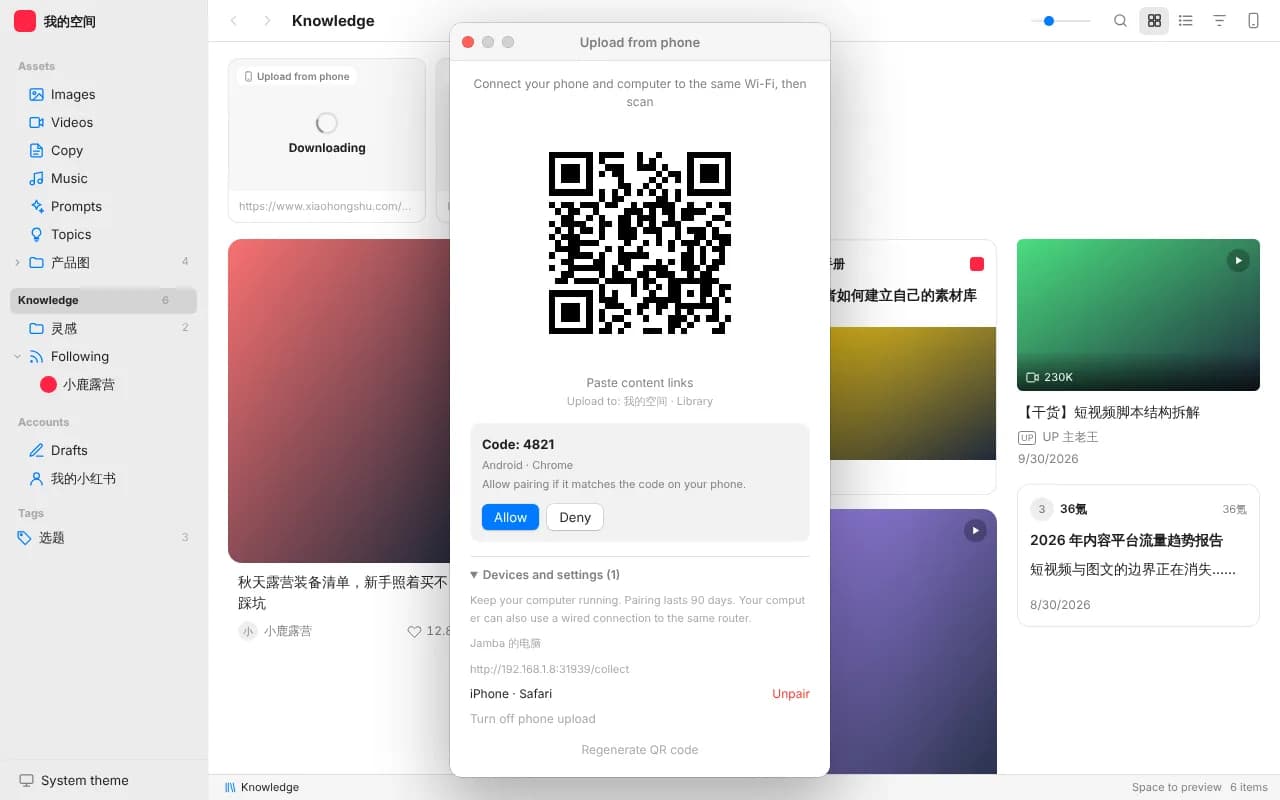
Beav desktop Phone Upload modal displaying the local Wi-Fi QR code and verification code for pairing a phone to a specific workspace

When to use it

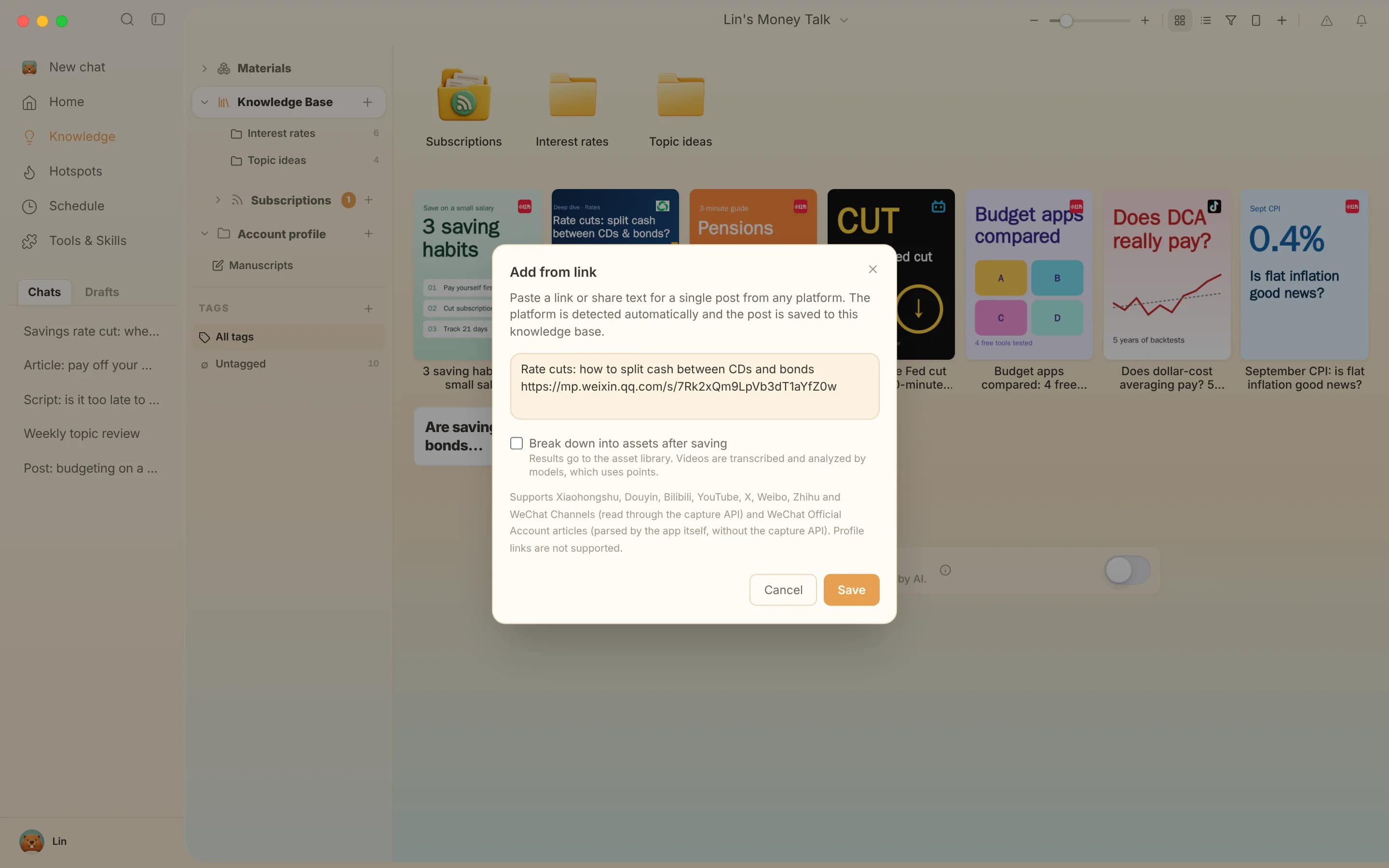
Beav Knowledge Base link-capture view showing saved references gathered from phone submissions and desktop links in one place

Saving benchmark posts while scrolling on mobile

Hit Copy Link on a Xiaohongshu, Douyin, Bilibili, X or YouTube post—even messy share-text blocks—and submit up to 50 single-post links in one batch. By the time you open your laptop, they are organized inside your knowledge base.
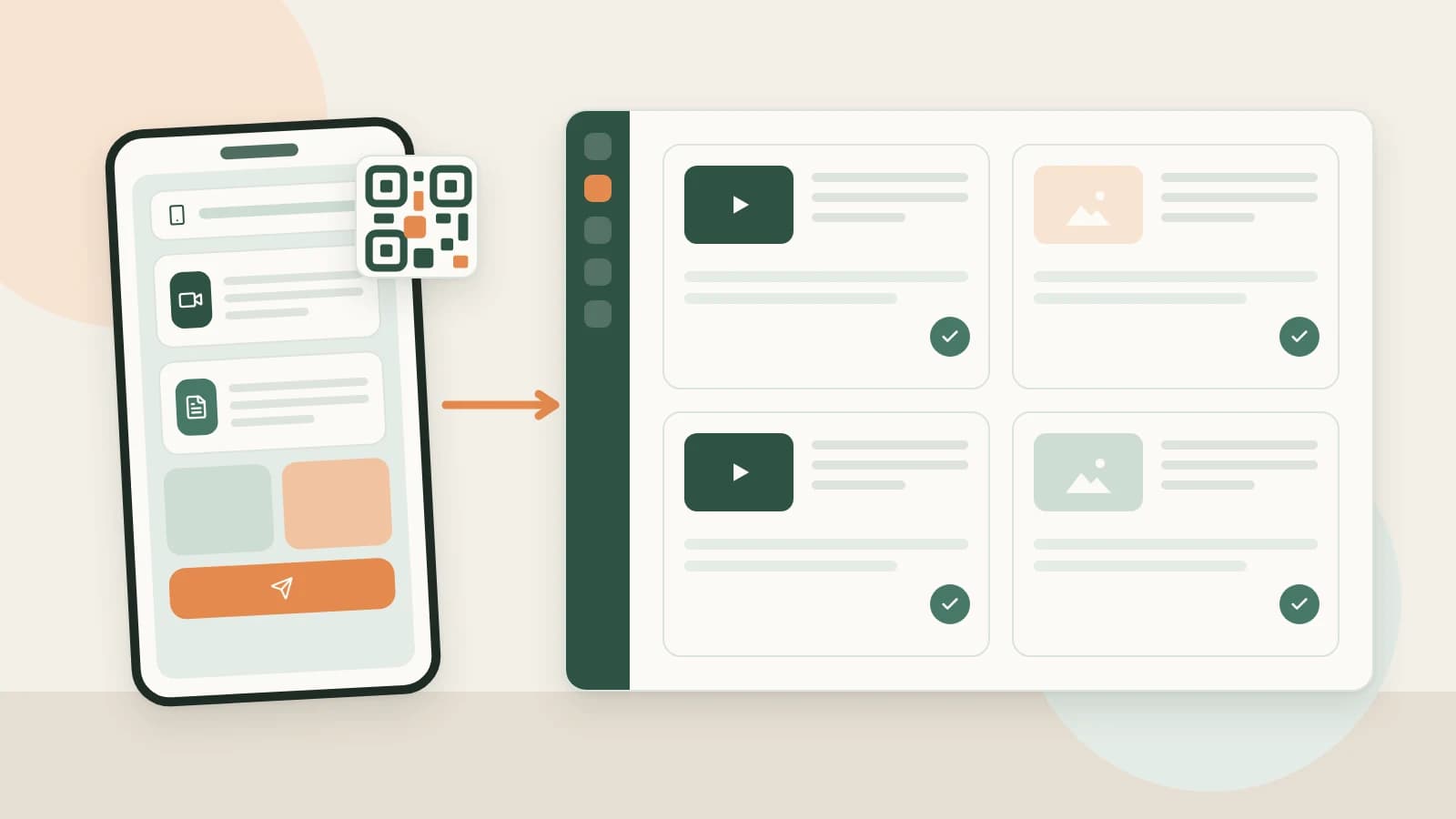
Illustration of mobile links and camera-roll clips landing directly inside the Beav desktop workspace over local Wi-Fi

Sending shoot photos & B-roll clips without compression

Select up to 20 original images or short videos from your phone camera roll and push them straight to your desktop asset library over Wi-Fi, skipping chat-app compression and endless AirDrop/download prompts.

How to set it up

  1. 1

    Connect phone and computer to the same Wi-Fi

    Everything transfers directly across your local network without routing personal assets through public cloud drives. Make sure both devices share the same Wi-Fi network.

  2. 2

    Scan the QR code and confirm the pairing code

    Click the phone icon in your Beav Knowledge Base to show the QR code (each pairing code stays active for 5 minutes). Scan on mobile, confirm the matching verification code on desktop, and save the page as a phone bookmark—one pairing lasts up to 90 days.

  3. 3

    Paste single-post links or upload camera-roll files

    Paste single-post links or full share text—up to 50 per batch—across Xiaohongshu, Douyin, Bilibili, YouTube, X, Weibo, Zhihu, WeChat Official Accounts and resolvable WeChat Channels links (not creator profile URLs). Or batch-upload up to 20 photos/videos directly to assets.

What arrives on desktop

Structured knowledge entries

Post text, source metadata and media organized by workspace—with YouTube videos queued cleanly until you confirm desktop resolution before download.

Uncompressed mobile assets

Shoot photos and B-roll ready inside the asset sidebar for carousel covers or talking-head video overlays.

Isolated per-account folders

Each workspace issues its own pairing, so multi-account teams never mix client materials into the wrong account.

How it compares

AspectChat-to-self threadsMobile notes / bookmarksBeav phone-to-desktop capture
Where links end upMixed into everyday chats and screenshotsTrapped inside phone bookmarks until copied againSaved directly into the matching desktop Beav space
Batch throughputForwarded and re-sorted manually one by oneText notes only; photos need another upload stepUp to 50 post links or 20 album files per batch
Messy share snippetsMust manually strip promotional text around the URLSaved as plain textAutomatically parses URLs out of share text
Media quality & parsingChat apps compress photos and discard post structureNo transcript or post parsingOriginal files plus ready-to-decompose post records
What happens nextStill have to open every link on desktop to copy into AIBookmarks pile up unread with zero draft linkSit down at desktop to decompose or cite directly in AI chat

Dropping a single reminder in a chat thread works fine once in a while. Once you collect benchmarks and shoot B-roll daily, routing them directly into your working library prevents hours of re-finding links later.

FAQ

Why does a creator profile URL get rejected?

Phone upload extracts individual posts only (including pasted share text). Profile pages or account feeds cannot be batch-scraped from a single URL there.

Do I have to scan a new QR code every day?

No. While the initial QR screen expires in 5 minutes, once paired you can bookmark the mobile upload page on your phone and reuse it for up to 90 days whenever both devices are on the same Wi-Fi and Beav is running.

Does submitting links automatically run heavy AI breakdown on all 50 items?

No. Saving stores the entry without forcing breakdown on everything, protecting your credits so you only trigger Decompose on posts worth deep study.

Can it accept messy share text copied straight from apps?

Yes. Paste the whole share block directly; Beav extracts valid single-post URLs automatically.

Read more

Related playbooks

All playbooks

Accumulation is your moat

Every saved post becomes material for your next one.

Download Beav free